MemorySnapshotCapabilityBackground runs as a background daemon and continuously updates Agent context.
Overview
- The background reads user-level persistent files and injects every
.mdfile into the Agent prompt. - This makes
.mdfiles the primary path for ambient context injection. - The Profile UI exposes persistent memory files (
user_profile.md,user_summary.md) as editable content.
Background Cycle
The background runs sequentially every ~60-90 seconds:save_user_summary()updatesuser_summary.md.save_user_profile()updatesuser_profile.md.update_agent_prompt()scans persistent storage (in_ability_directory=False) and injects all.mdfiles into the live Agent prompt.
Context Injection Rule
If an ability writes a persistent.md file, the Agent will see it on the next background cycle.
.md: injected into Agent prompt.json,.txt,.log,.csv,.yaml,.yml: stored only, not injected
Required Write Pattern for Replaceable Context Files
write_file() appends by default. For context files that represent current state, always delete then write:
audio_emotion.md, upcoming_schedule.md, and home_state.md.
Reserved Files
Do not write these from custom abilities:user_profile.mduser_summary.md
Naming and Size Guidance
- Namespace filenames by feature (
audio_emotion.md, notcontext.md). - Keep each injected
.mdfile concise (target: under 200 words). - Write current state, not long history logs.
Stale Context Cleanup
For ephemeral daemon context, clear stale.md state at daemon startup before first processing cycle:
Dual-Path Response Model
- Ambient path: write
.mdfiles for background-based prompt injection. - Urgent path: call
send_interrupt_signal()first, thenspeak()for immediate intervention.
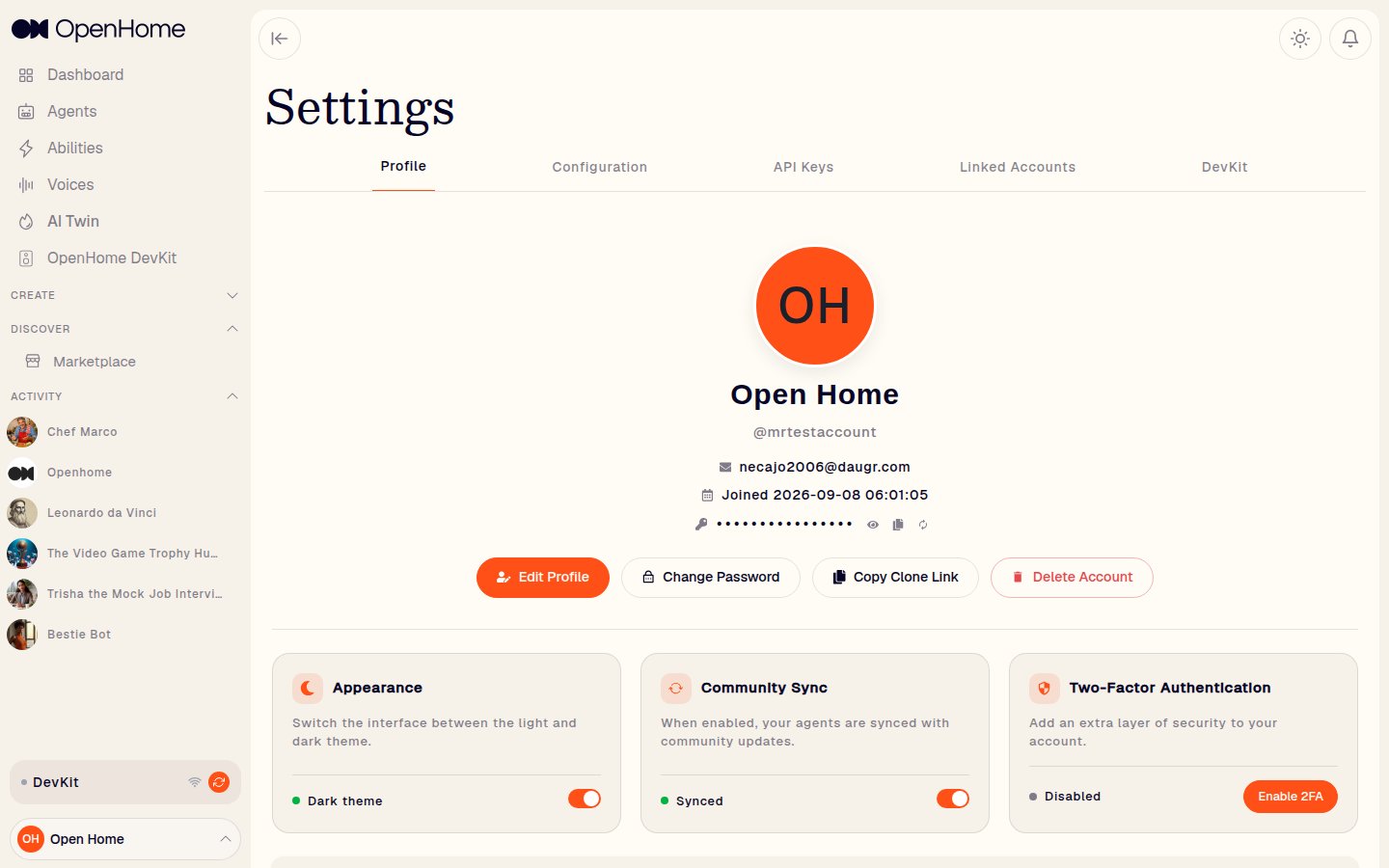
Profile Tab: Editable Persistent Memory Files
In Settings → Profile, a User Info section exposes persistent memory files as editable tabs:user_profile.mduser_summary.md