

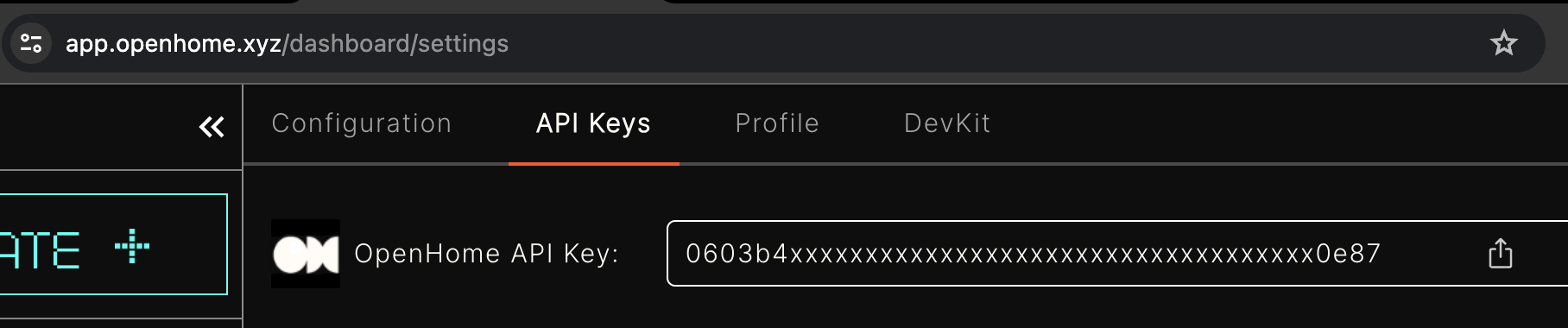
You can get your data through multiple APIs just by using your free OpenHome API Key You can get your API Key from the Settings Page in the API Keys section. OpenHome

Get Agents


API Overview

Fetch Your Agents

To retrieve the agents associated with your account, use the following API:
  • URL: https://app.openhome.com/api/sdk/get_personalities
  • Method: POST
  • Headers: None required.
  • Body:
{
  "api_key": "OPENHOME_API_KEY",
  "with_image": true
}
Example response:
{
  "personalities": [
    {
      "id": 4727,
      "name": "Default Agent",
      "image": "https://app.openhome.com/media/user_personalities/32/image/test.png"
    },
    {
      "id": 5823,
      "name": "Custom Assistant",
      "image": "https://app.openhome.com/media/user_personalities/32/image/test.png"
    }
  ]
}