

Introduction to Abilities
Abilities are modular extensions that enhance the functionality of your OpenHome Agents. They act as plugins, enabling your Agents to perform specialized tasks, such as fetching data from the web, controlling smart devices, or executing complex commands tailored to your project’s requirements. With Abilities, you can:- Add Trigger Words to define specific phrases or commands that activate a particular Ability.
- Use the Marketplace to explore and install community-created Abilities.
- Customize or create your own Abilities through the Live Editor.
The Abilities Page
The Agent Abilities page lists every Ability you can access.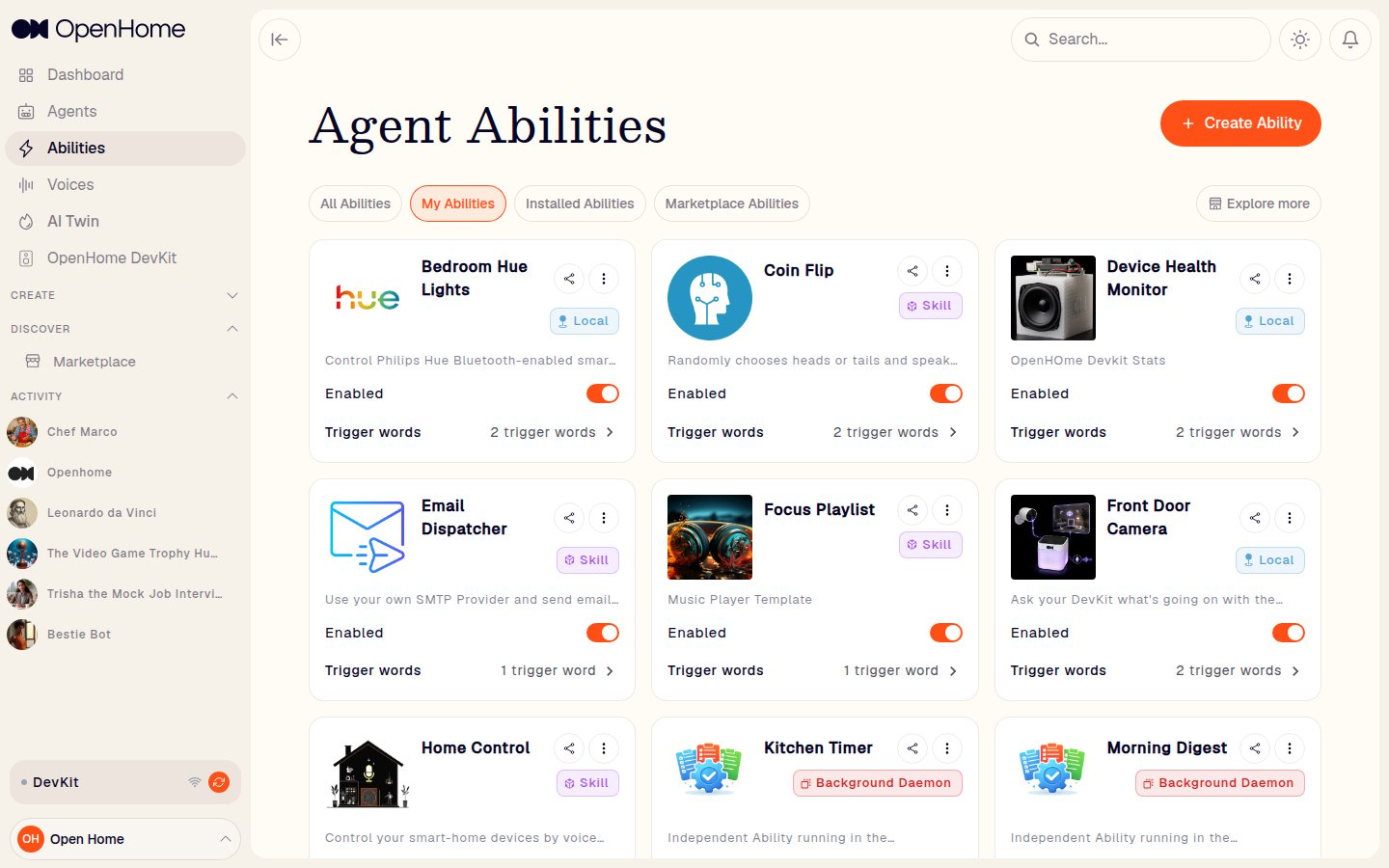
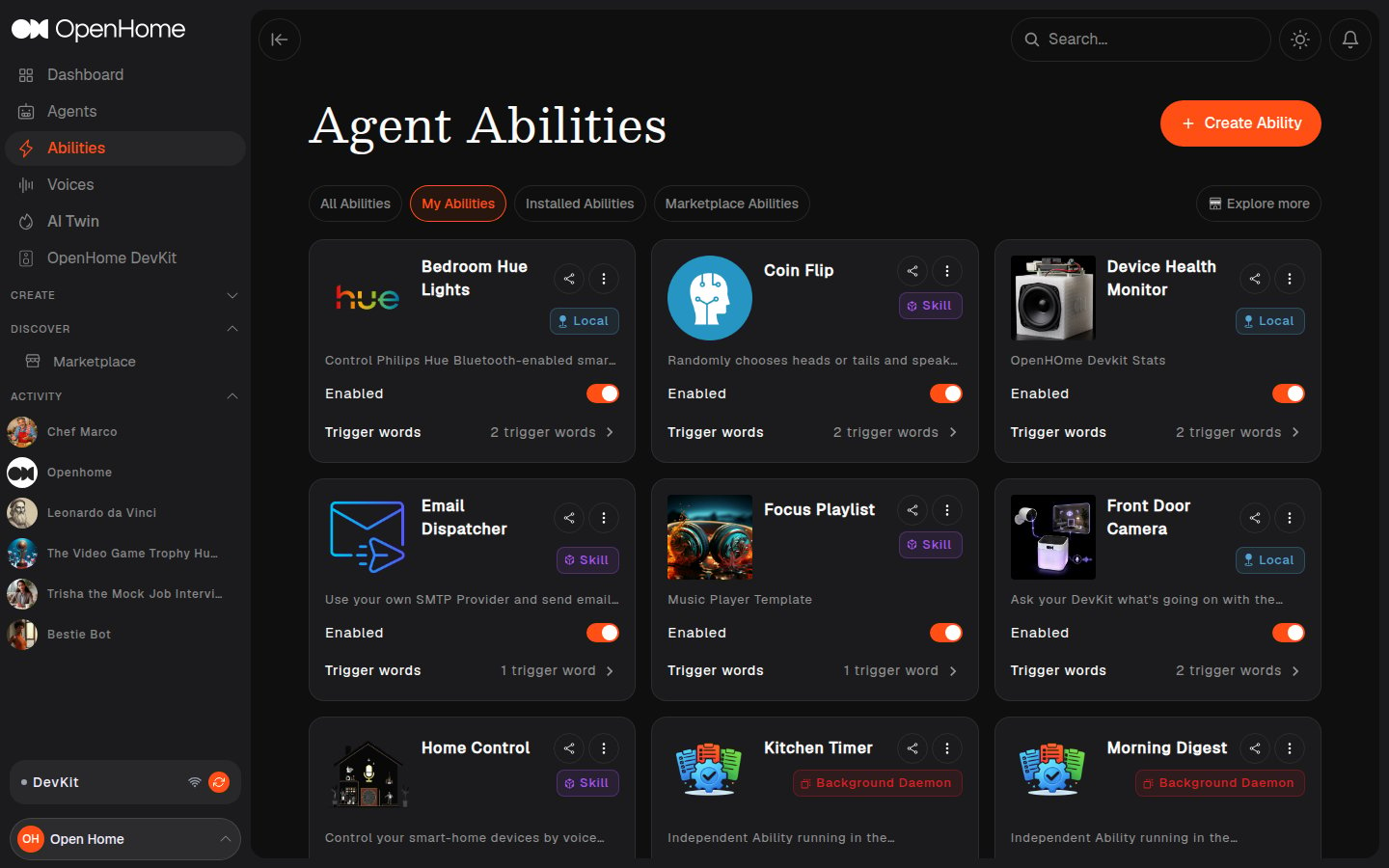
- Tabs: All Abilities, My Abilities, Installed Abilities, Marketplace Abilities.
- Explore more: opens the Marketplace.
- Each Ability card shows its icon, name, category (Skill, Agent Controlled, Background Daemon, or Local, see Ability Categories), description, an Enabled toggle, and its trigger word count, plus Share and a More actions menu.
Creating an Ability
Click Create Ability to choose how to build it: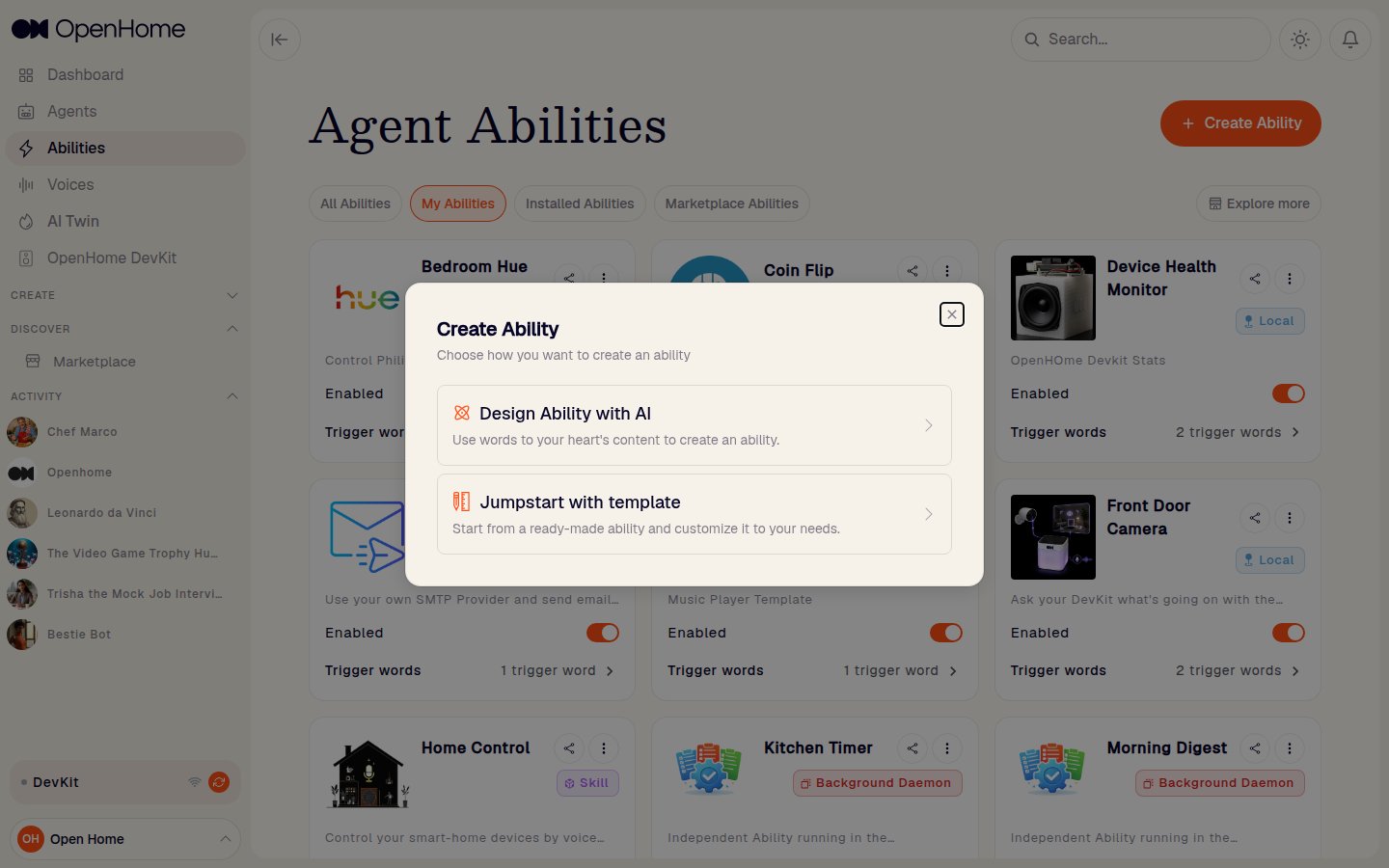
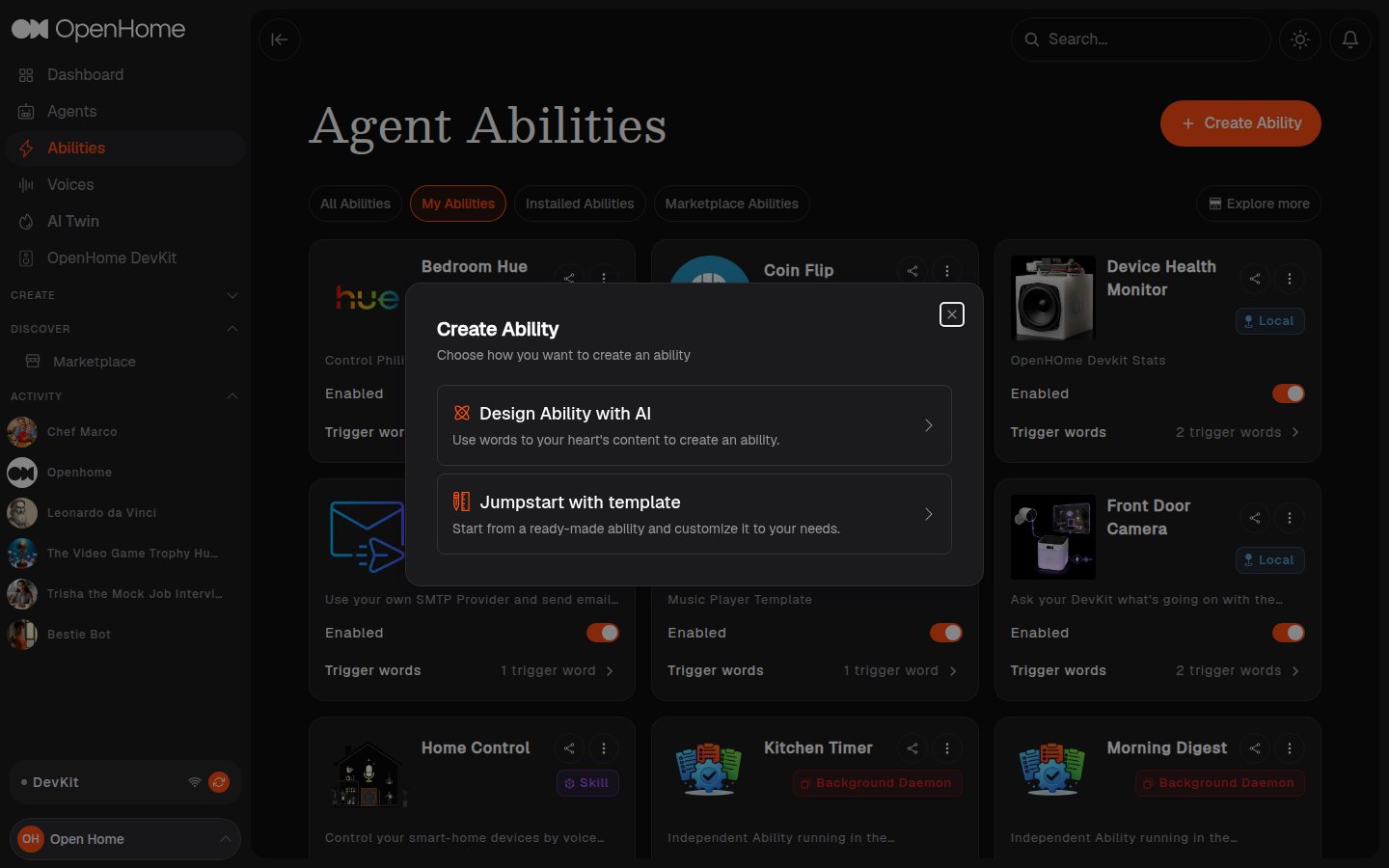
Design Ability with AI
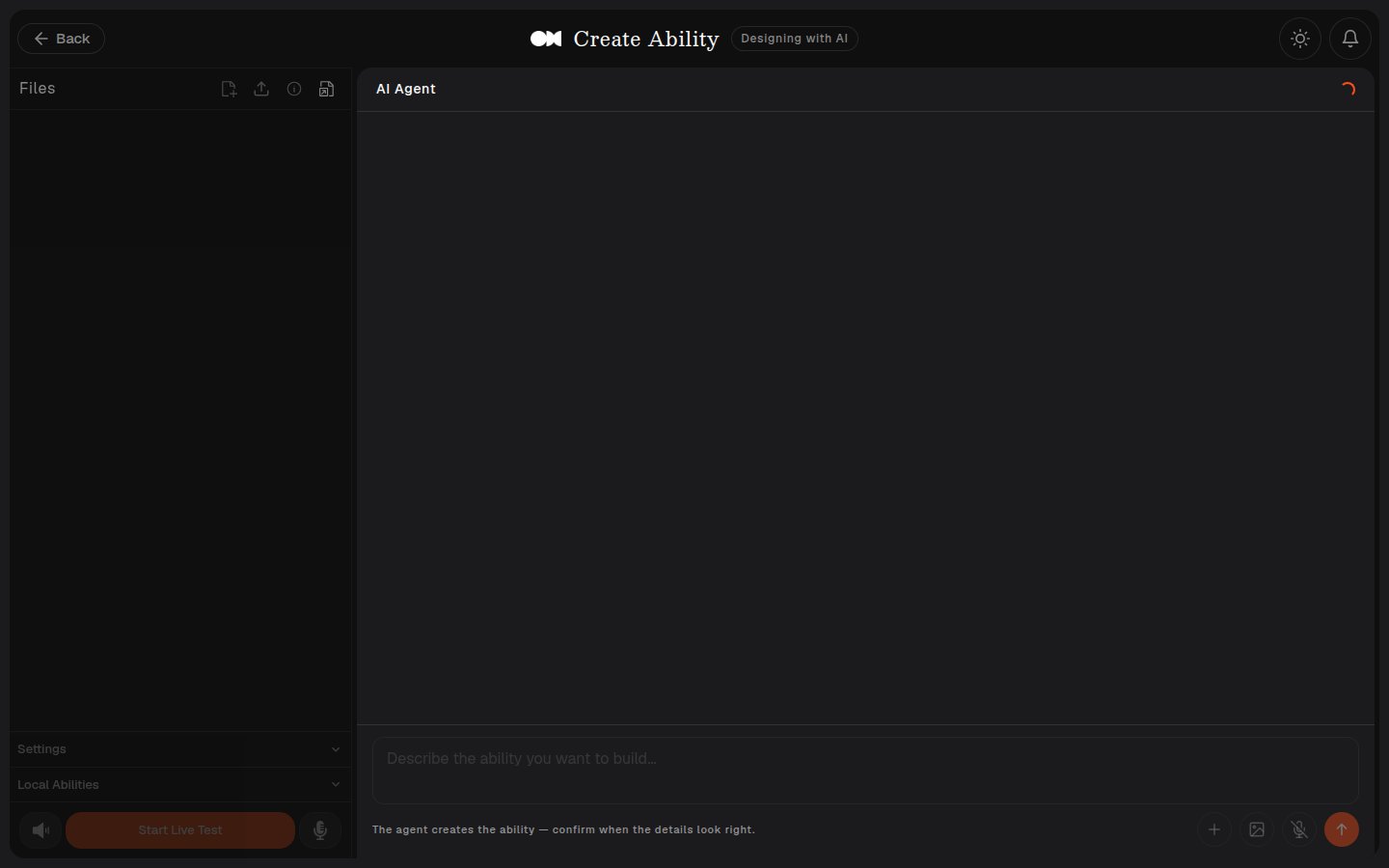
This opens the Live Editor tagged Designing with AI, with a full-page AI Agent chat pane instead of the code editor. A Start from a template row across the top lets you jump straight to a template, each labelled with its category, and the Files, Settings, and Local Abilities panels stay empty until the Ability exists.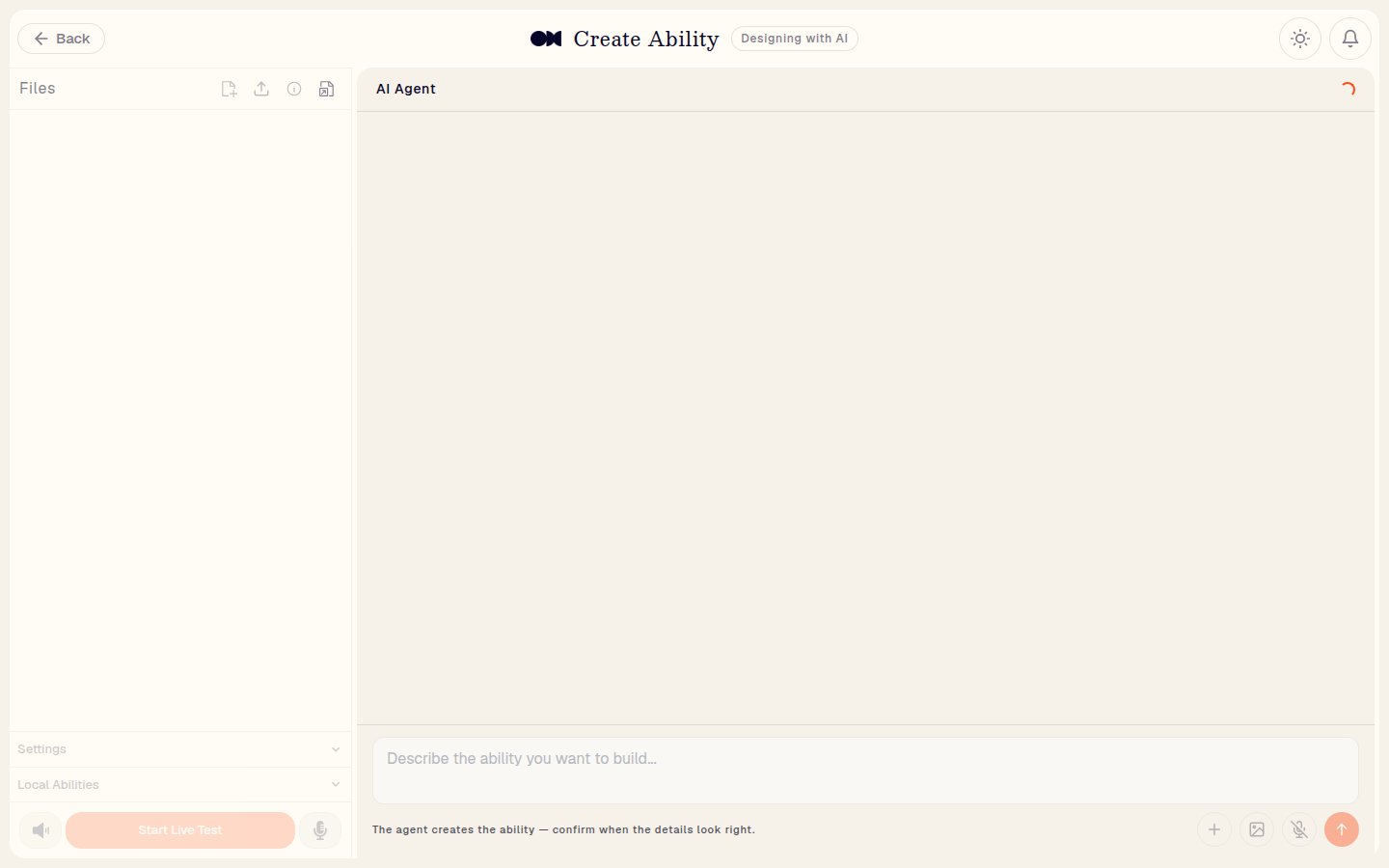
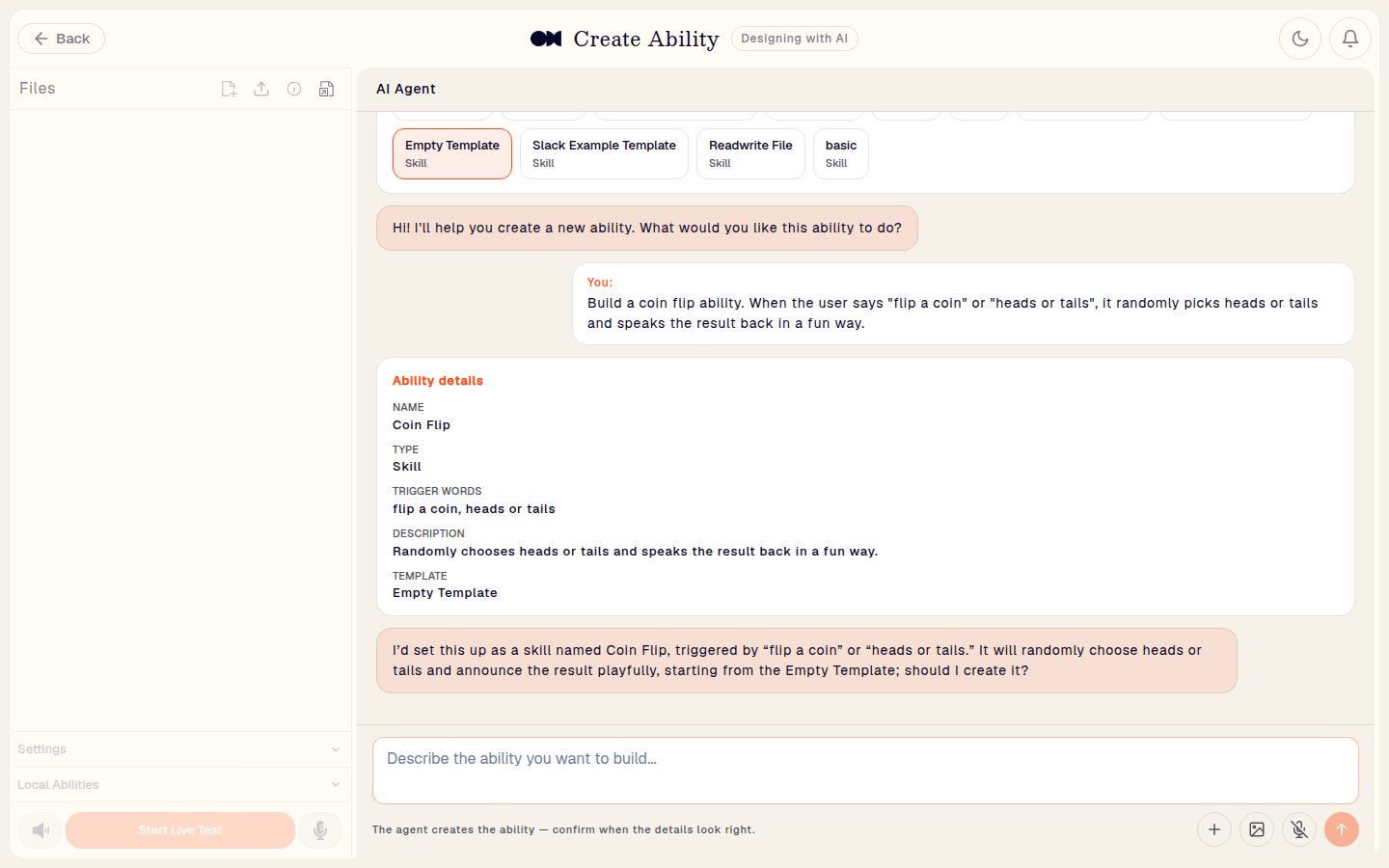
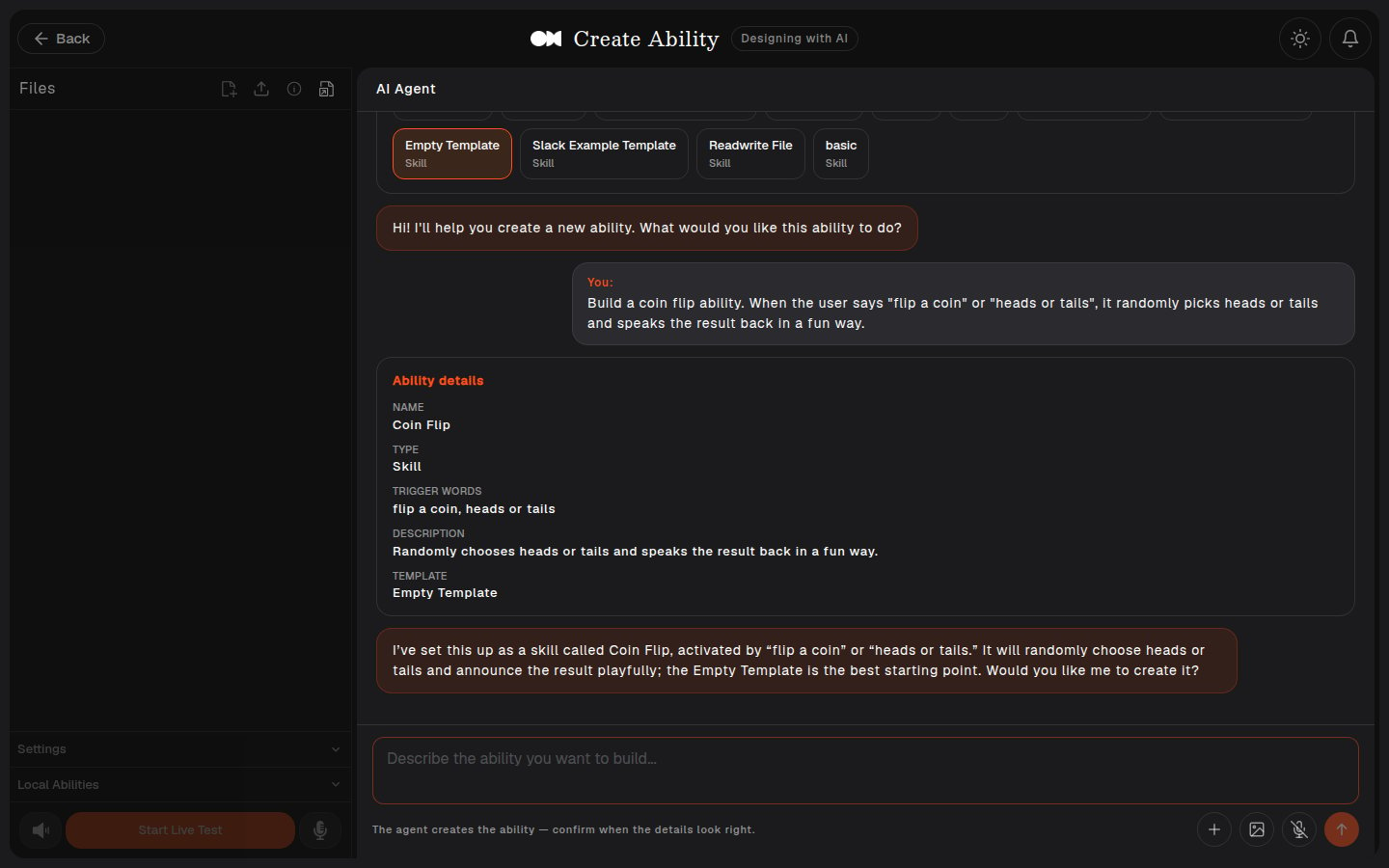
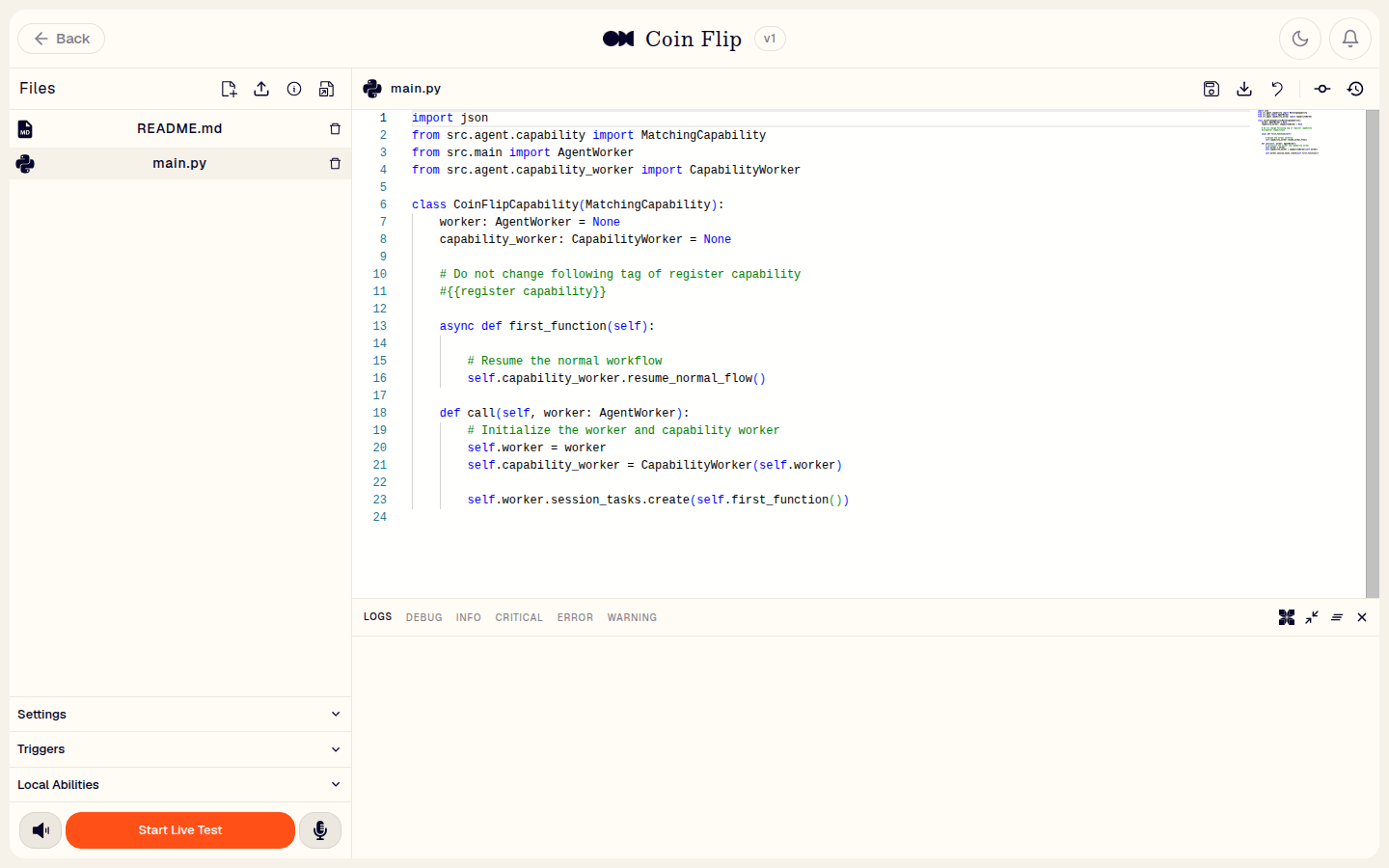
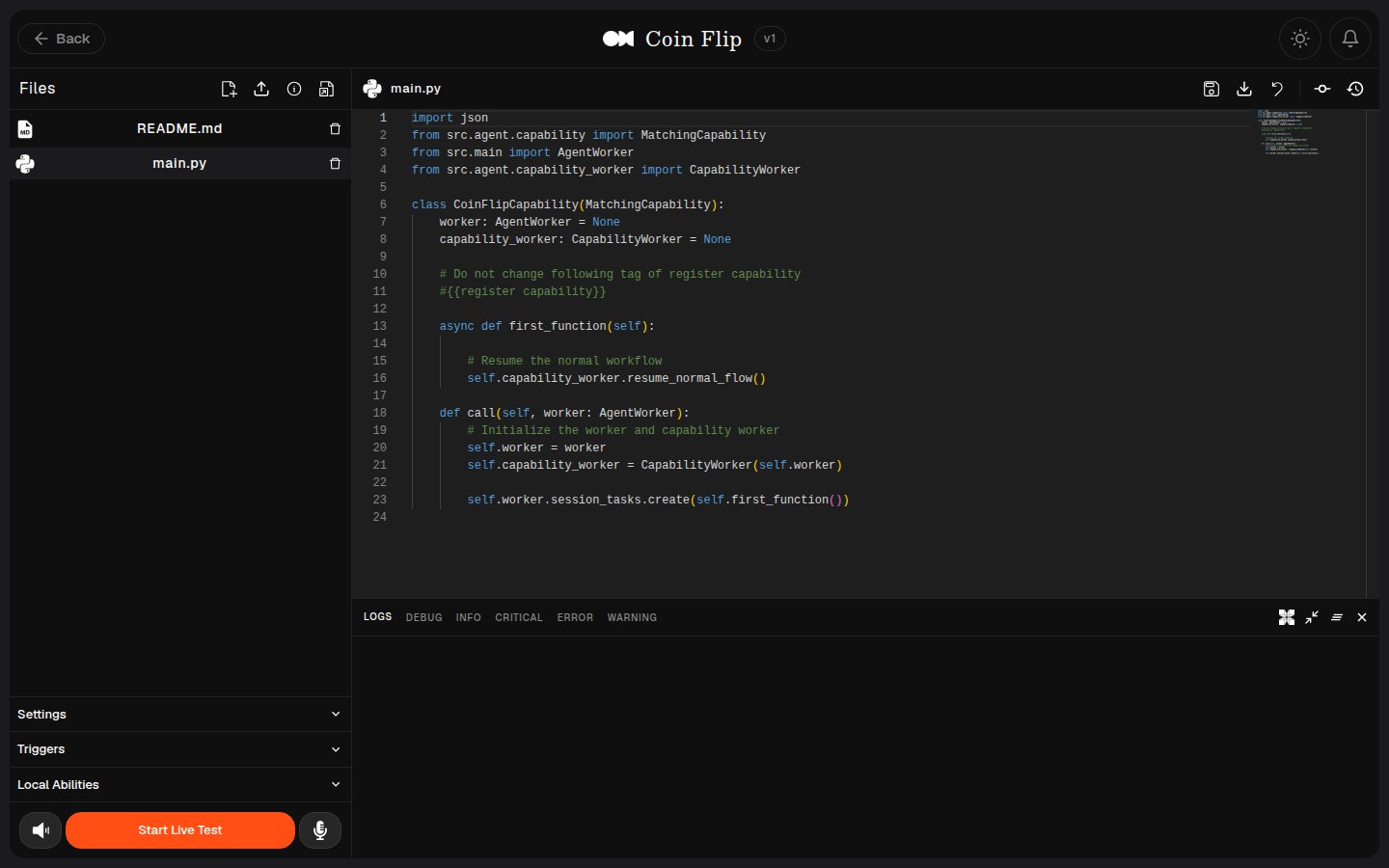
main.py, either by hand or with the in-editor AI assistant (Open AI Agent in the Logs console). See How to Build an Ability for the code side.
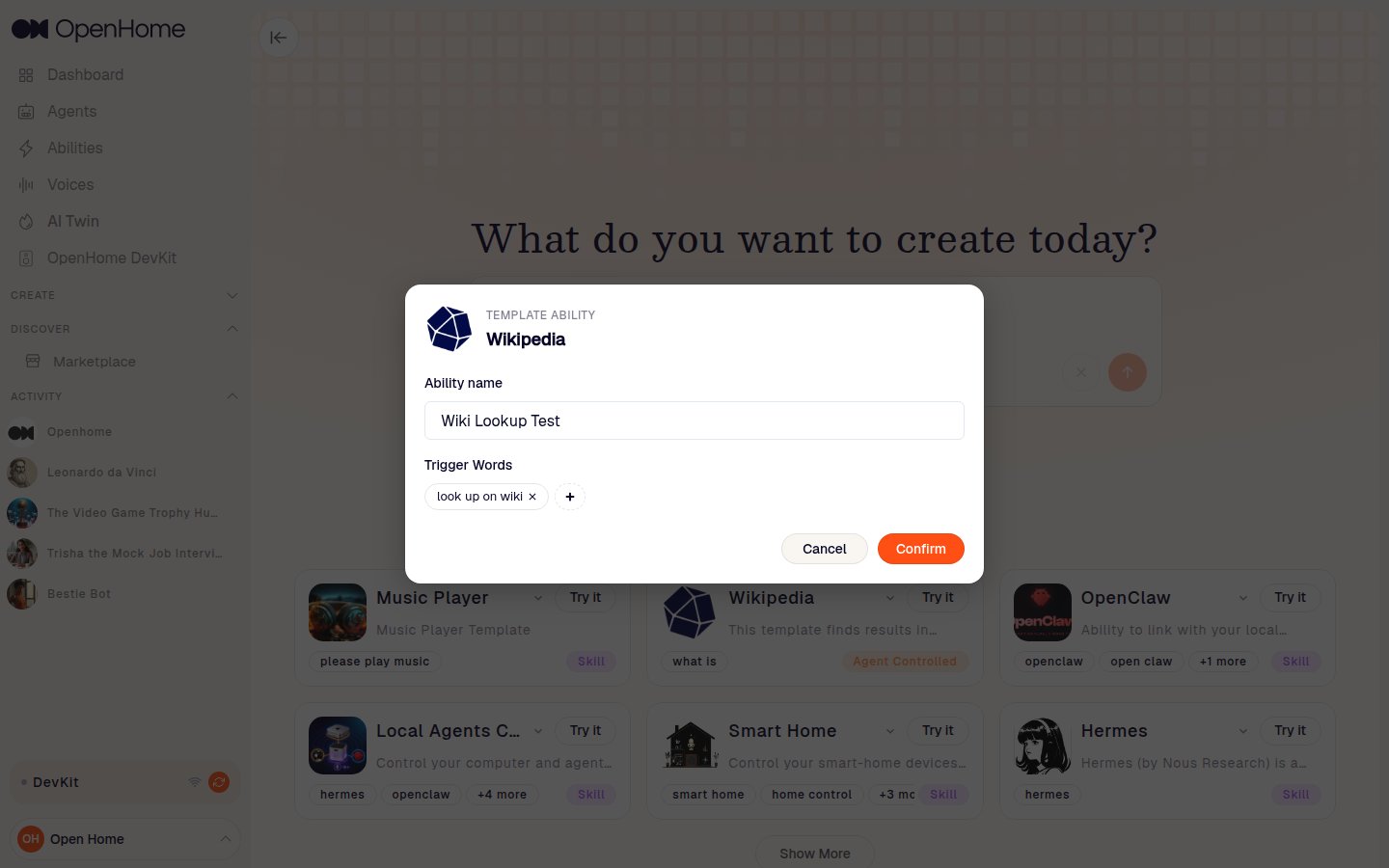
Jumpstart with Template
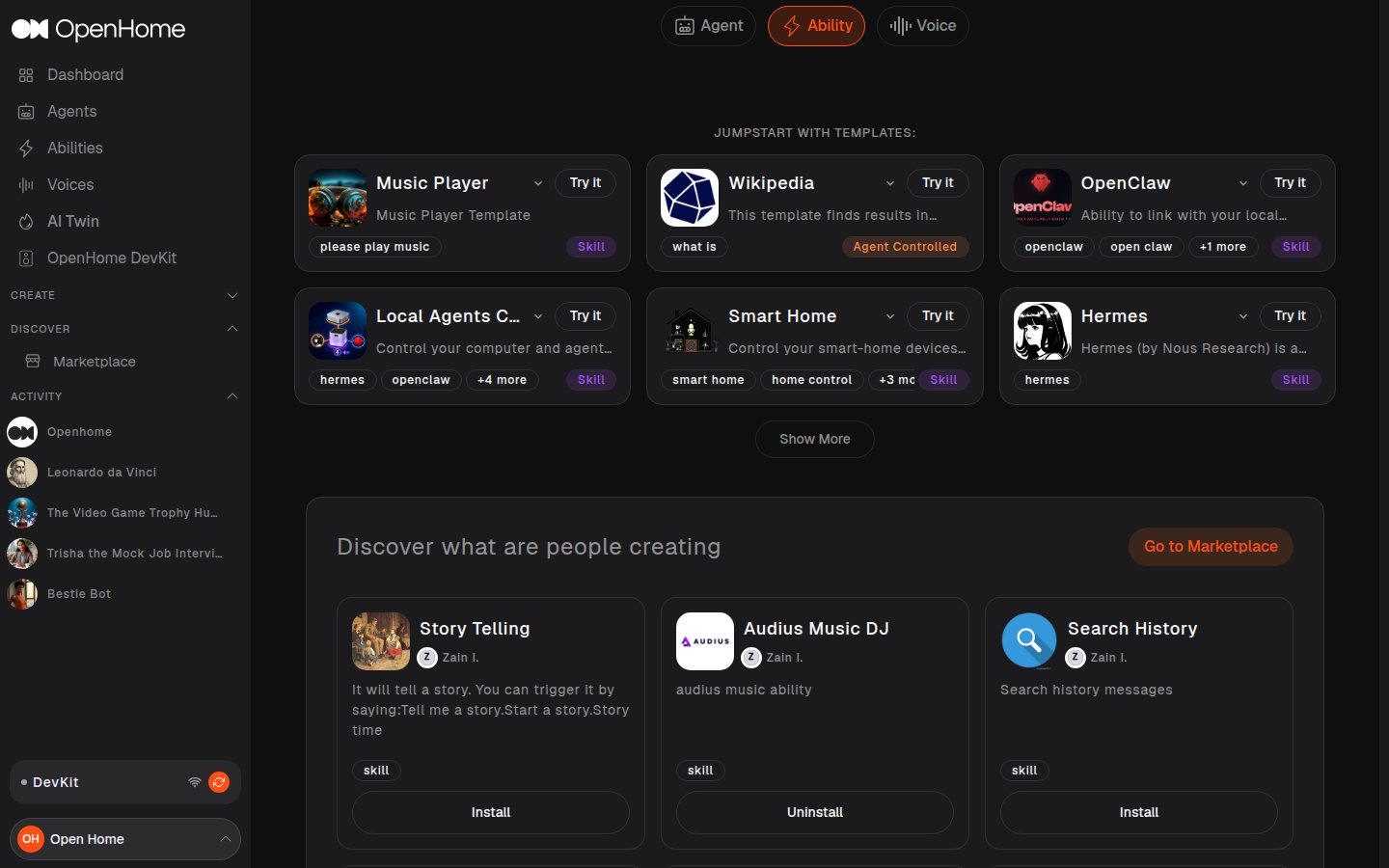
Start from a ready-made Ability. Templates map directly to the ones in the OpenHome Abilities repository, Music Player, Wikipedia, OpenClaw, Smart Home, Hermes, and more, tagged by category (Skill, Agent Controlled, Background Daemon, or Local).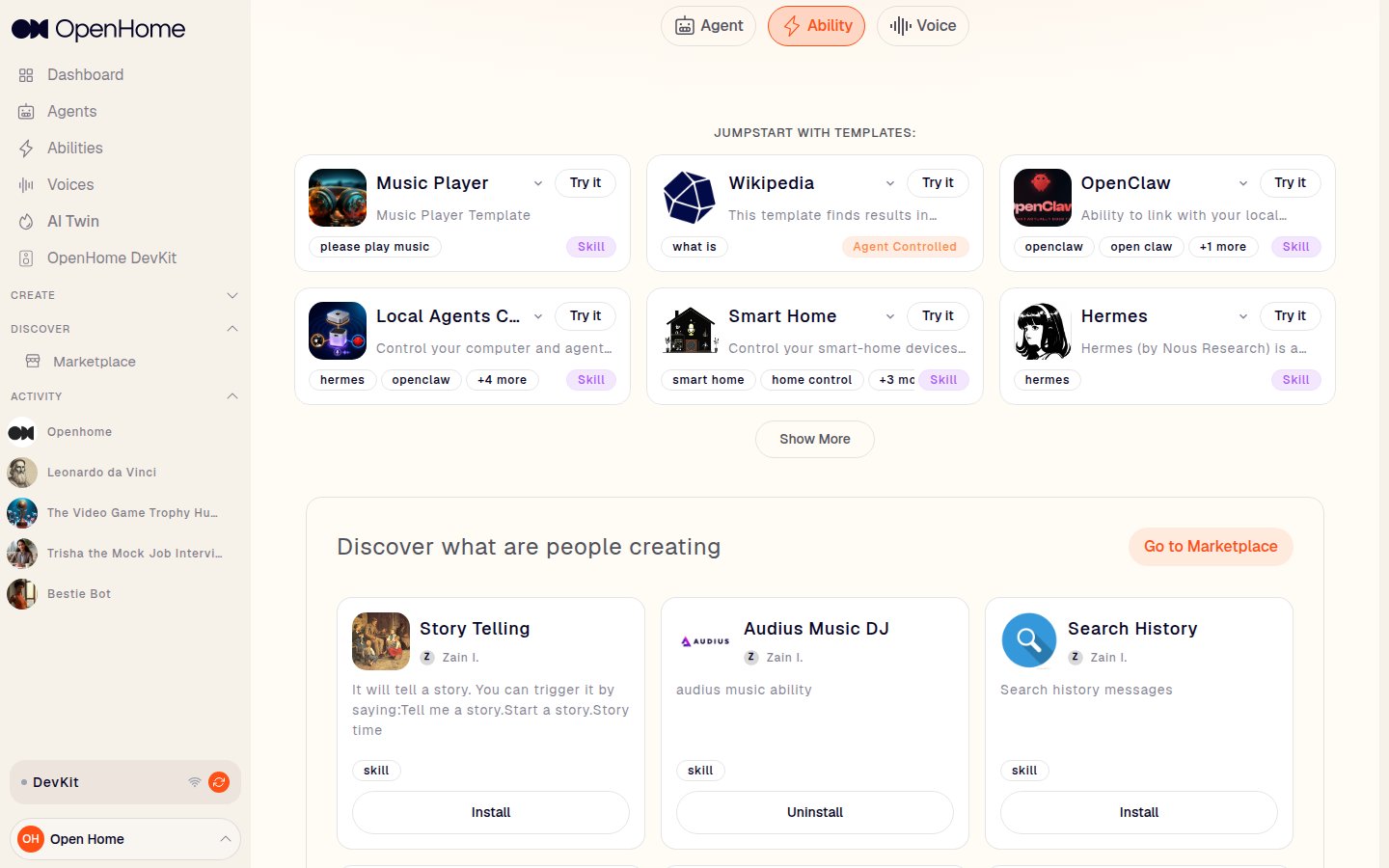
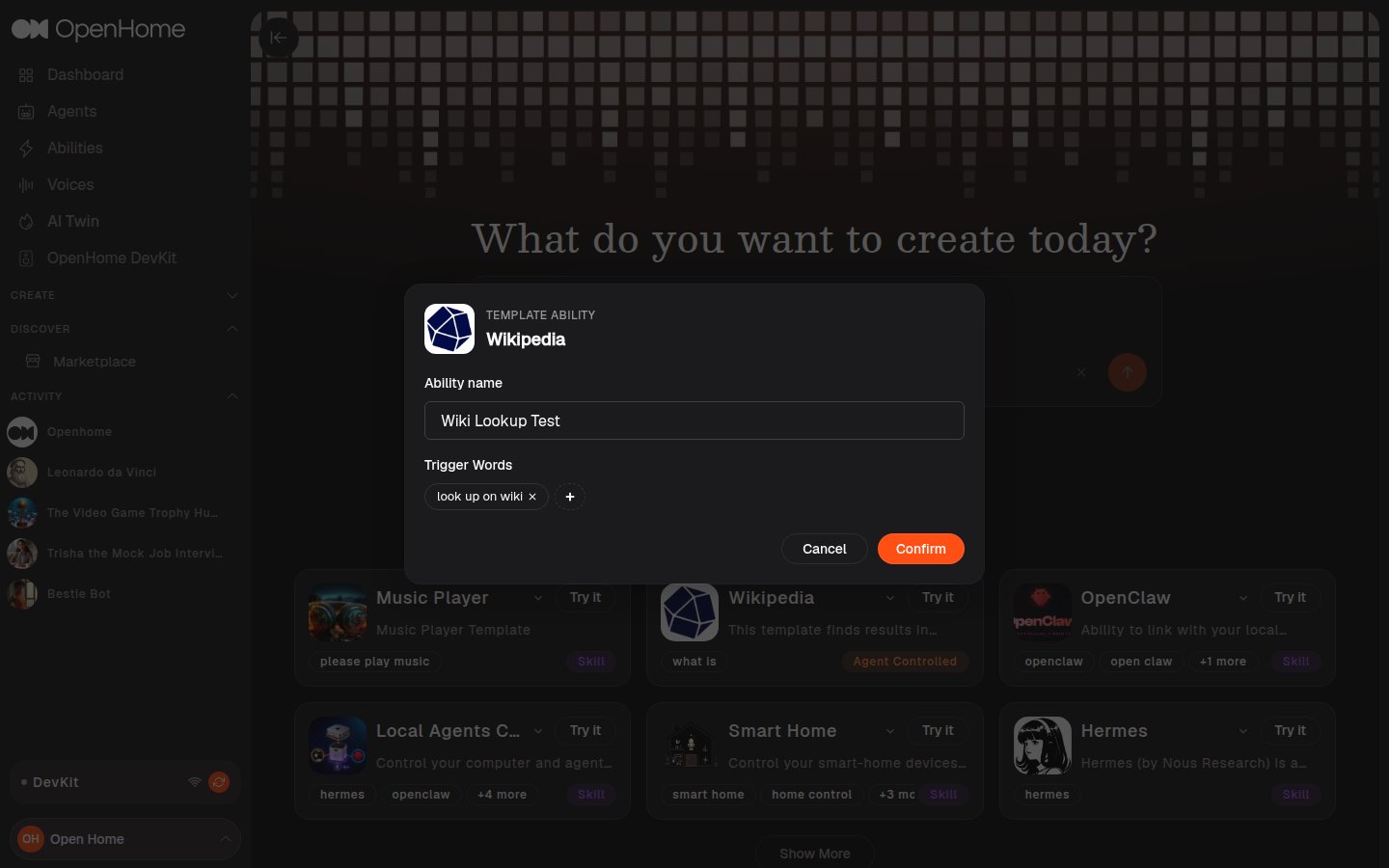
- Ability name.
- Trigger Words: the spoken phrases that activate it. Templates pre-fill a starting set, remove any with its x or add more.
The Live Editor
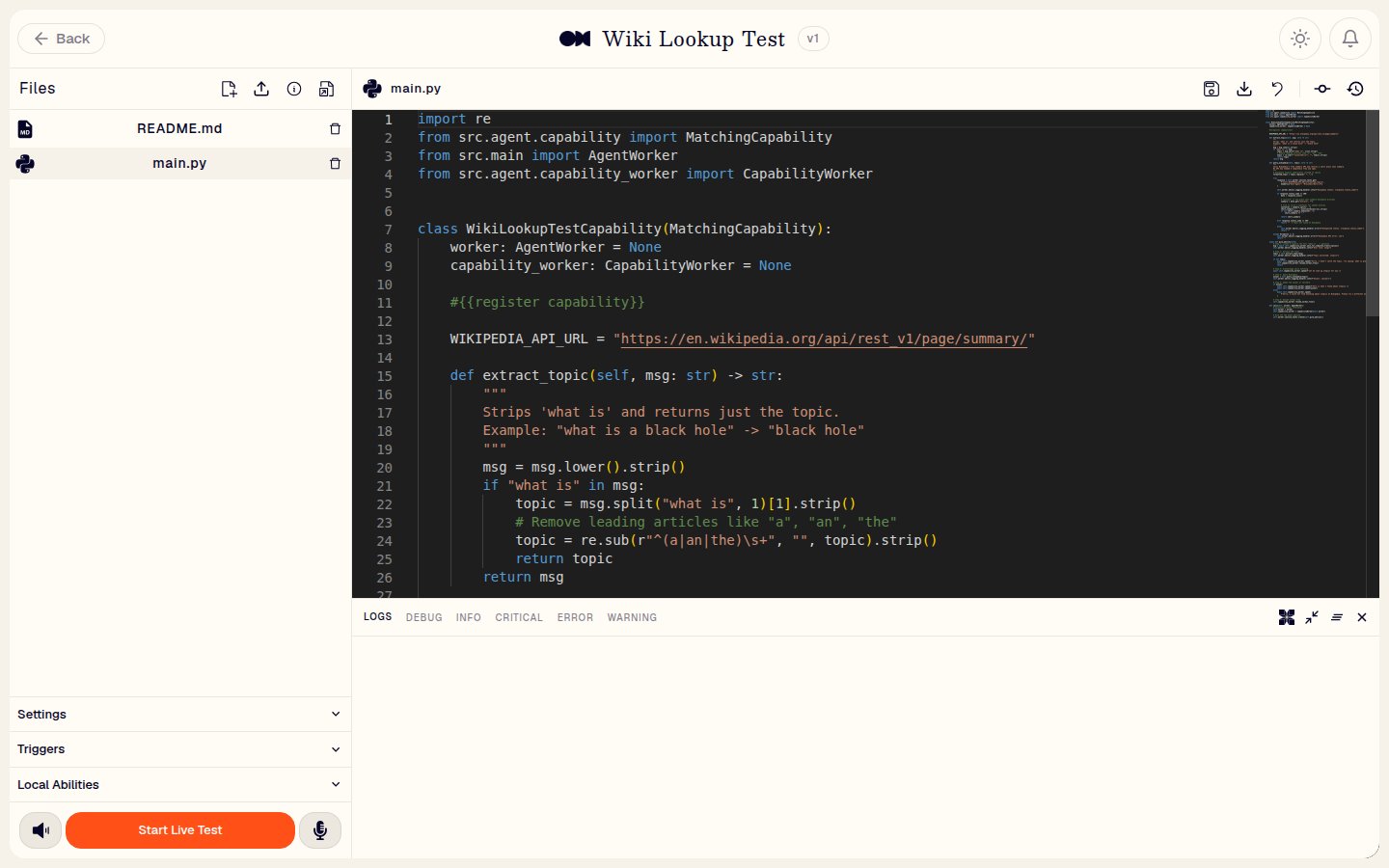
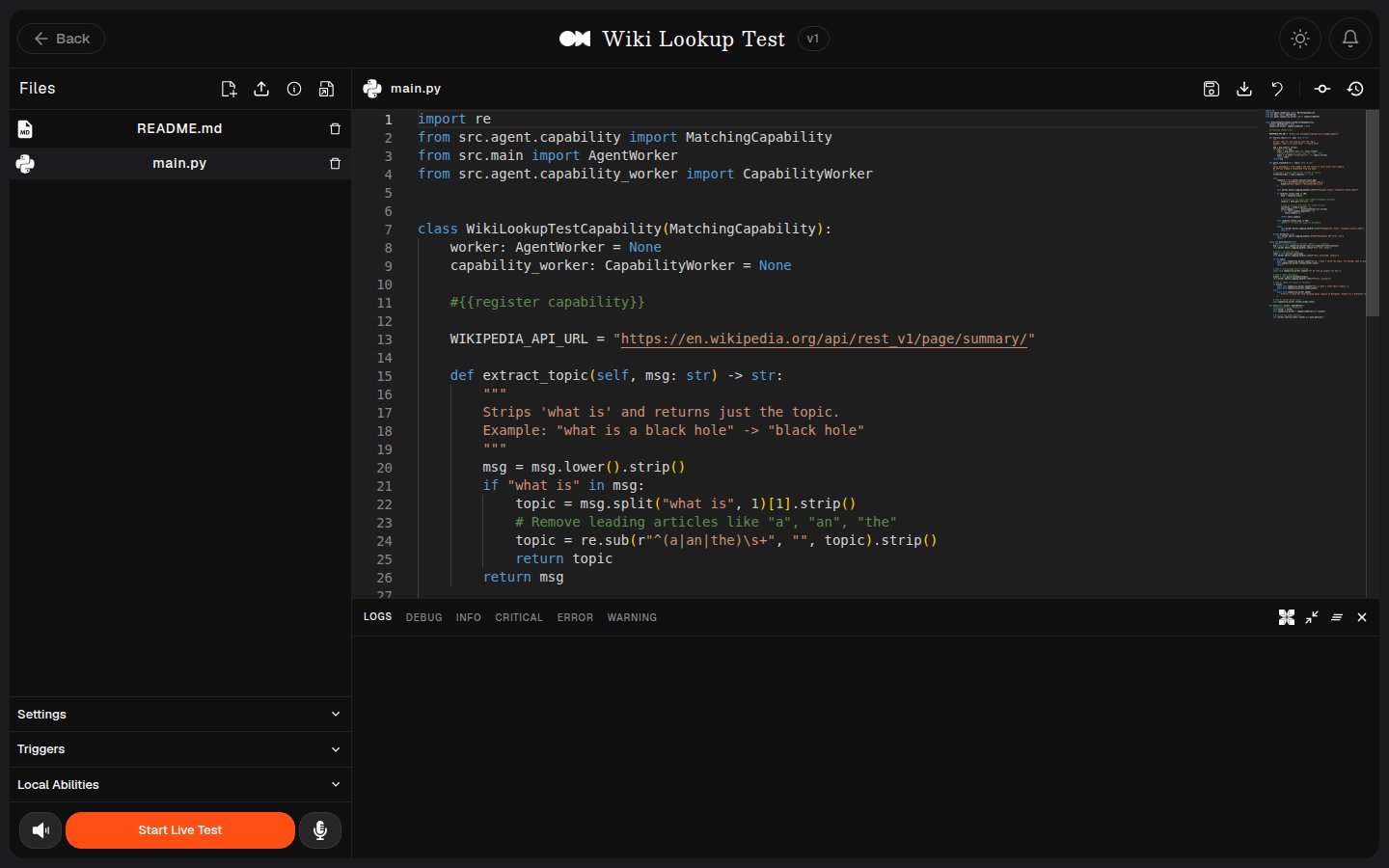
- Files: the Ability’s source files (for example
main.py,README.md). New File and Upload File add to them, each file has a Delete file control, and Information and Documentation link out to reference material. - Code editor: edit the selected file directly. Its toolbar has Save, Download, Discard Changes, New Commit, and Commit History.
- Settings: Interactive Interruption, Auto Interrupt, and AI Coding Agent toggles. If a DevKit is online and connected, an Advanced DevKit Controls section also appears here, see Local Abilities.
- Triggers: the Ability’s trigger words, editable directly.
- Local Abilities: lists every installed Local Ability with a Copy name button beside each, for the
capability_nameparameter when one Local Ability calls another. See Local Abilities. - Start Live Test: try the Ability immediately by voice, with Turn off speaker and Turn off mic beside it.
- Logs: a console with LOGS, DEBUG, INFO, CRITICAL, ERROR, and WARNING views, plus a DEVKIT view for Local Abilities, Open AI Agent (an in-editor AI assistant), clear, minimize, and close controls.
Managing Abilities
From the Abilities page, each card has an Enabled toggle to turn the Ability on or off, a Share button, and a More actions menu with:- Edit: the Ability’s image, description, trigger words, and provider keys. The name is fixed once the Ability is created and cannot be changed here.
- Code: reopens the Live Editor.
- Version control: the Ability’s commit history.
- Create Template: turn the Ability into a reusable template.
- Publish to Community: submit it to the Marketplace.
- Delete: remove the Ability.
Using Abilities in Agents
Abilities belong to your account rather than to one Agent. An Ability that is switched on with the Enabled toggle on the Abilities page is available to your Agents, and it activates when someone says one of its trigger words. There is one exception. To have an Ability run automatically at the start of every call, rather than waiting for a trigger word, set it as the Agent’s Base Ability under Model when creating or editing the Agent. The dropdown lists your enabled Abilities and starts empty, showing Choose Base Ability until you pick one, and each Agent can have one Base Ability. So there are two ways an Ability runs:- On a trigger word: available to any Agent while the Ability is enabled.
- On call start: only for the Agent that has it set as its Base Ability.
Ability Categories
Every Ability falls into one of four categories: Skill, Agent Controlled, Background Daemon, or Local. See Ability Types for the full breakdown of when to use each, and Background Abilities for thebackground.py pattern.
Example Workflow
- Trigger Words: A user speaks or types a command containing a pre-defined trigger word.
- Ability Activation: The Agent processes the input and activates the corresponding Ability.
- Task Execution: The Ability performs the task and returns the response.
- Dynamic Feedback: The Agent adapts to the user’s input and updates its interaction history.
Abilities in the Marketplace
Abilities can be published to and installed from the Marketplace, where the community browses, installs, and shares what others have built.See also
- Ability Types: choosing between Skill, Agent Controlled, Background Daemon, and Local.
- How to Build an Ability: writing the Python behind an Ability.
- Local Abilities: Abilities that run on OpenHome DevKit hardware.