

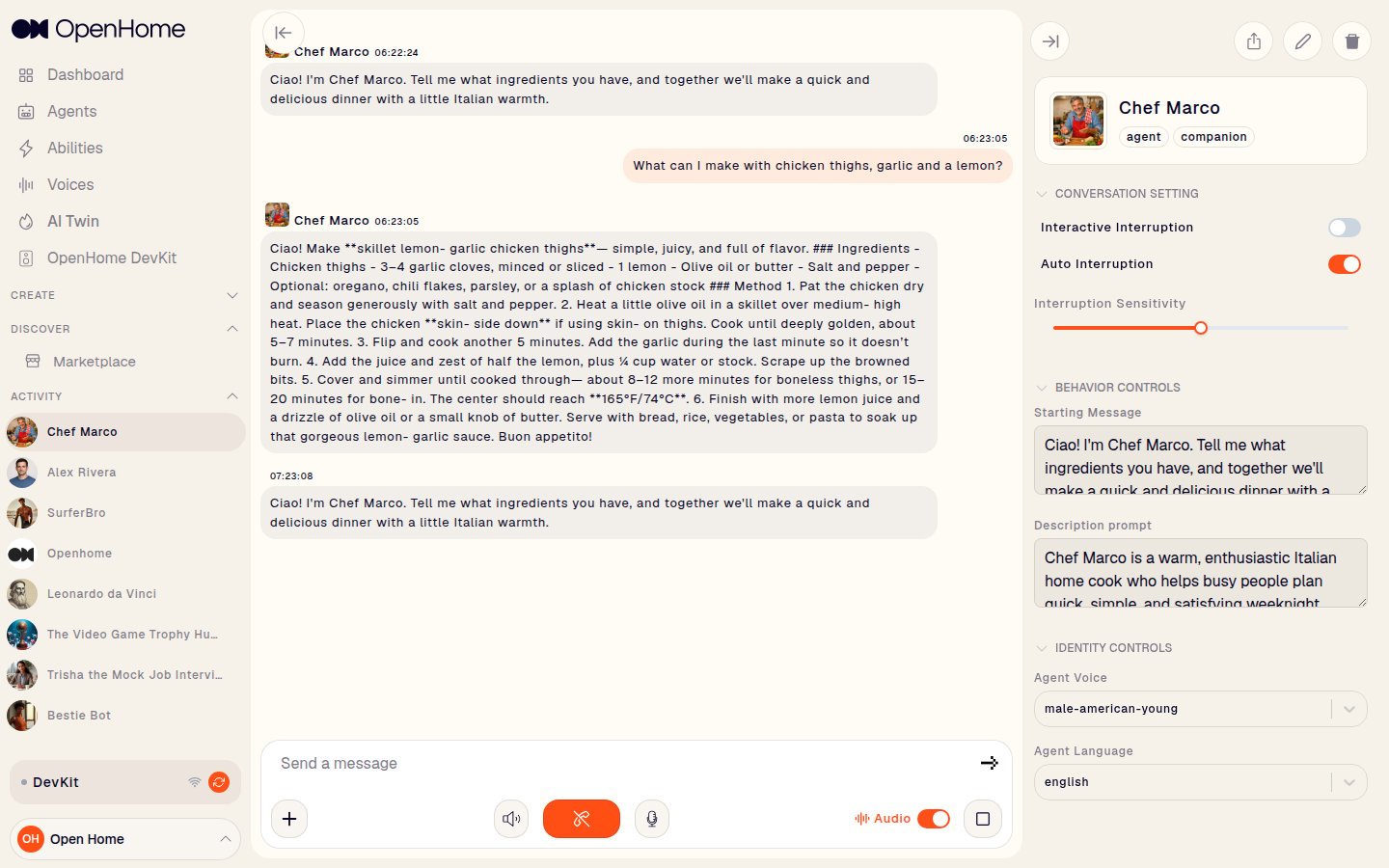
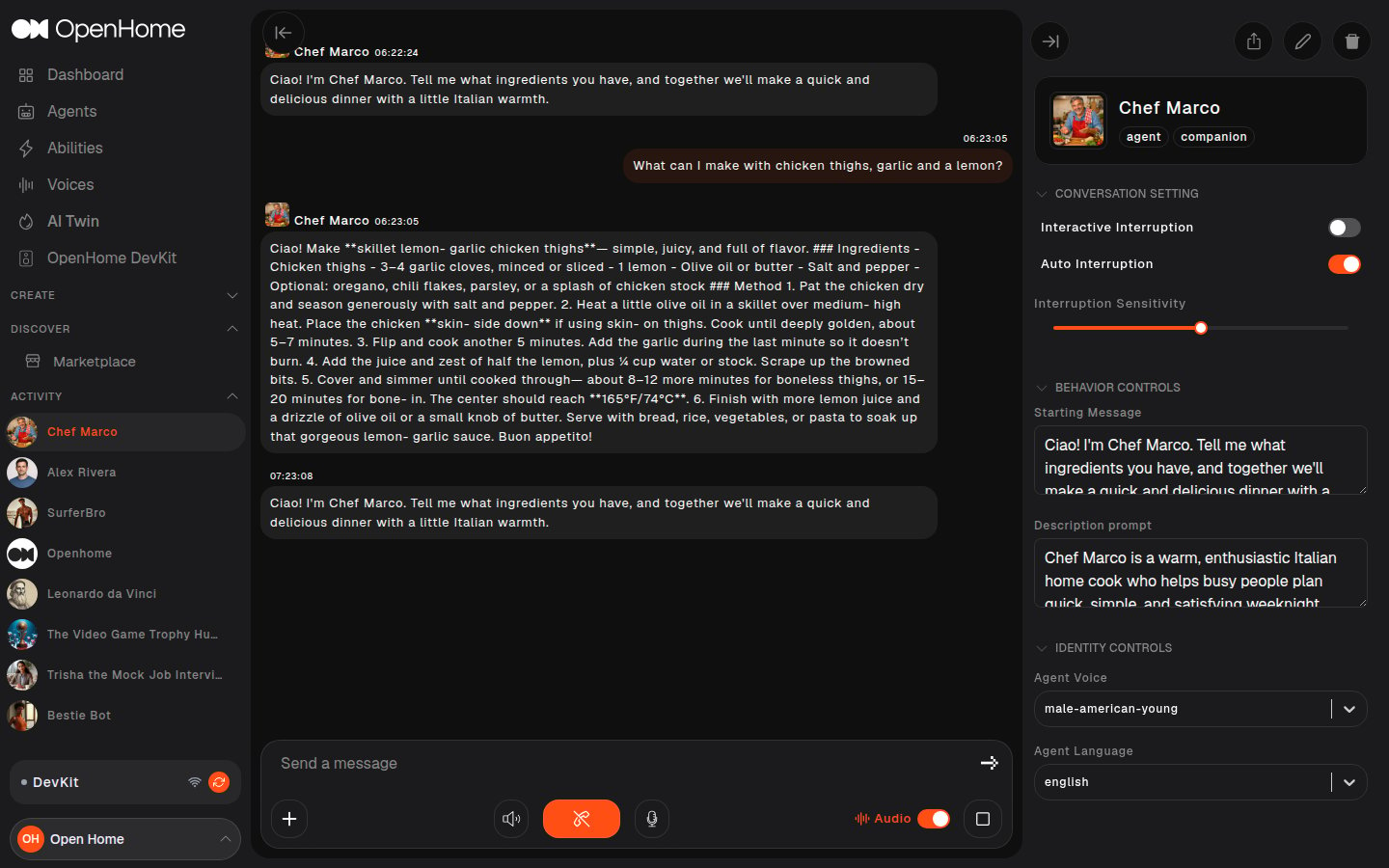
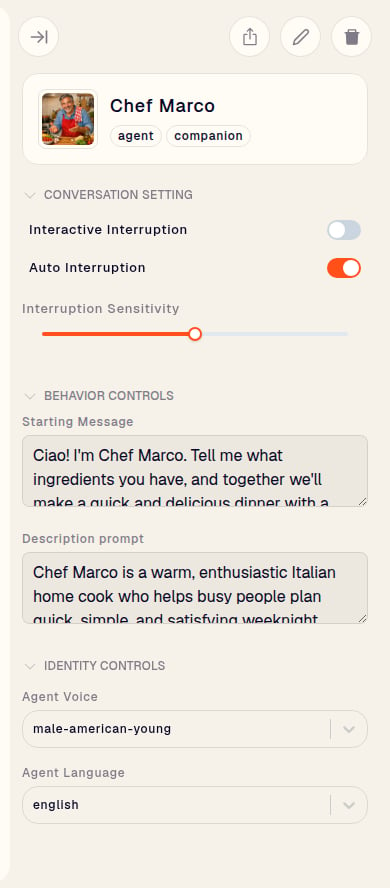
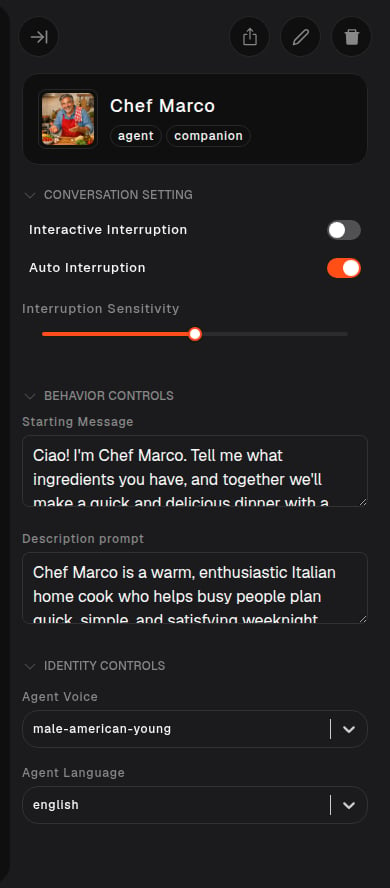
Conversation Setting
Controls how the Agent handles being interrupted.- Interactive Interruption: lets you cut in while the Agent is speaking.
- Auto Interruption: lets the Agent stop itself and respond when it picks up conversational cues.
- Interruption Sensitivity: how readily an interruption is triggered. Drag right and shorter pauses will interrupt.
Behavior Controls
Defines what the Agent is, through its two prompts.- Starting Message: the greeting spoken at the beginning of every conversation. It sets the tone.
- Description prompt: the longer prompt defining traits, behavior, and interaction style. This is the main lever on how the Agent responds.
Identity Controls
Changes how the Agent sounds.- Agent Voice: pick from your voices and the OpenHome library.
- Agent Language: the language the Agent speaks.
Dynamic Agent Updates
Changes in Behavior Controls and Identity Controls apply to the live conversation immediately, with no restart. That makes the panel the fastest way to iterate: adjust the prompt or swap the voice, say something, and hear the result.Conversation Modes
The conversation view supports voice and text together, and you can switch mid-conversation.- Voice: the microphone button captures speech, and the Audio toggle controls whether the Agent speaks its replies aloud. The waveform button generates an interrupt.
- Text: type into Send a message and press the send arrow. Replies appear in the transcript exactly as in a voice call.


Next Steps
- Personality Design: write a compelling character prompt
- Voice and Model Configuration: choose your STT, TTT, and TTS providers
- Agent Memory and Context: inject persistent context into your Agent