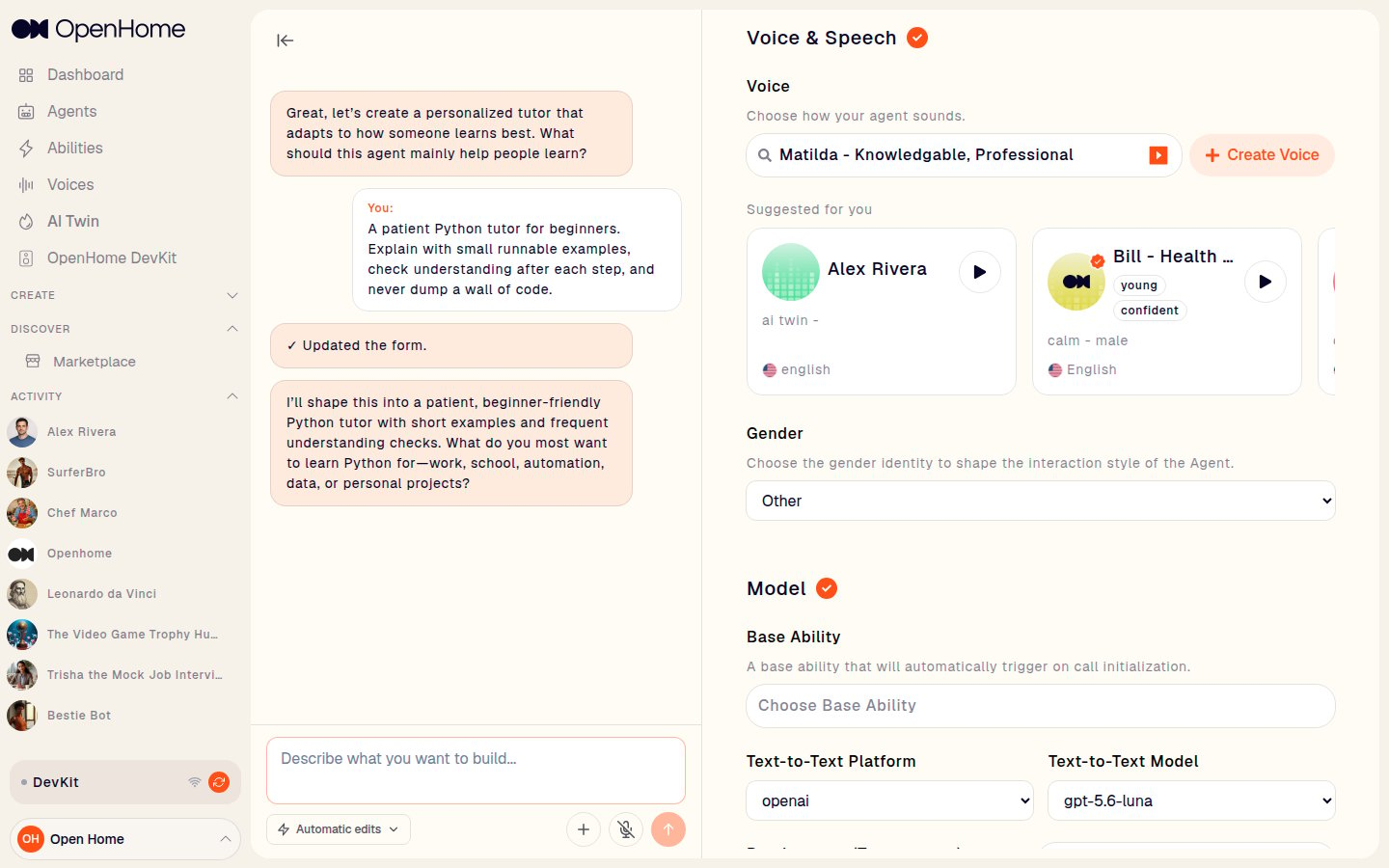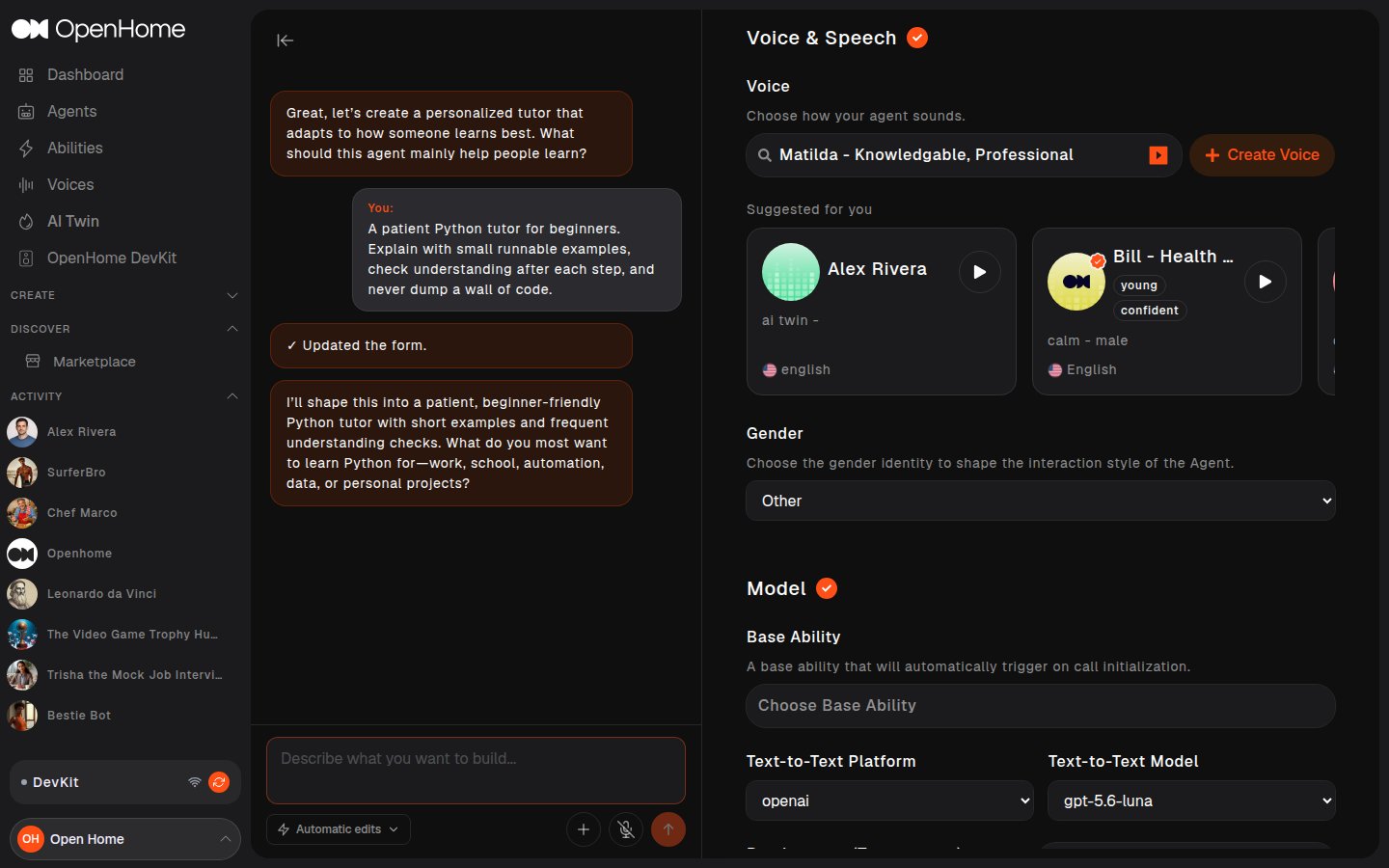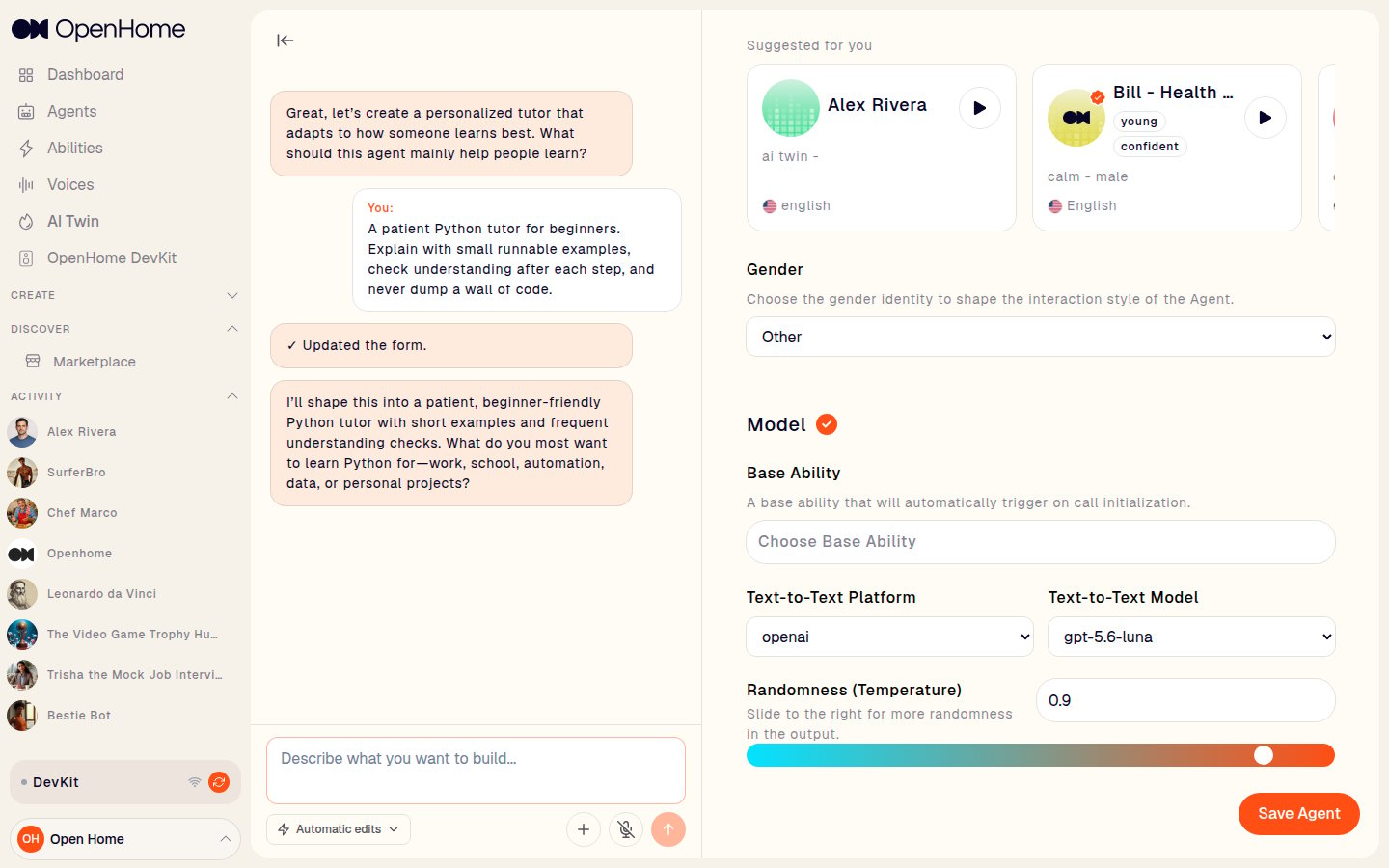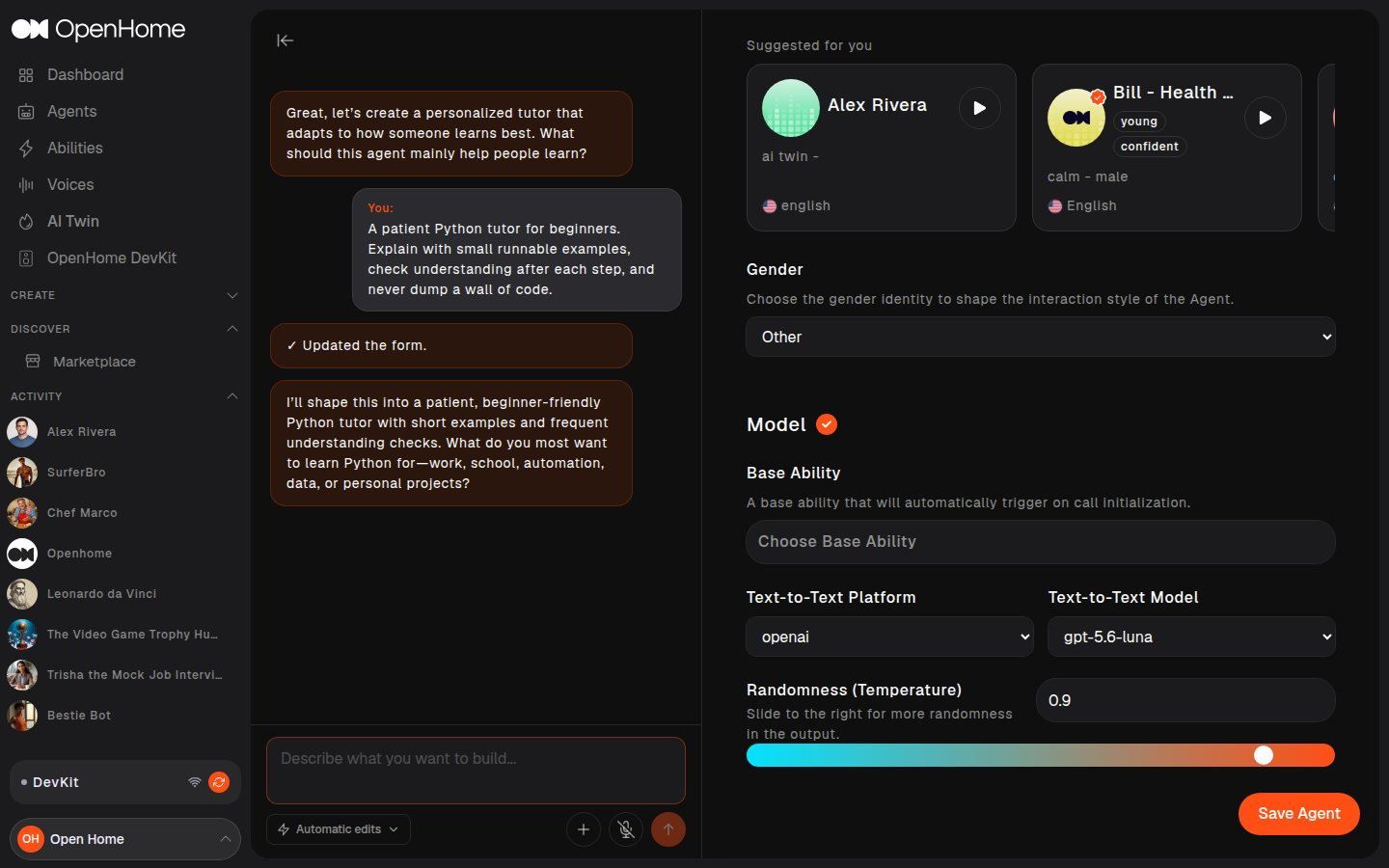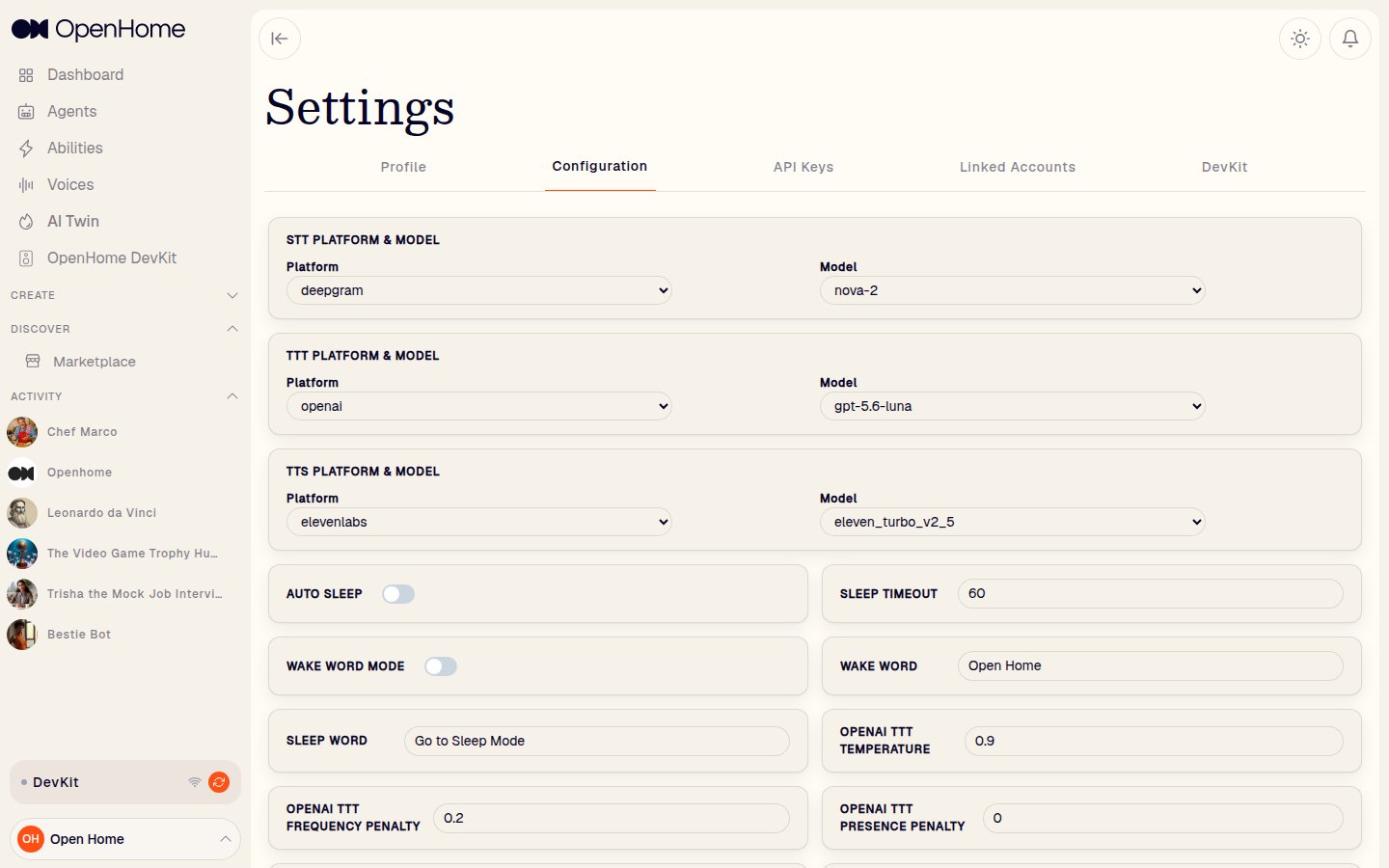
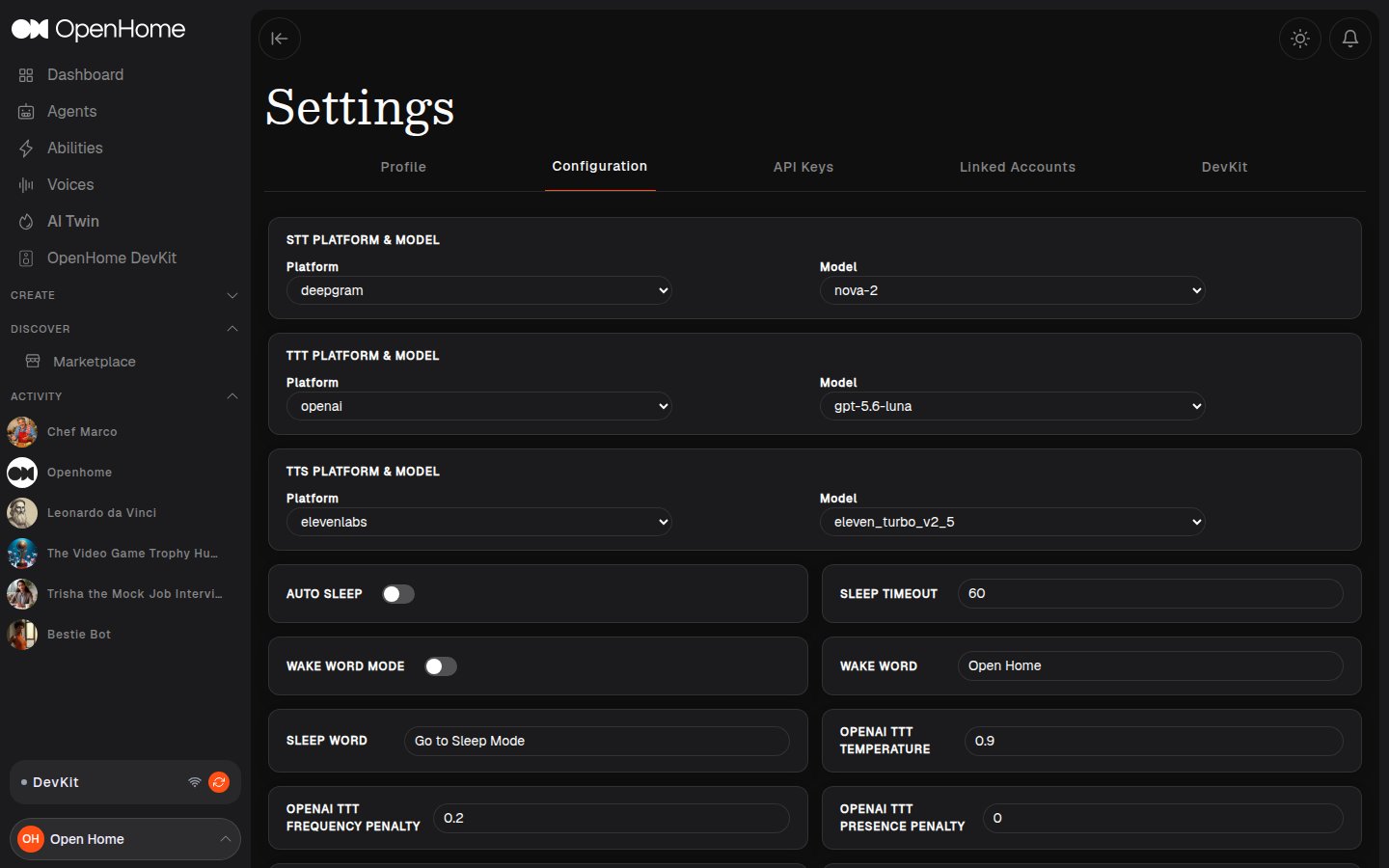
Every Agent in OpenHome runs on a three-stage speech pipeline — it listens, thinks, and speaks. From Settings → Configuration, you can choose which platform and model powers each of those three stages for your Agent. This page explains what each stage does, which platforms are available, and what the models within each platform are suited for.

The Speech Pipeline

StageWhat it doesWhere to configure
STT — Speech-to-TextConverts the user’s voice into textSettings → Configuration
TTT — Text-to-TextProcesses the transcribed text and generates a responseSettings → Configuration
TTS — Text-to-SpeechConverts the response back into spoken audioSettings → Configuration

STT — Speech-to-Text

The STT stage is the entry point of the Agent’s pipeline. It listens to the user’s voice and converts it into text that the Agent can process. The platform and model you choose here directly affects how accurately the Agent understands the user, how quickly it responds, and which languages it can handle.

Deepgram

Deepgram is a real-time speech recognition platform built for low-latency, high-accuracy transcription. It is well suited for voice agents that need fast, reliable transcription across a wide range of languages and audio conditions.
ModelDescriptionLanguage support
nova-3Deepgram’s most capable and most recent model. Delivers the lowest word error rate with real-time multilingual transcription and domain-specific terminology comprehension.10+ languages in multilingual mode including English, Spanish, French, German, Hindi, Russian, Portuguese, Japanese, Italian, and Dutch. 50+ additional languages available.
nova-2Deepgram’s second-generation Nova model. A strong general-purpose option, recommended when a language not yet covered by nova-3 is required or when filler word identification is needed.25+ languages including English, Spanish, French, German, Chinese, Japanese, Korean, Hindi, Portuguese, Russian, and more.
nova-2-phonecallA variant of nova-2 optimized for phone call audio. Addresses the acoustic challenges of telephonic recordings.English only.
novaThe original first-generation Nova model. Suitable for straightforward English transcription use cases.English and Spanish.
nova-phonecallThe phone-call-specialized variant of the original Nova model.English only.
enhancedDelivers lower word error rates than the base tier with high-accuracy timestamps and keyword boosting support.~17 languages including English, Spanish, French, German, Italian, Japanese, Korean, Hindi, and Portuguese.
enhanced-phonecallThe phone-call-specialized variant of the Enhanced model.English only.
baseDeepgram’s foundational model tier. Recommended for large transcription volumes where high-accuracy timestamps are required.~22 languages including English, Spanish, French, German, Chinese, Japanese, Korean, Hindi, Portuguese, Russian, and Turkish.
base-phonecallThe phone-call-specialized variant of the Base model, designed for telephonic audio at high volume.English only.

ElevenLabs Scribe

ElevenLabs Scribe is ElevenLabs’ real-time speech recognition model. It is optimized for live streaming, interactive AI agents, and any use case requiring near-instant transcription.
ModelDescriptionLanguage support
scribe_v2_realtimeState-of-the-art real-time transcription with ~150ms latency. Delivers high accuracy in live and interactive settings with automatic language detection.90+ languages with automatic language detection.

AssemblyAI

AssemblyAI is a speech recognition platform with a focus on accuracy and broad language coverage. It is a good alternative when wider language support or different accuracy characteristics are needed.
ModelDescriptionLanguage support
slam_1AssemblyAI’s highest-accuracy model. Best for use cases that require the most precise transcription.English, Spanish, French, German, Portuguese, Italian.
universalA versatile model balancing accuracy and language coverage. Suitable for most general transcription needs.99 languages.
nanoA lightweight model optimized for speed and low resource usage. Best for cost-sensitive or latency-sensitive use cases.99 languages.

A note on short utterances

STT engines use a Voice Activity Detector (VAD) to determine when you have finished speaking. The engine listens for a silence gap after your voice, and only once that gap is detected does it finalize the transcription and pass it to the Agent. When you say a single short word, the engine may not detect a clean silence gap quickly — especially if there is background noise — so the response can feel delayed. Speaking in short phrases produces faster, more reliable results.

General interaction

Instead of saying a single word and waiting, speak a short, complete phrase:
Less reliableMore reliable
”weather""what’s the weather like right now?"
"news""give me today’s headlines"
"alarm""set an alarm for 7am tomorrow"
"joke""tell me a quick joke"
"timer""start a 5 minute timer for me”

Wake word

The same applies when using a wake word. Saying the wake word alone and pausing can cause a slow response because the engine waits for more audio to confirm the utterance is complete. Pair the wake word with a short phrase to help the engine finalize faster.
Less reliableMore reliable
”openhome” (pause)“openhome, what’s the weather?"
"hey openhome” (pause)“hey openhome, I have a question"
"openhome” (pause)“openhome, remind me about my meeting"
"openhome” (pause)“openhome, how are you doing today?”
See Wake Word and Sleep Interaction for more on how this affects the wake word flow.

Music mode

In music mode, background audio fills the silence the VAD is listening for, making single-word commands harder to detect. If you say just “stop” or “pause” while music is playing, the engine may not cleanly finalize the transcription before more audio arrives. Add a word before or after the command to form a short phrase:
Less reliableMore reliable
”stop""please stop the music” / “openhome stop"
"pause""pause this for a second” / “openhome pause"
"play""play something chill” / “openhome play”

TTT — Text-to-Text

The TTT stage is the Agent’s brain. Once the user’s speech has been transcribed by the STT module, the transcribed text is passed to a language model which generates the Agent’s response. The platform and model you choose here directly shapes how intelligently the Agent responds, how well it understands context, and how quickly it replies.

OpenAI

OpenAI provides direct access to the GPT model family. Models are accessed using your own OpenAI API key.
ModelDescriptionSpeed
gpt-5.1OpenAI’s best model for reasoning and agentic tasks with configurable reasoning effort. Supports adjustable reasoning levels.Medium
gpt-4oOpenAI’s versatile, high-intelligence flagship model. Accepts text and image inputs and supports function calling and streaming. Approximately twice as fast as GPT-4 Turbo.Medium
gpt-4An older high-intelligence GPT model for chat completions. Previous generation of advanced language model.Medium
gpt-3.5-turboA legacy GPT model for cost-efficient chat tasks. OpenAI now recommends gpt-4o as a replacement.Medium

OpenRouter

OpenRouter is a unified API gateway that provides access to models from multiple AI providers through a single API key. It lets you switch between providers and models without managing separate keys for each.
ModelProviderDescriptionSpeed
openai/gpt-4oOpenAIVersatile flagship model. Accepts text and image inputs, supports function calling and streaming.Medium
openai/gpt-5-nanoOpenAIThe smallest and fastest variant in the GPT-5 system. Optimized for rapid interactions and ultra-low latency.Fast
anthropic/claude-sonnet-4AnthropicExcels at coding and reasoning tasks with improved precision and controllability. Optimized for practical everyday use.Medium
anthropic/claude-sonnet-4.5AnthropicOptimized for real-world agents and coding workflows with enhanced tool orchestration and context awareness.Medium
anthropic/claude-sonnet-4.6AnthropicFrontier performance across coding, agents, and professional work. Strong at iterative development and complex project management.Medium
anthropic/claude-3.7-sonnetAnthropicFeatures hybrid reasoning: standard mode for quick responses and extended reasoning mode for demanding tasks.Medium
anthropic/claude-opus-4AnthropicAnthropic’s most capable model. Benchmarked as a top coding model, suited for complex extended workflows.Medium
mistralai/mistral-7b-instruct:freeMistralA 7B parameter model optimized for speed and context length. Available at no cost.Fast
mistralai/mistral-small-3.2-24b-instructMistralA 24B parameter model optimized for instruction following, repetition reduction, and improved function calling.Medium
mistralai/magistral-small-2506MistralA 24B instruction-tuned reasoning model, enhanced through supervised fine-tuning and reinforcement learning.Medium
mistralai/magistral-medium-2506MistralMistral’s first reasoning model. Suited for tasks requiring longer thought processing such as legal analysis, financial forecasting, and multi-step reasoning.Medium
x-ai/grok-3xAIxAI’s flagship model excelling at enterprise tasks such as data extraction, coding, and text summarization. Strong domain knowledge in finance, healthcare, law, and science.Medium
x-ai/grok-4.1-fastxAIxAI’s best agentic tool-calling model. Designed for real-world use cases such as customer support and deep research. Reasoning can be toggled on or off.Fast
deepseek/deepseek-v3.2DeepSeekDesigned for high computational efficiency with strong reasoning and agentic tool-use performance.Medium
google/gemini-3-flash-previewGoogleA high-speed thinking model designed for agentic workflows, multi-turn chat, and coding assistance. Strong reasoning with substantially lower latency than larger Gemini variants.Fast
moonshotai/kimi-k2.5MoonshotA multimodal model excelling in general reasoning, visual coding, and agentic tool-calling.Medium
minimax/minimax-m2.5MiniMaxDesigned for real-world productivity, excelling at document generation and coding tasks.Medium
arcee-ai/trinity-large-preview:freeArcee AIA 400B sparse Mixture-of-Experts model with 13B active parameters per token. Suited for creative writing, storytelling, and agentic tasks. Available at no cost.Medium

LLM fine-tuning parameters

These parameters apply to the selected TTT model and affect how the Agent generates responses.
ParameterDefaultWhat it controls
Temperature0.9Controls response randomness. Lower values (closer to 0) produce focused, deterministic responses. Higher values produce more varied and creative responses.
Frequency Penalty0.2Reduces repetition of words and phrases. Higher values discourage the model from repeating the same content.
Presence Penalty0Discourages the model from introducing irrelevant topics. Higher values keep the Agent on the subject at hand.

TTS — Text-to-Speech

The TTS stage is the Agent’s voice. Once the language model has generated a response, the TTS module converts that text into spoken audio. The platform and model you choose here affects how natural the Agent sounds, how quickly it starts speaking, and which languages it can speak in.

ElevenLabs

ElevenLabs is a voice synthesis platform offering high-quality, natural-sounding speech with support for voice cloning and a wide range of languages. Models are accessed using your own ElevenLabs API key.
ModelDescriptionLatencyLanguage support
eleven_flash_v2_5Ultra-fast model optimized for real-time use. The recommended model for low-latency voice agent interactions.~75ms32 languages including English, Spanish, French, German, Hindi, Japanese, Chinese, Portuguese, Italian, Korean, Dutch, Polish, and more.
eleven_turbo_v2_5First-generation low-latency model. Functional but outclassed by eleven_flash_v2_5, which is recommended instead.Low32 languages.
eleven_turbo_v2First-generation low-latency model for English. Outclassed by eleven_flash_v2_5, which is recommended instead.LowEnglish only.
eleven_multilingual_v2ElevenLabs’ most lifelike model with rich emotional expression. Best for use cases where voice quality is the priority over response speed.Higher29 languages including English, Spanish, French, German, Hindi, Japanese, Chinese, Portuguese, Italian, Korean, Arabic, Turkish, and more.

Voice fine-tuning parameters

ParameterDefaultWhat it controls
Voice Stability0.5Controls the consistency of the voice across utterances. Lower values produce more varied, expressive delivery. Higher values produce a more stable, consistent tone.
Voice Similarity Boost0.8Controls how closely the synthesized voice matches the original voice model. Higher values produce output that sounds closer to the original voice.

Per-Agent Voice Configuration

The global configuration in Settings → Configuration applies to all Agents. When you need a specific Agent to use a different voice or pipeline, configure it individually in Pro Creation mode. When creating or editing an Agent in Pro Creation, configure voice under Personality Identity:
  • Voice Identity: Select from the available voices or enter a custom Voice ID from your TTS provider.
  • Clone Voice: Use voice cloning to create a personalized voice.
  • Preview: Play back the selected voice before saving.

pick_a_voice

Per-Agent platform and model settings are in Personality Platforms and Models:

platforms_models

Adding a Custom Voice

To add a custom voice from your TTS provider:
  1. Go to the Agents dashboard and click the add_new_voice_id_button button at the top right.
  2. Fill in:
    • Name: Identifies the voice in your list.
    • Description: Tone, accent, or intended use.
    • Voice ID: The Voice ID from your TTS provider (e.g., ElevenLabs).
  3. Click save to add the voice, or cancel to discard.

add_new_voice_id_form

Getting a Voice ID

Before adding a voice in OpenHome, upload your custom voice to your preferred TTS provider (e.g., ElevenLabs). Once uploaded, you will receive a Voice ID to enter in the field above.

Other Configuration Options

SettingDefaultWhat it does
Wake Word ModeOnWhen enabled, the Agent only responds to user turns that include one of the configured wake words. When disabled, the Agent responds to every user turn. Regardless of this setting, a wake word is always required to exit sleep mode. See Wake Word & Sleep Interaction.
Wake Wordhey, open home, wake up, helloThe word or phrase the Agent listens for before responding. Multiple wake words can be set by separating them with commas — for example, hello, open home. Any one of the configured wake words is sufficient to address the Agent. Changes require an Agent restart to take effect.
Play Filler AudiosOffWhen enabled, plays a short audio clip while the Agent is processing a response, so the conversation does not feel silent during generation.
Auto SleepOnWhen enabled, the Agent automatically enters sleep mode after a period of inactivity.
Auto Sleep Timeout60sThe number of seconds of inactivity before the Agent enters sleep mode. Only applies when Auto Sleep is enabled.
FuzzyWuzzy Threshold80Controls how closely a spoken phrase must match a trigger word to activate an Ability. Higher values require a closer match. Lower values are more forgiving of mispronunciations or variations.
TTS Daily Credit Limit60000The maximum number of TTS characters the Agent can synthesize per day. Requests beyond this limit will not produce audio until the limit resets.
Utterance Threshold750The minimum duration in milliseconds that a voice input must last to be processed as a valid utterance. Inputs shorter than this threshold are ignored.
Play Audio with WebOffWhen enabled, the Agent plays audio responses through the web interface in addition to any connected device.

API Keys for Providers

Each provider requires an API key. Manage these under Settings → API Keys.
When you update API keys, your Agents consume credits from the associated services. OpenHome is not responsible for charges from third-party providers.
See Dashboard for full API key management details.

See also