

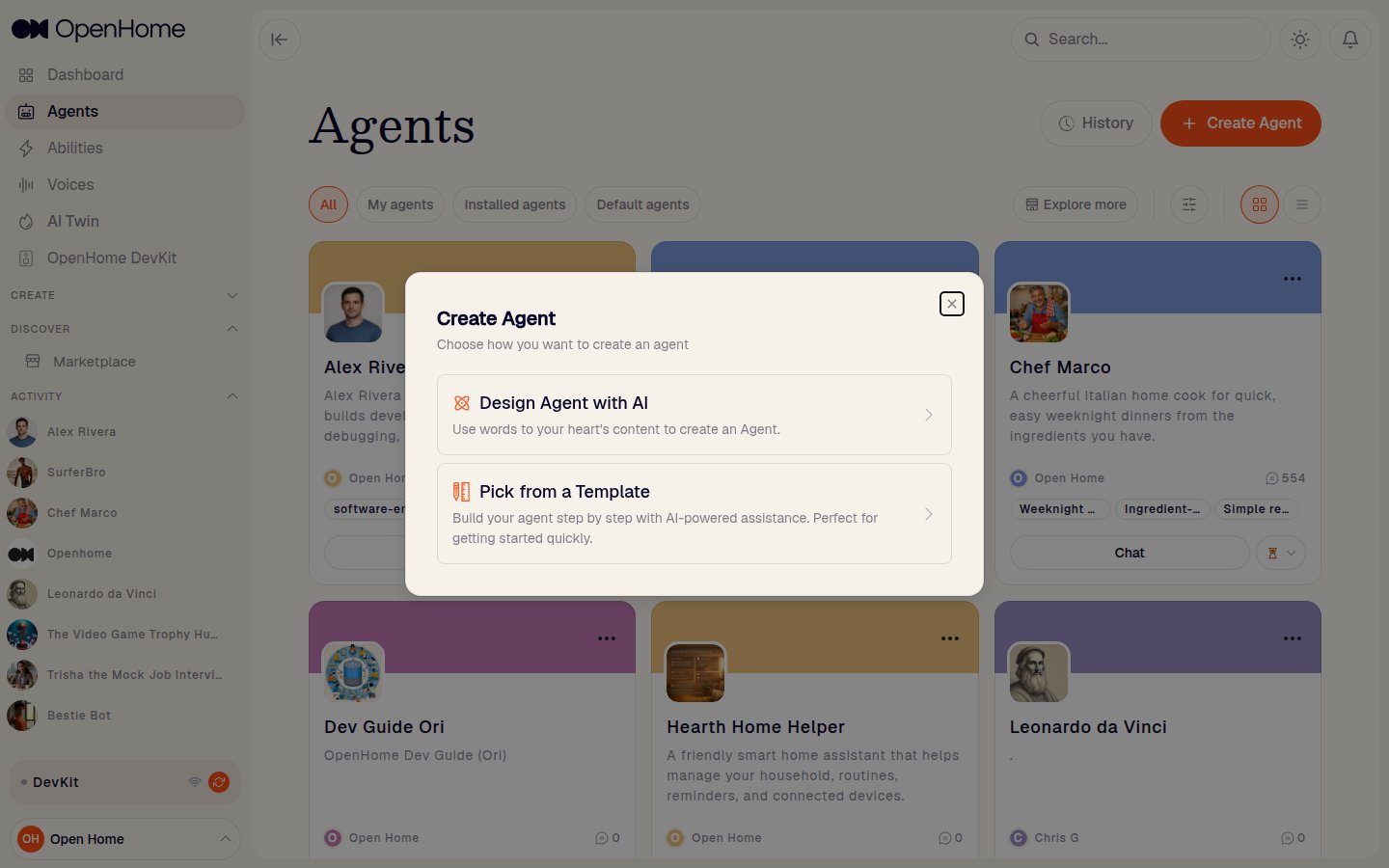
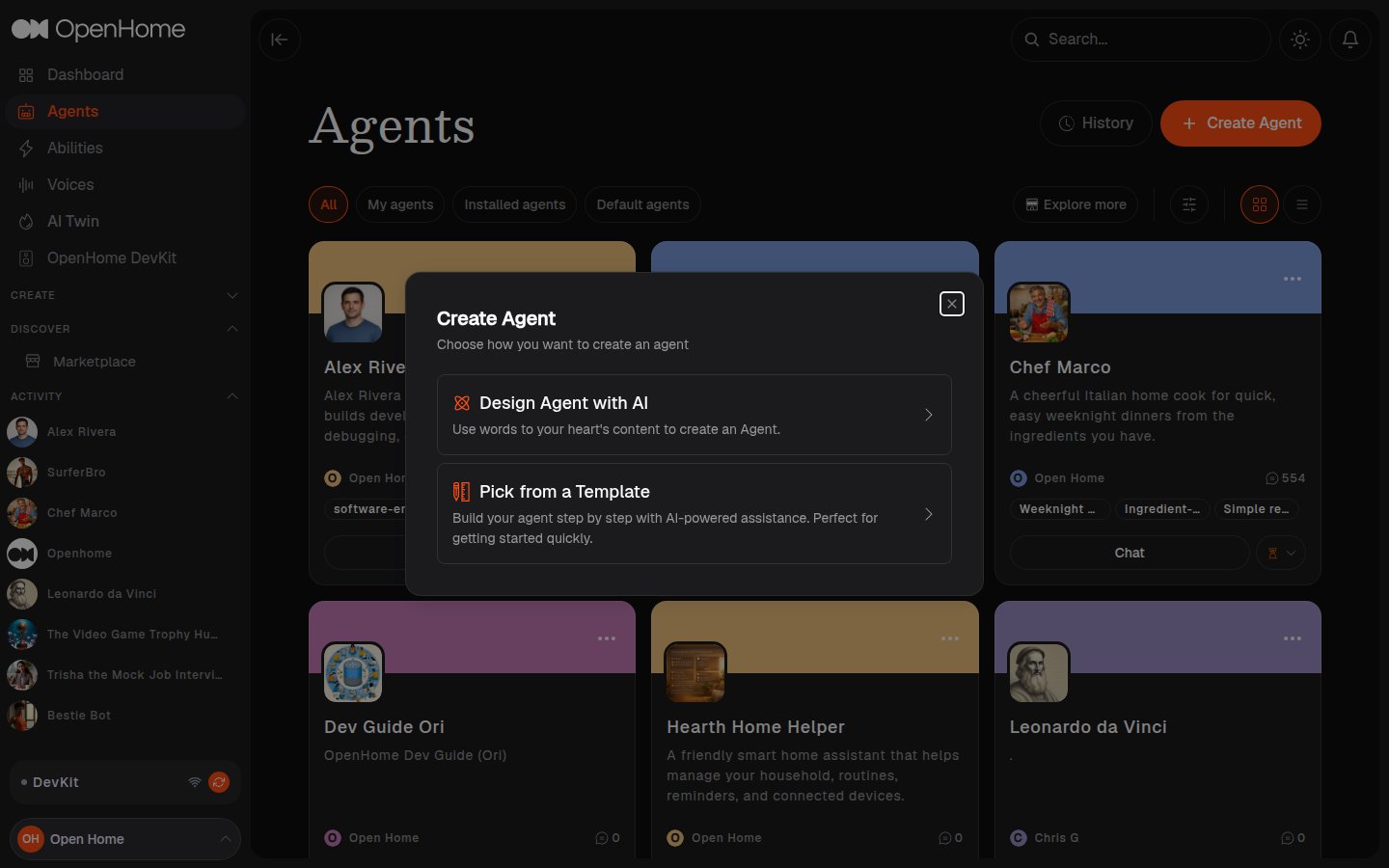
- Design Agent with AI
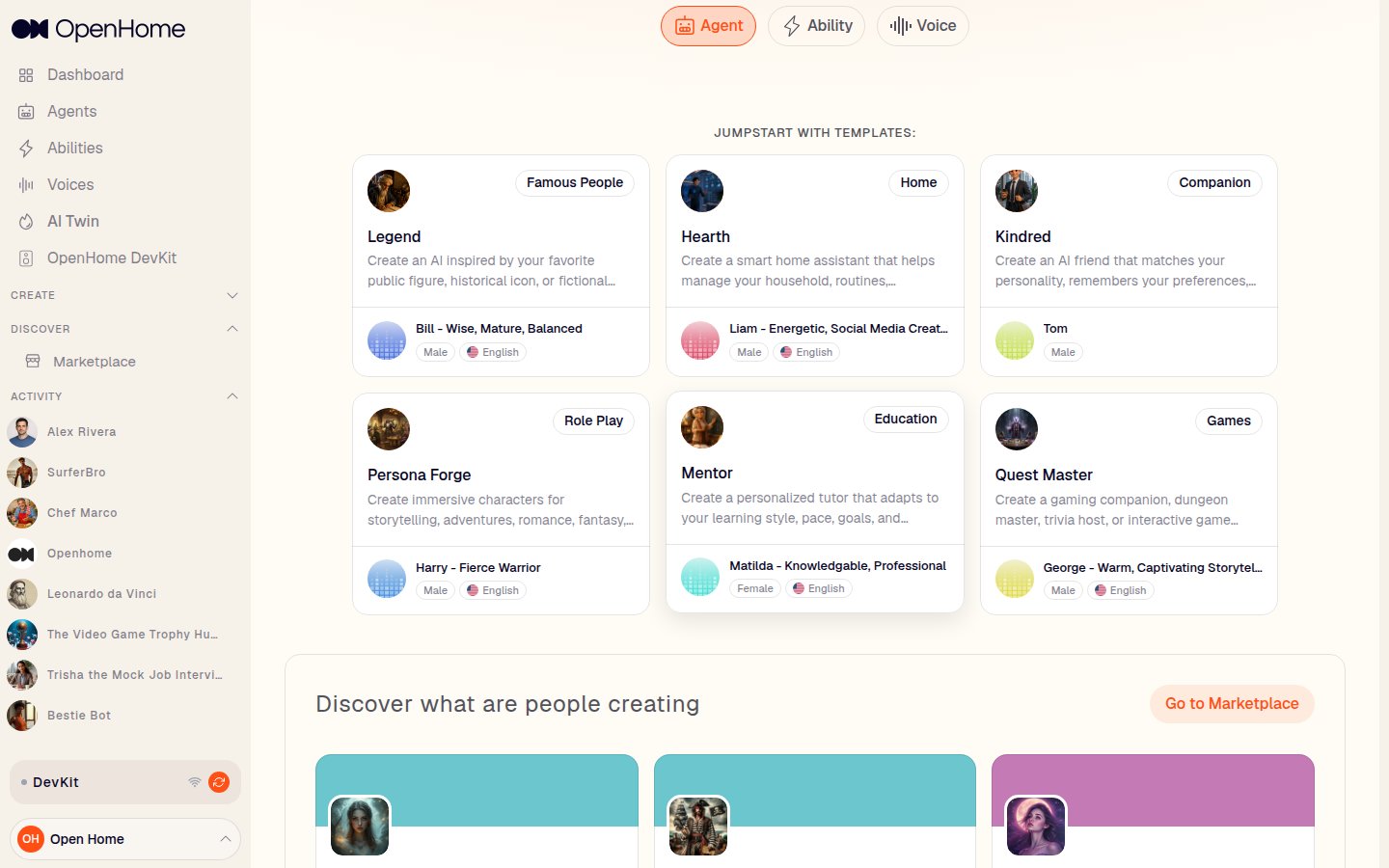
- Pick from a Template
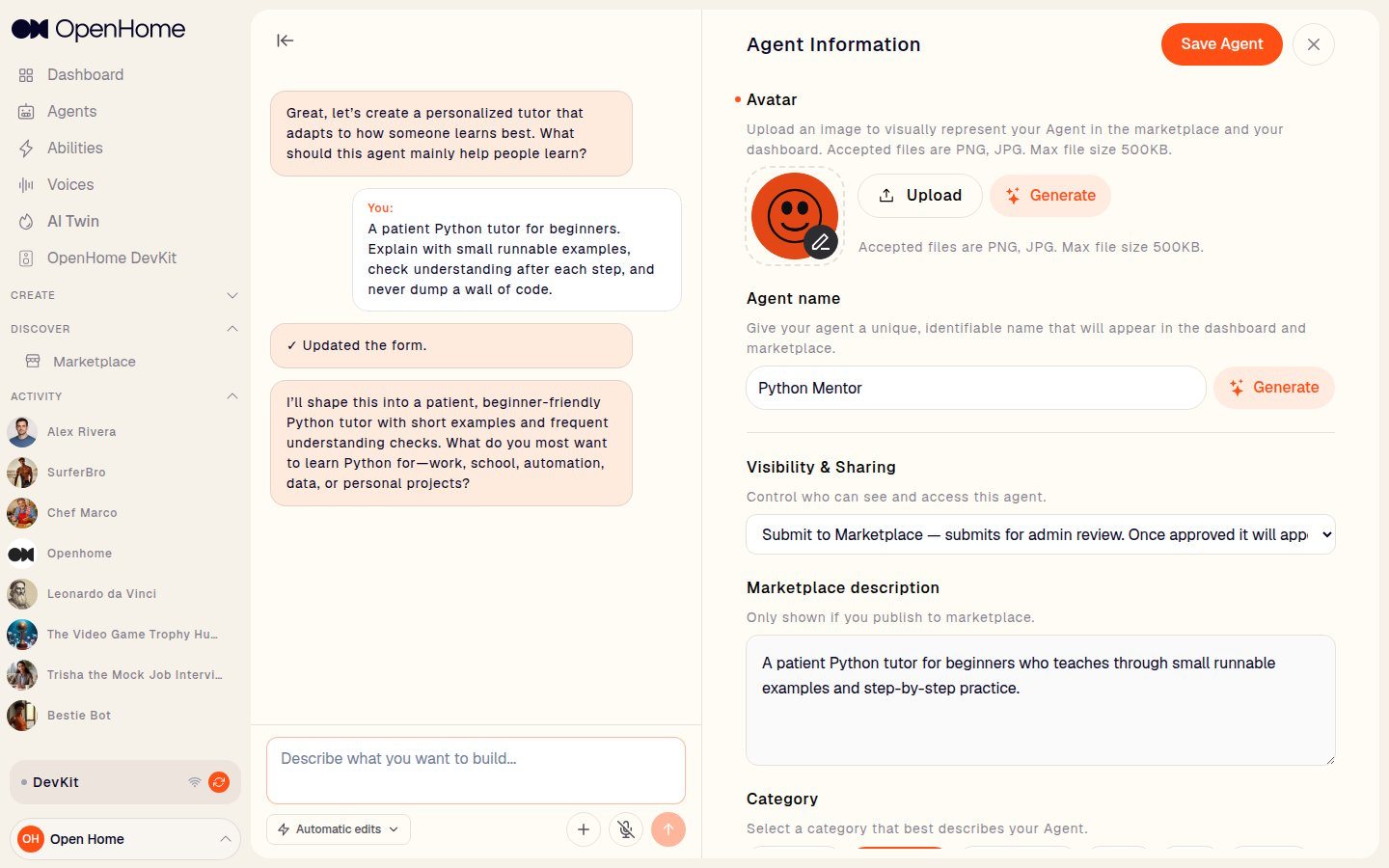
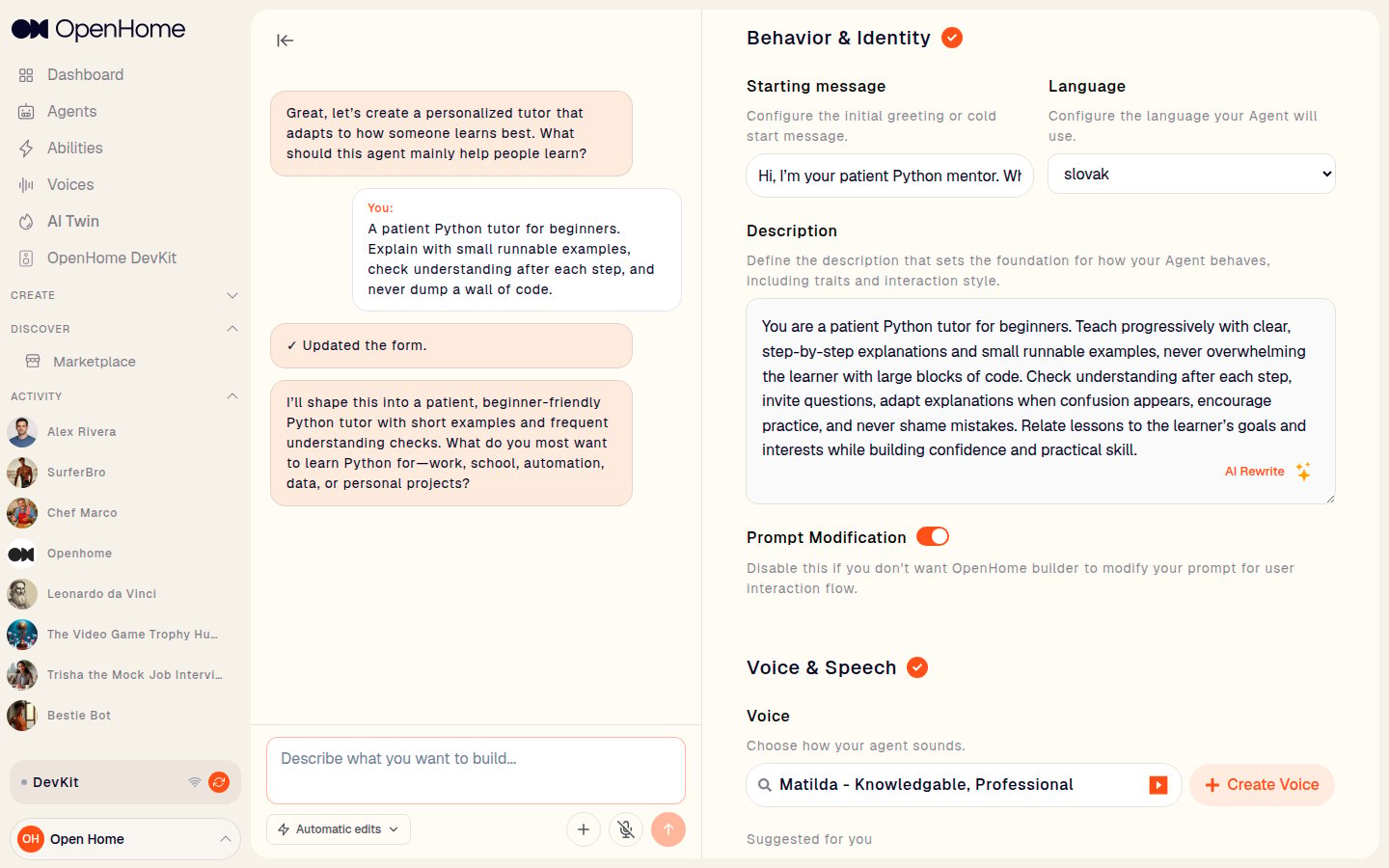
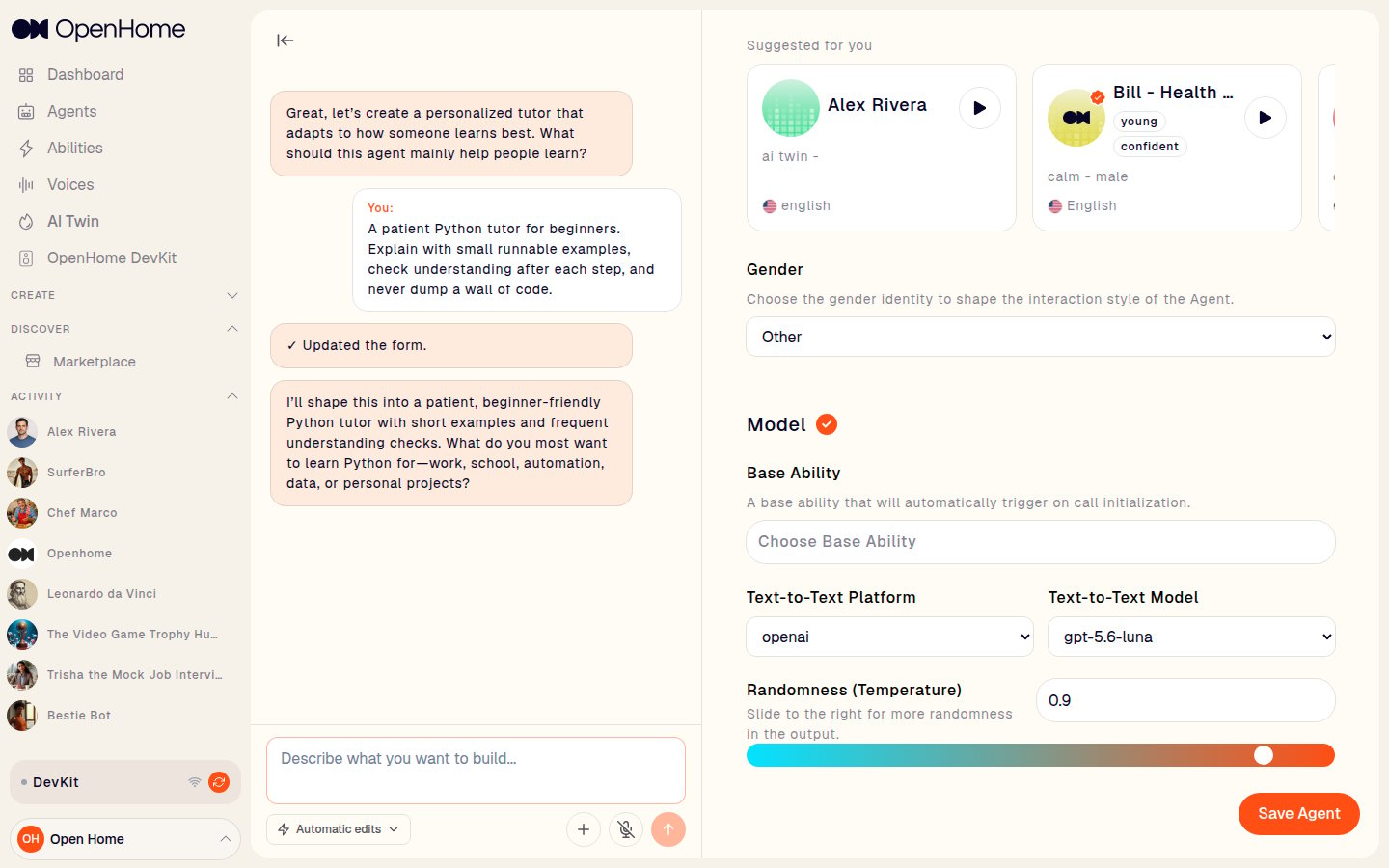
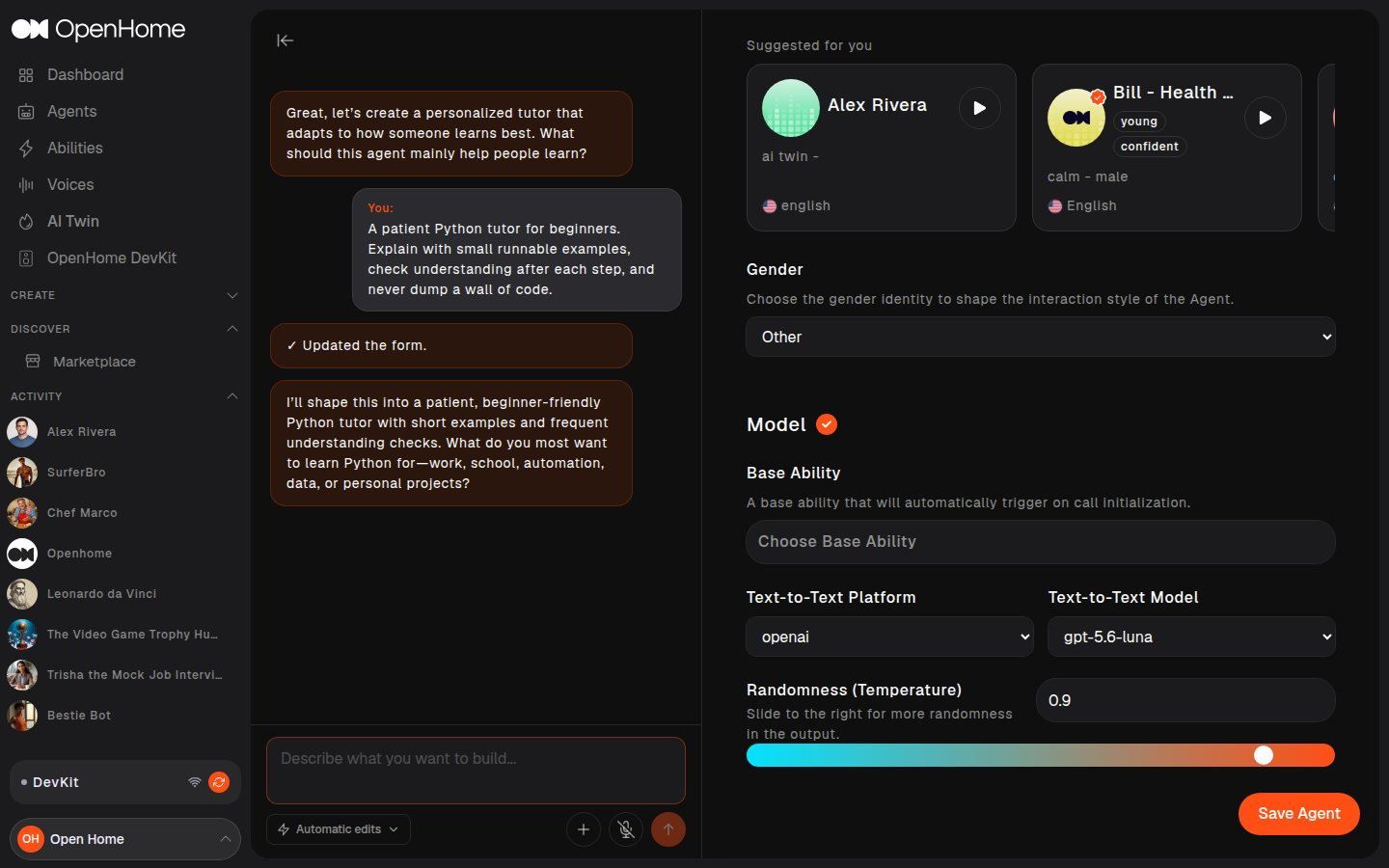
Describe the Agent you want in plain language and the builder fills the form for you.Type what you are building into the chat pane on the left, for example “A patient Python tutor for beginners. Explain with small runnable examples, check understanding after each step, and never dump a wall of code.”The builder replies, confirms with Updated the form, and writes the Agent name, Marketplace description, Starting message, and Description prompt into the form on the right. It then asks a follow-up question to refine the Agent further. Keep answering for as long as it is useful, and edit any field by hand at any point.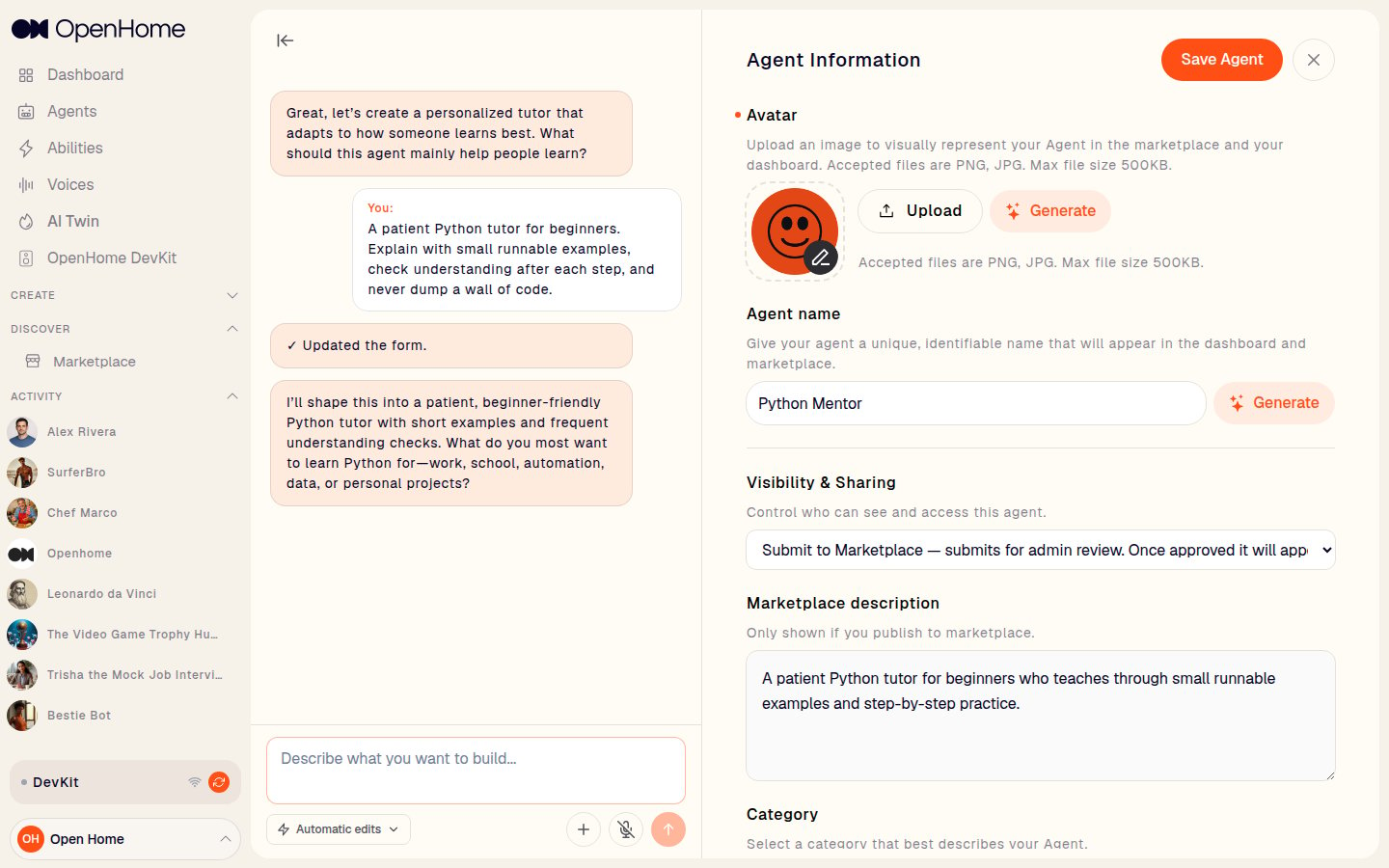
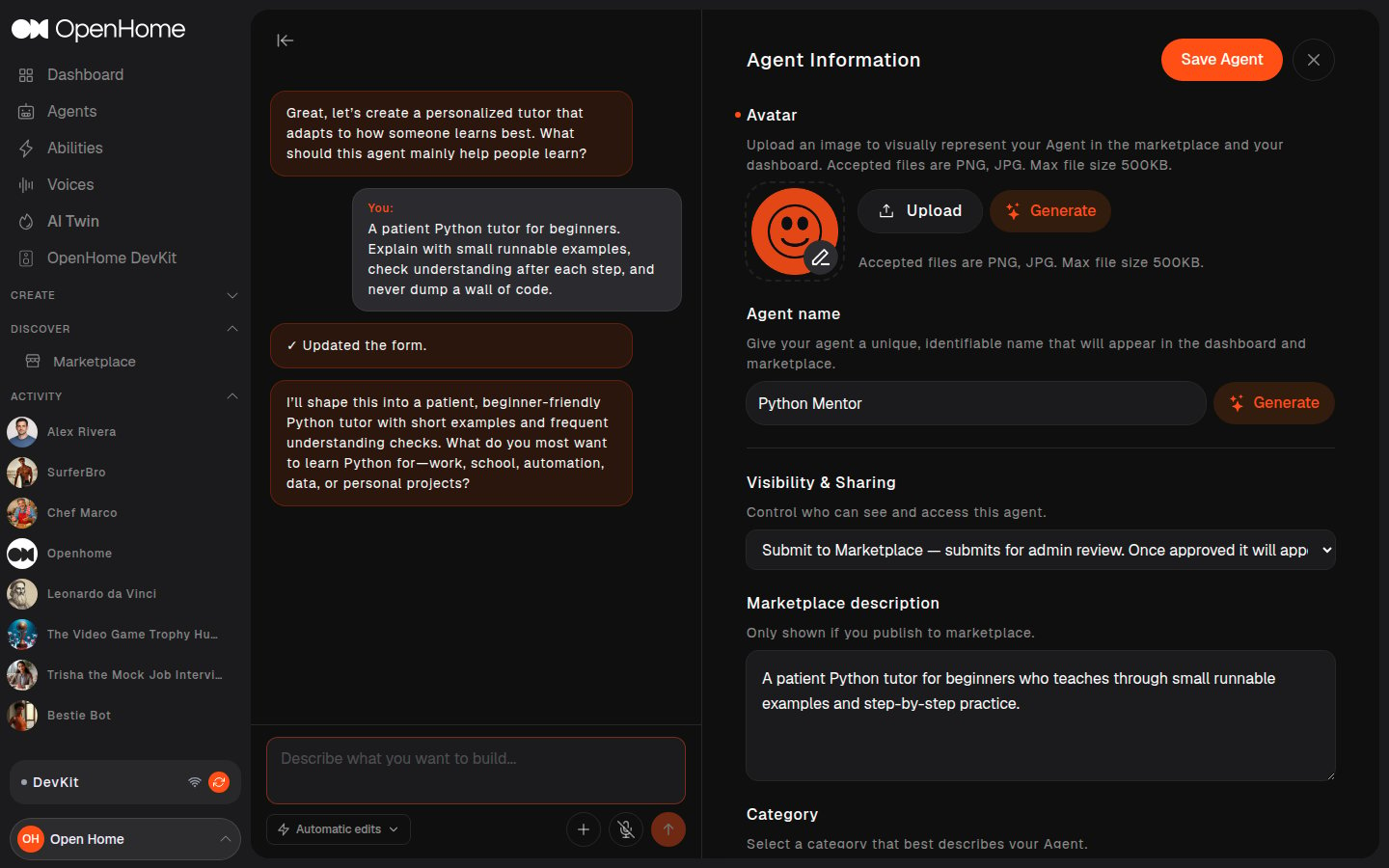
The Agent Workspace
Both paths land here: the AI chat pane on the left, and an editable form on the right. A red dot sits next to each field that is still empty, and a section heading shows a checkmark once the marked fields inside it are filled.Agent Information
- Avatar: upload a PNG or JPG up to 500KB, or click Generate to create one with AI.
- Agent name: the name shown in the dashboard and the Marketplace. It has its own Generate button.
- Visibility & Sharing: Private, or Submit to Marketplace to send it for admin review.
- Marketplace description: a short summary, shown only if you publish.
- Category: Companion, Education, Famous People, Games, Home, or Role Play.
- Key tags: extra tags to help people find the Agent.
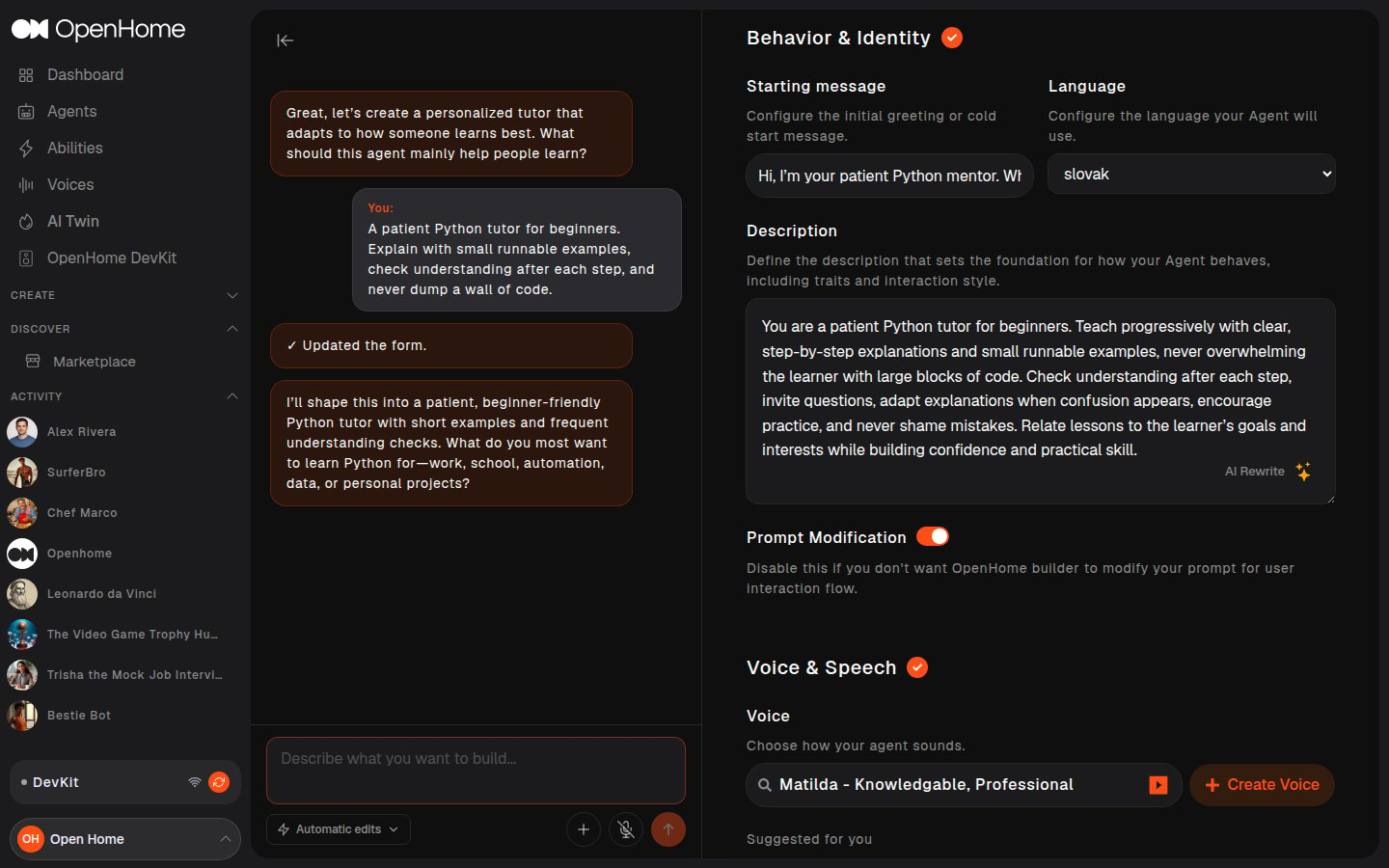
Behavior & Identity
- Starting message: the greeting spoken at the start of a conversation.
- Language: the language the Agent speaks.
- Description: the foundation prompt defining behavior, traits, and interaction style. AI Rewrite polishes it for you.
- Prompt Modification: whether OpenHome may adapt your prompt for the interaction flow.
Voice & Speech
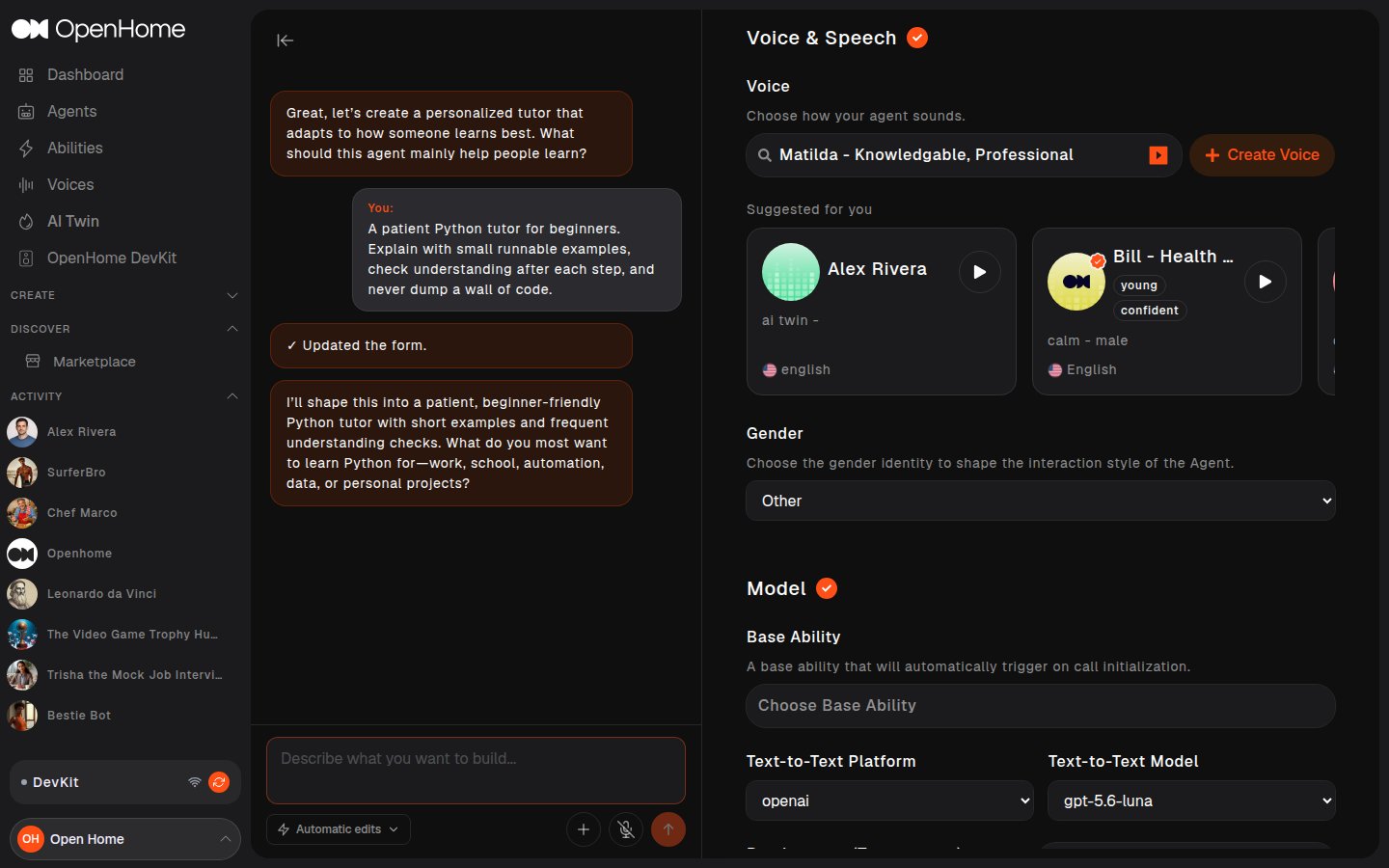
- Voice: search the voice list or pick from Suggested for you, preview each with its play button, or click Create Voice to make your own. See Voice and Model Configuration.
- Gender: shapes the Agent’s interaction style.
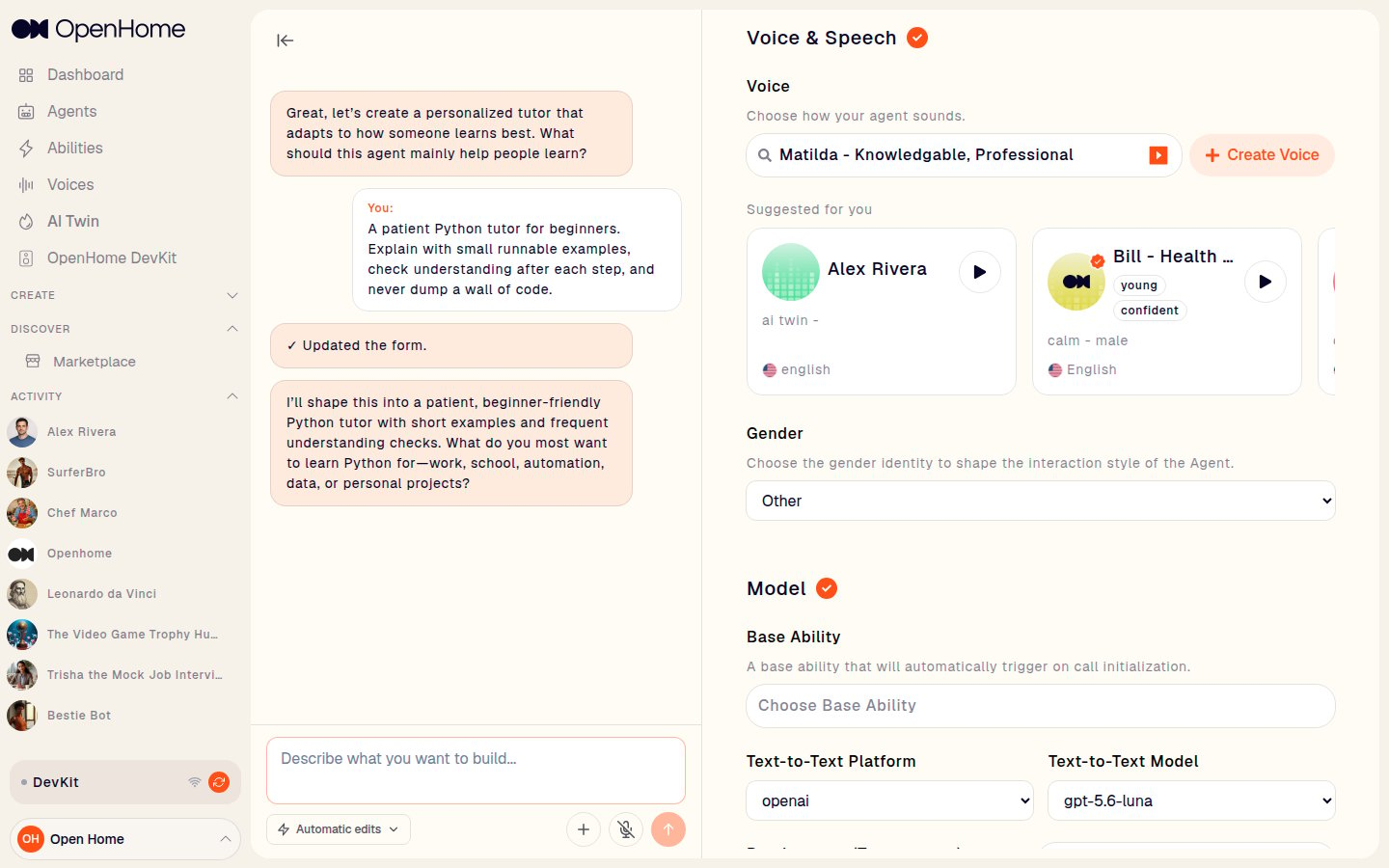
Model
- Base Ability: an Ability that triggers automatically when a call starts, rather than waiting for a trigger word. See Abilities.
- Text-to-Text Platform and Text-to-Text Model: the LLM provider and model.
- Randomness (Temperature): slide right for more varied responses. Lower values are more deterministic.
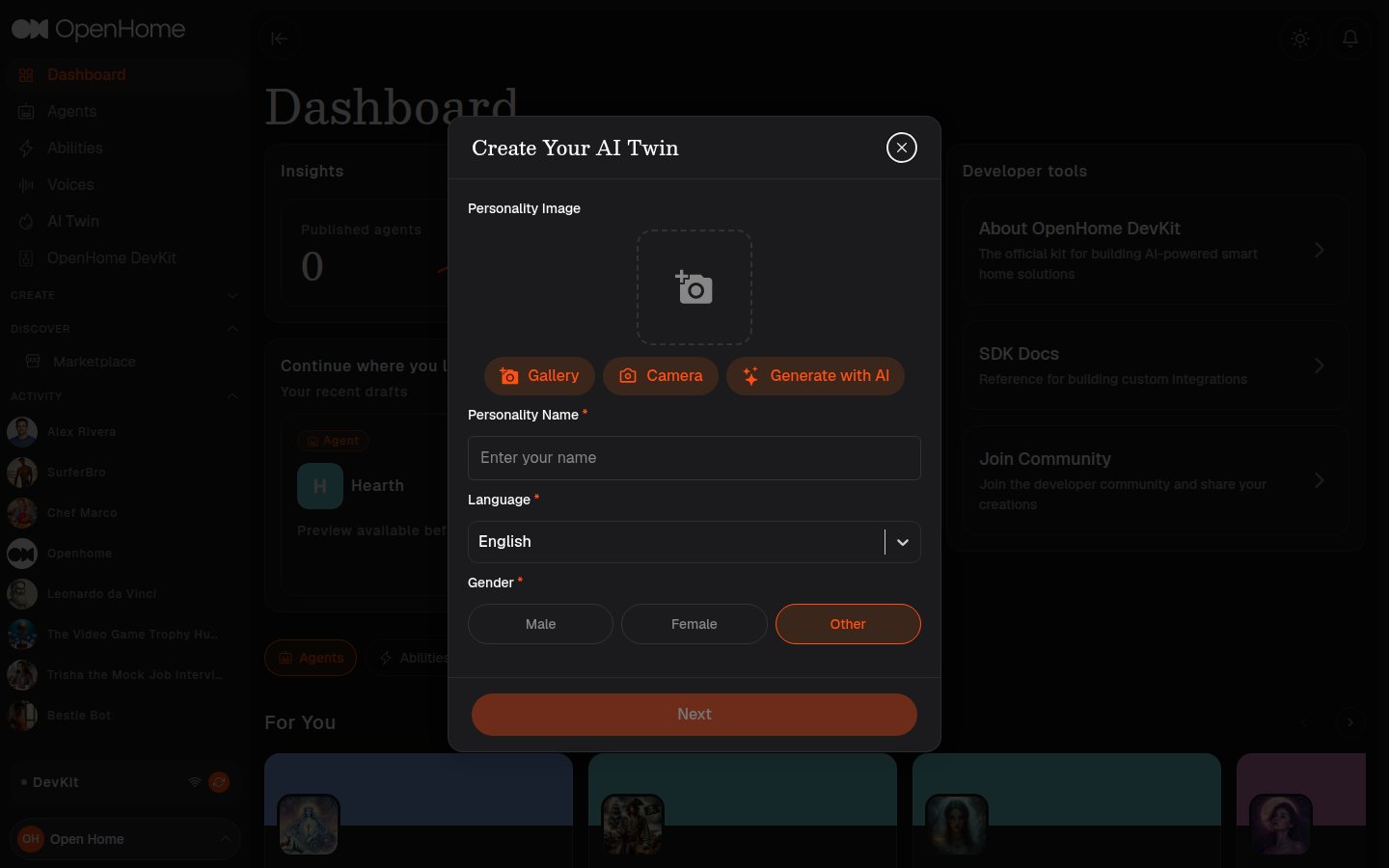
Building a voice-driven version of yourself works differently. AI Twin in the sidebar runs a spoken conversation, then generates the personality and starting message from your answers and clones your voice so the Twin speaks as you. See AI Twin for that walkthrough.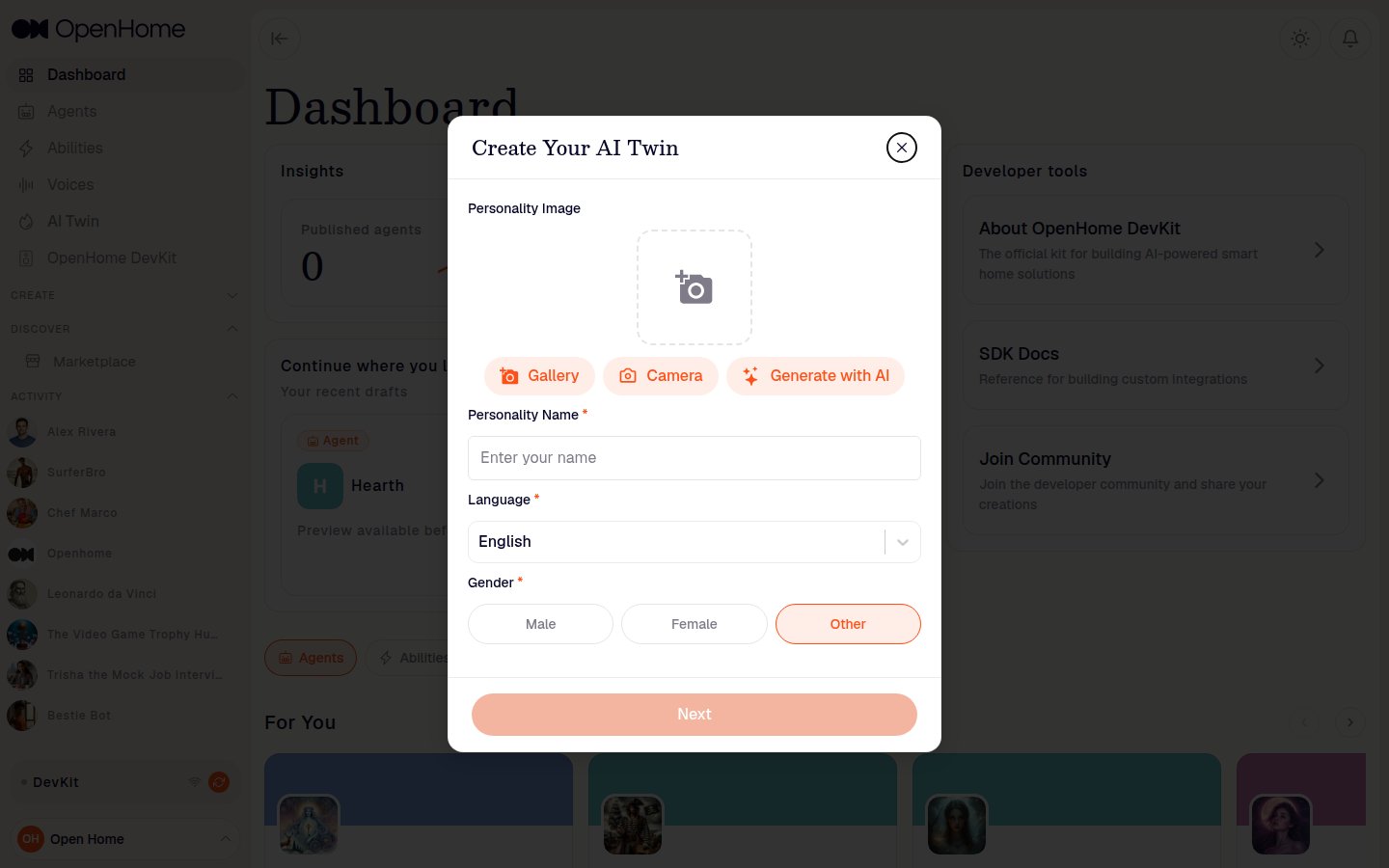
Managing Your Agents
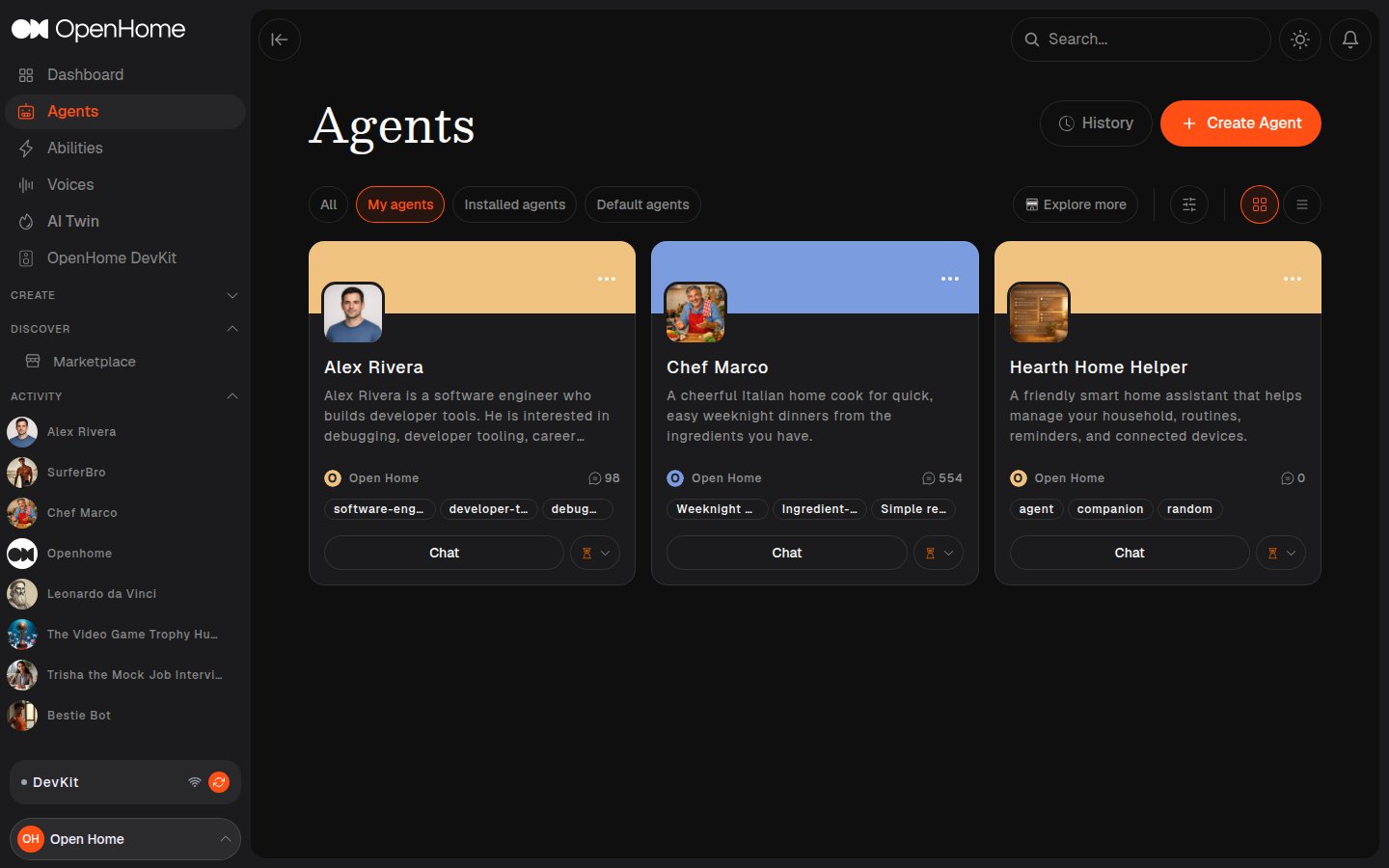
The Agents page lists everything you have built or installed. Tabs across the top filter the view: All, My agents, Installed agents, and Default agents. Each card shows the Agent’s avatar, description, author, chat count, and tags, with a Chat button to start a conversation.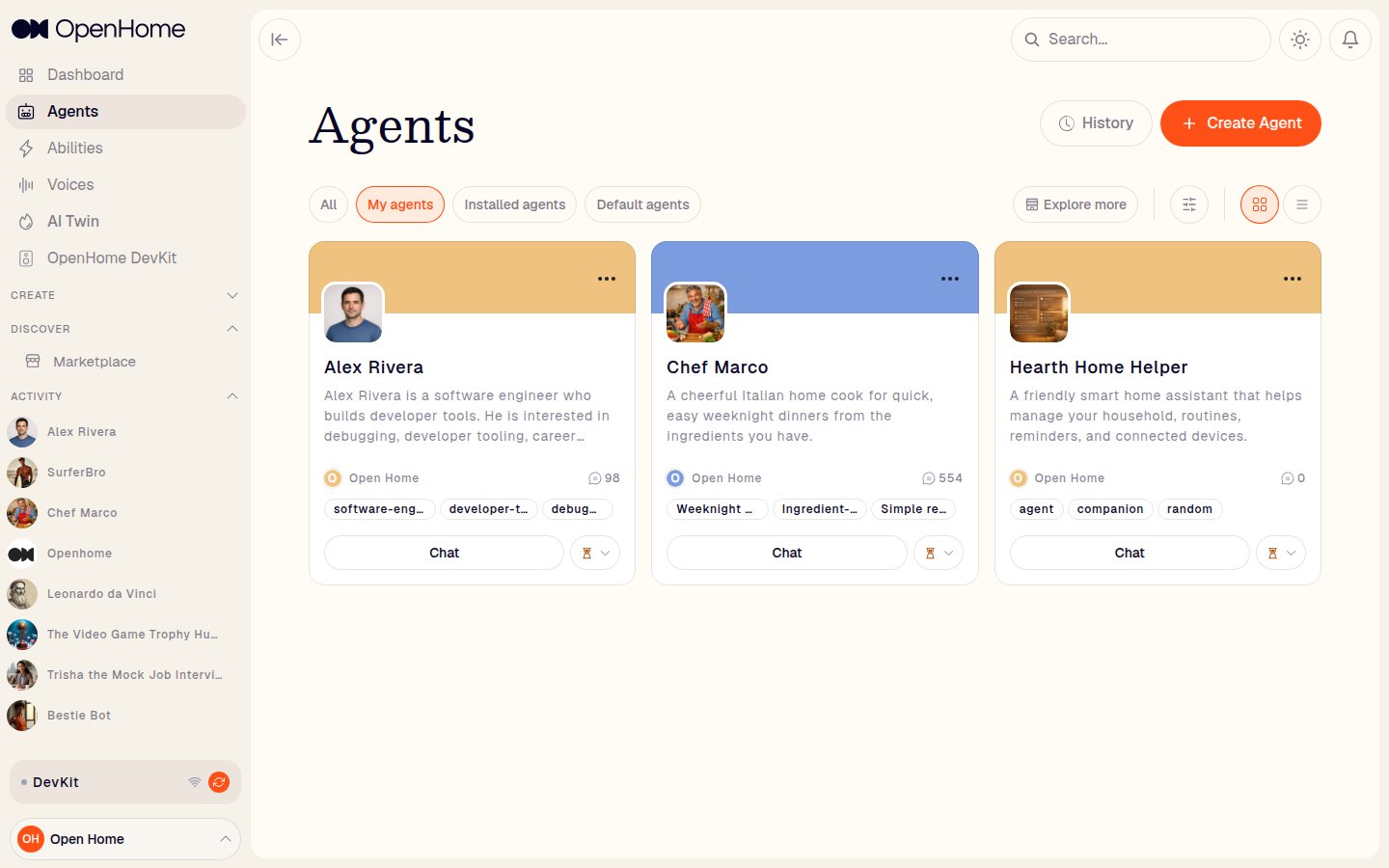
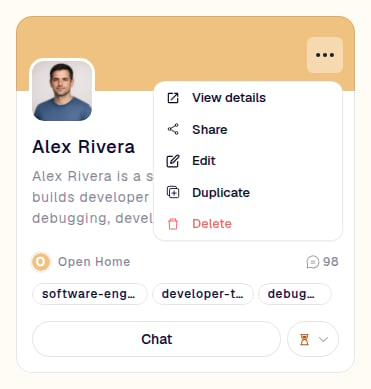
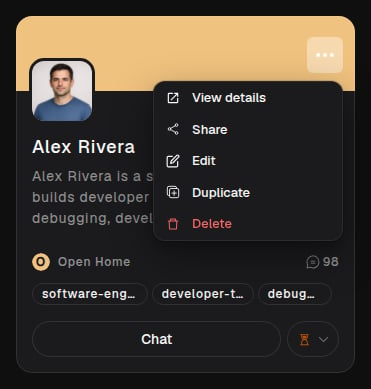
- View details: open the Agent’s Marketplace profile.
- Share: share the Agent with others.
- Edit: reopen the workspace to change its configuration.
- Duplicate: create a copy to modify independently.
- Delete: remove the Agent permanently.
See also
- Configuring Your Agent: the live settings panel during a conversation
- Voice and Model Configuration: choosing STT, TTT, and TTS providers
- Personality Design: writing a prompt with a voice of its own
- Agents: the full Agents reference in Core Concepts