Web Dashboard
1. Start the Twin
Click AI Twin in the sidebar to open the Create Your AI Twin dialog. Enter a Personality Name, choose a Language, and select a Gender. These three fields are required. Personality Image is optional, and you can set it from Gallery, Camera, or Generate with AI.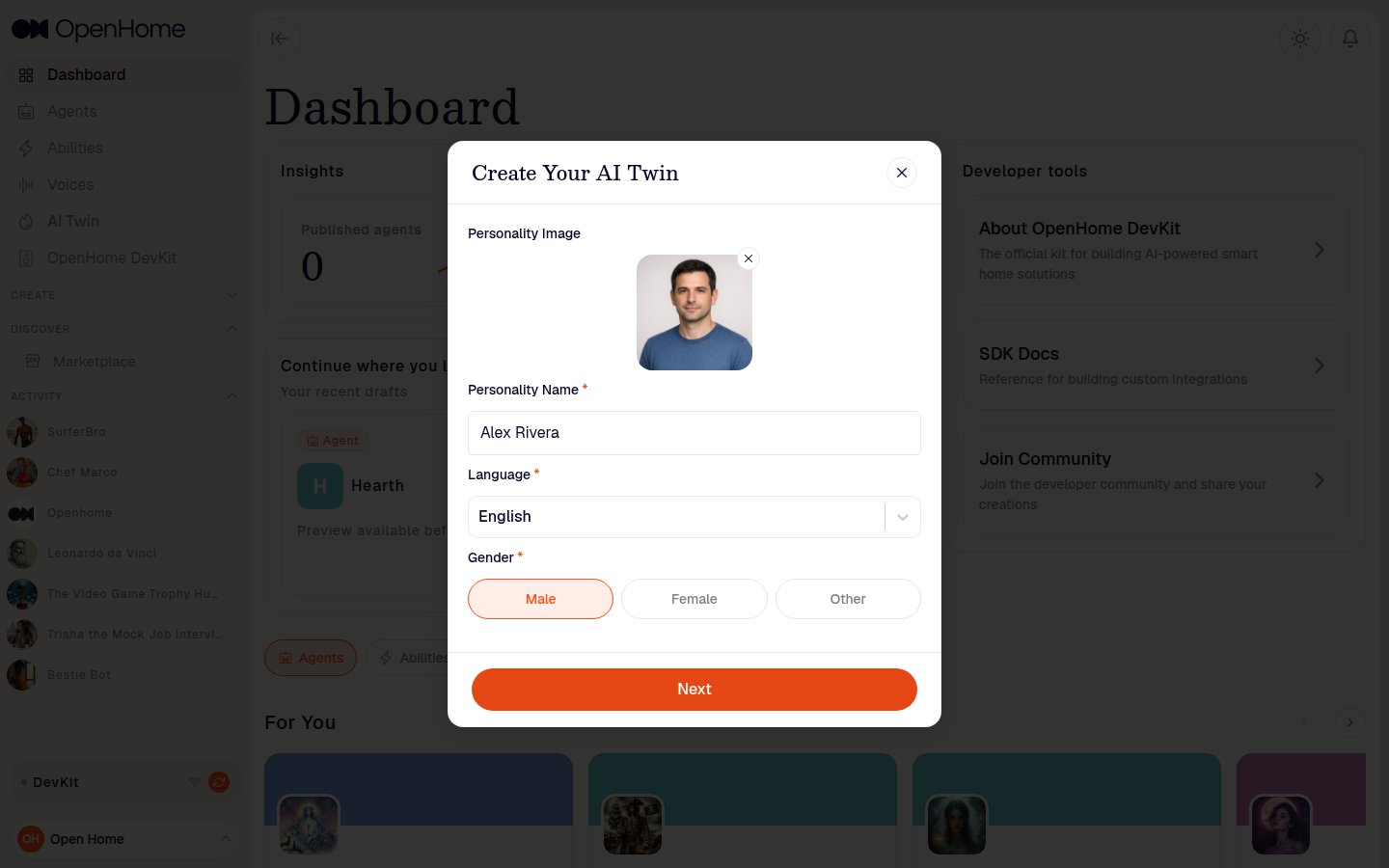
2. Have the conversation
Click Next and the Twin starts the conversation: it speaks a question, and a progress bar across the top tracks how far through you are. Answer by voice with the microphone button, or click Toggle Chat to type your answers instead.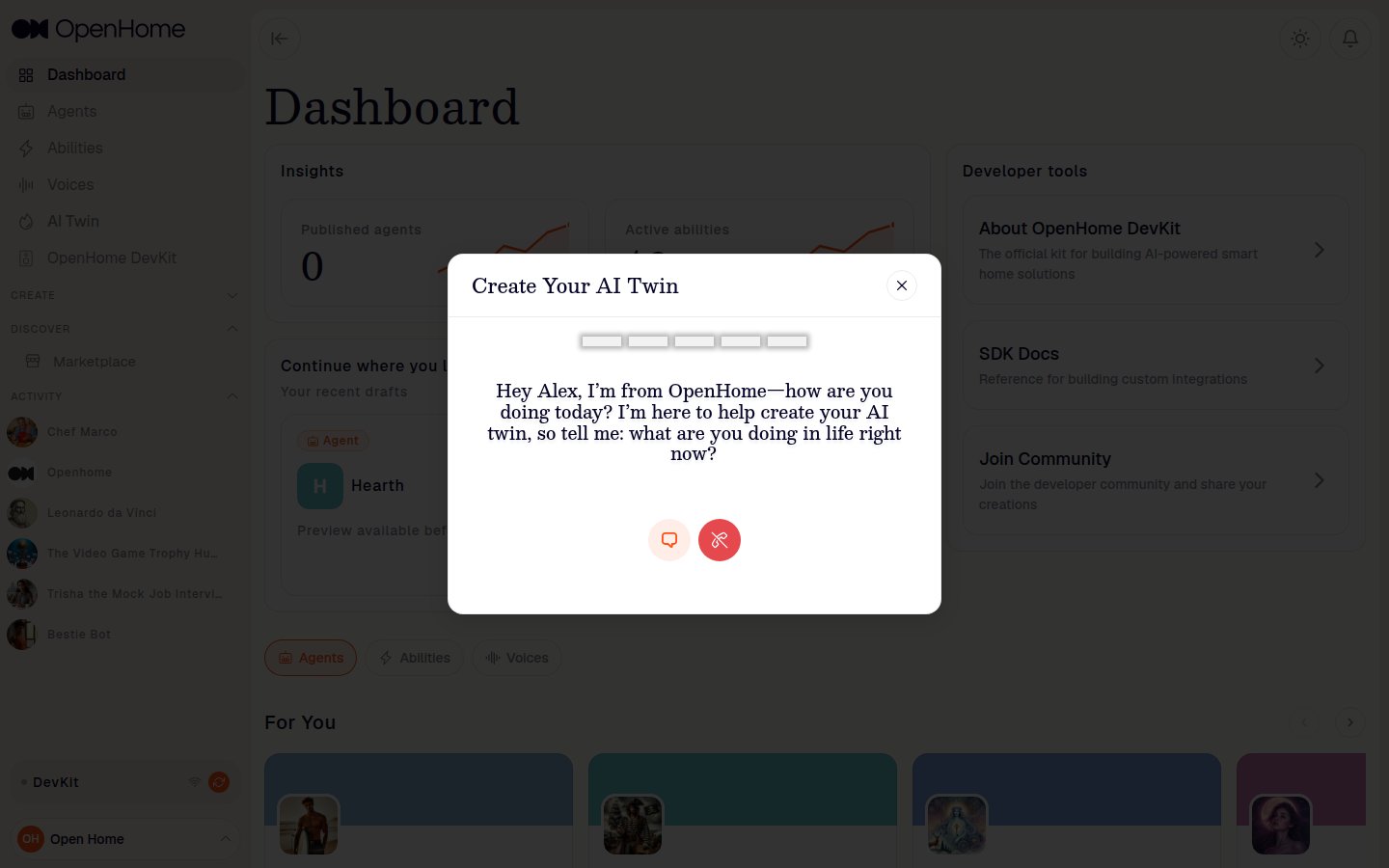
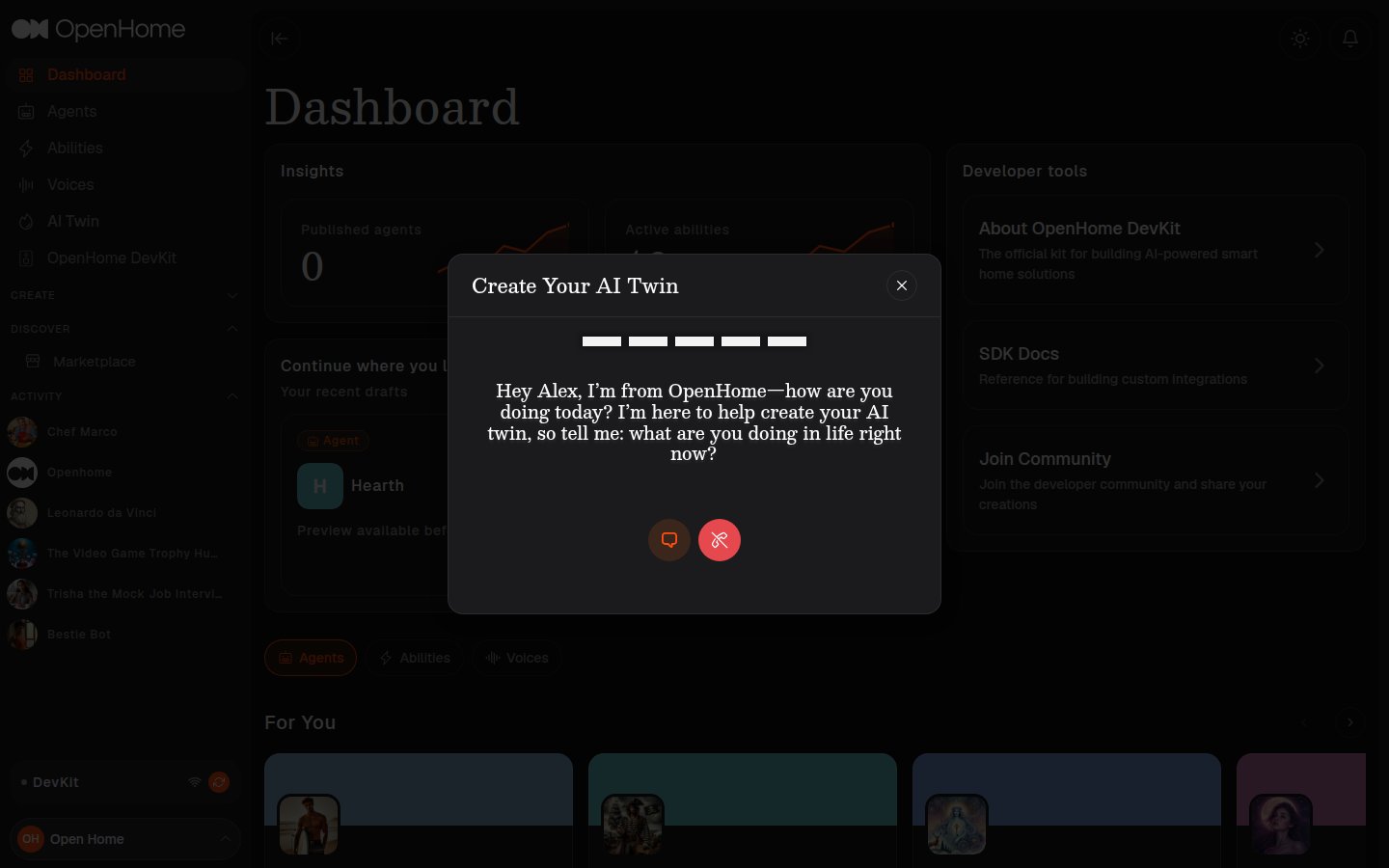
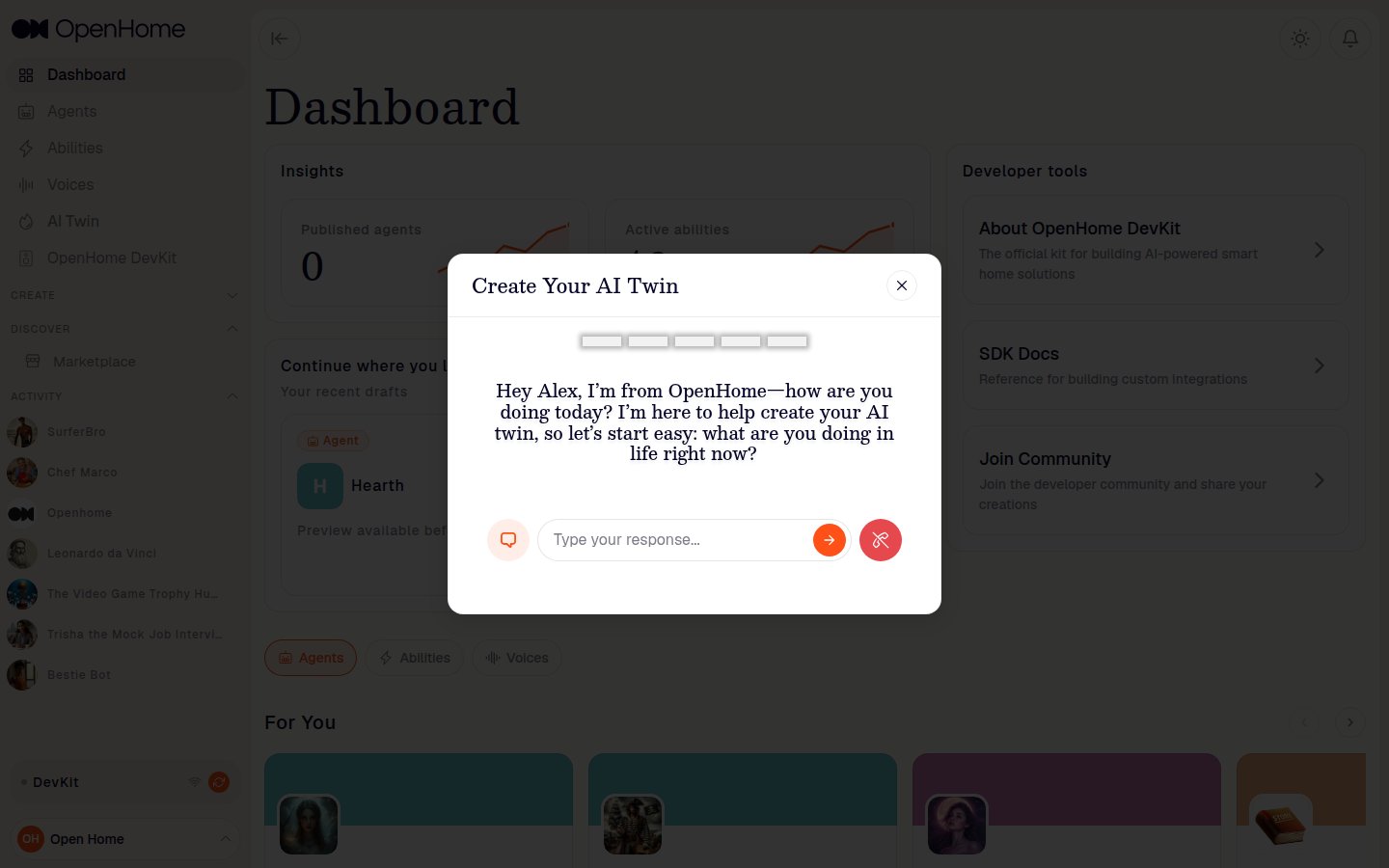
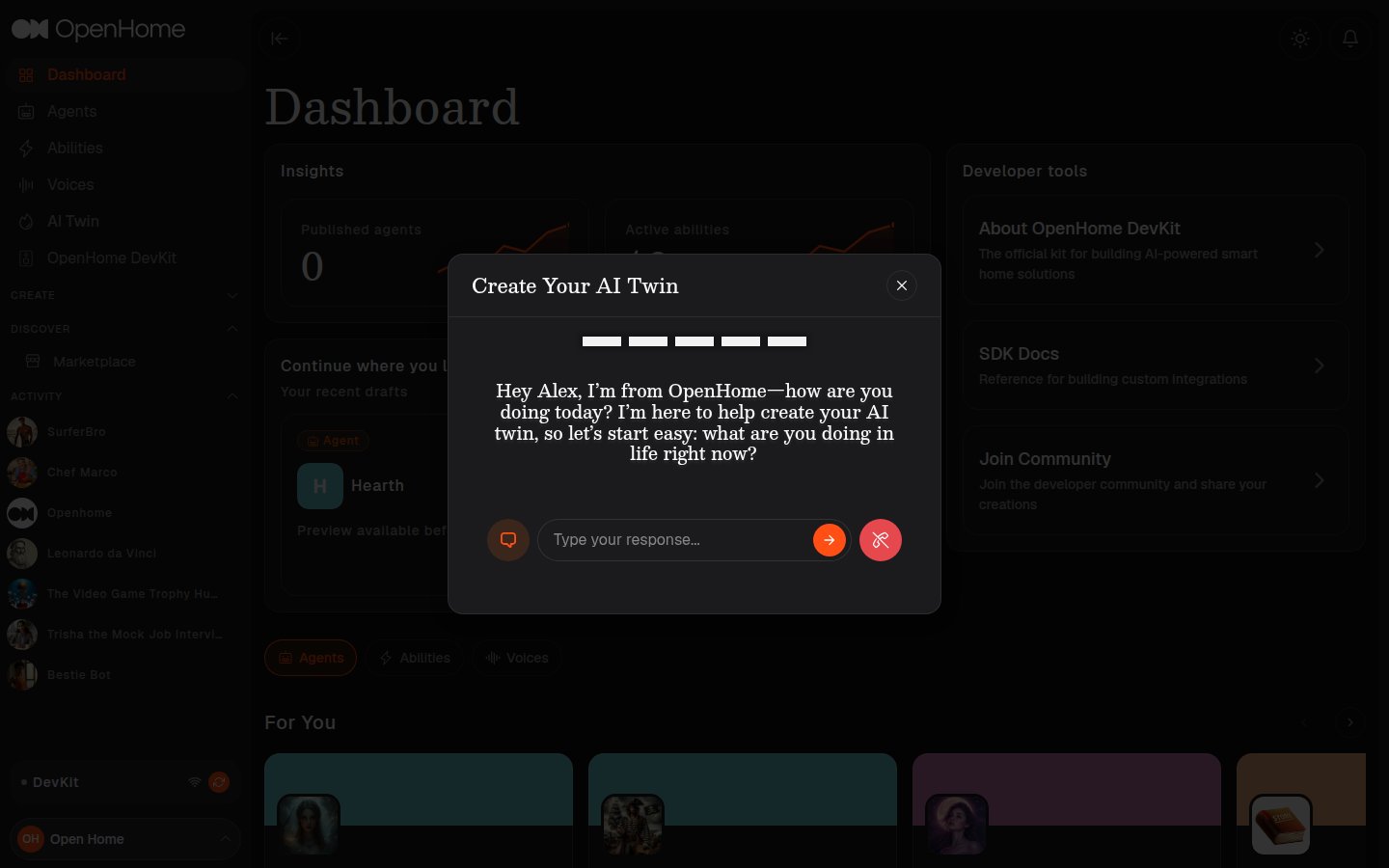
- What you’re doing in life right now.
- How you’d describe your character, with a real example.
- What topics your Twin should talk about with people.
- What greeting it should open with.
ai twin.
3. Review and save
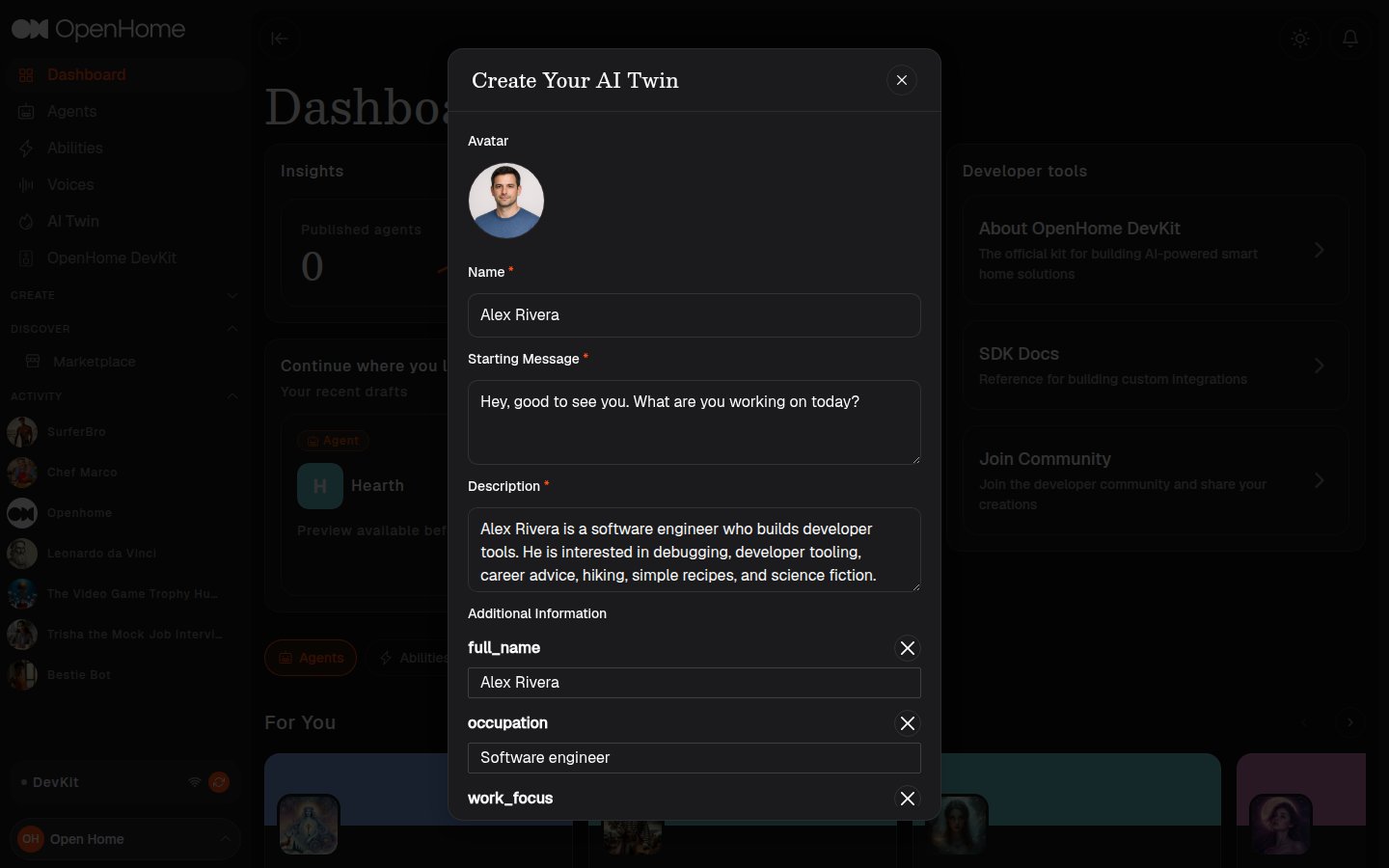
The Twin comes back as an editable review form: a generated Avatar, the Name, the Starting Message it drafted from your greeting, and a Description prompt written from your answers. Additional Information lists the individual facts it picked up, each removable with its x.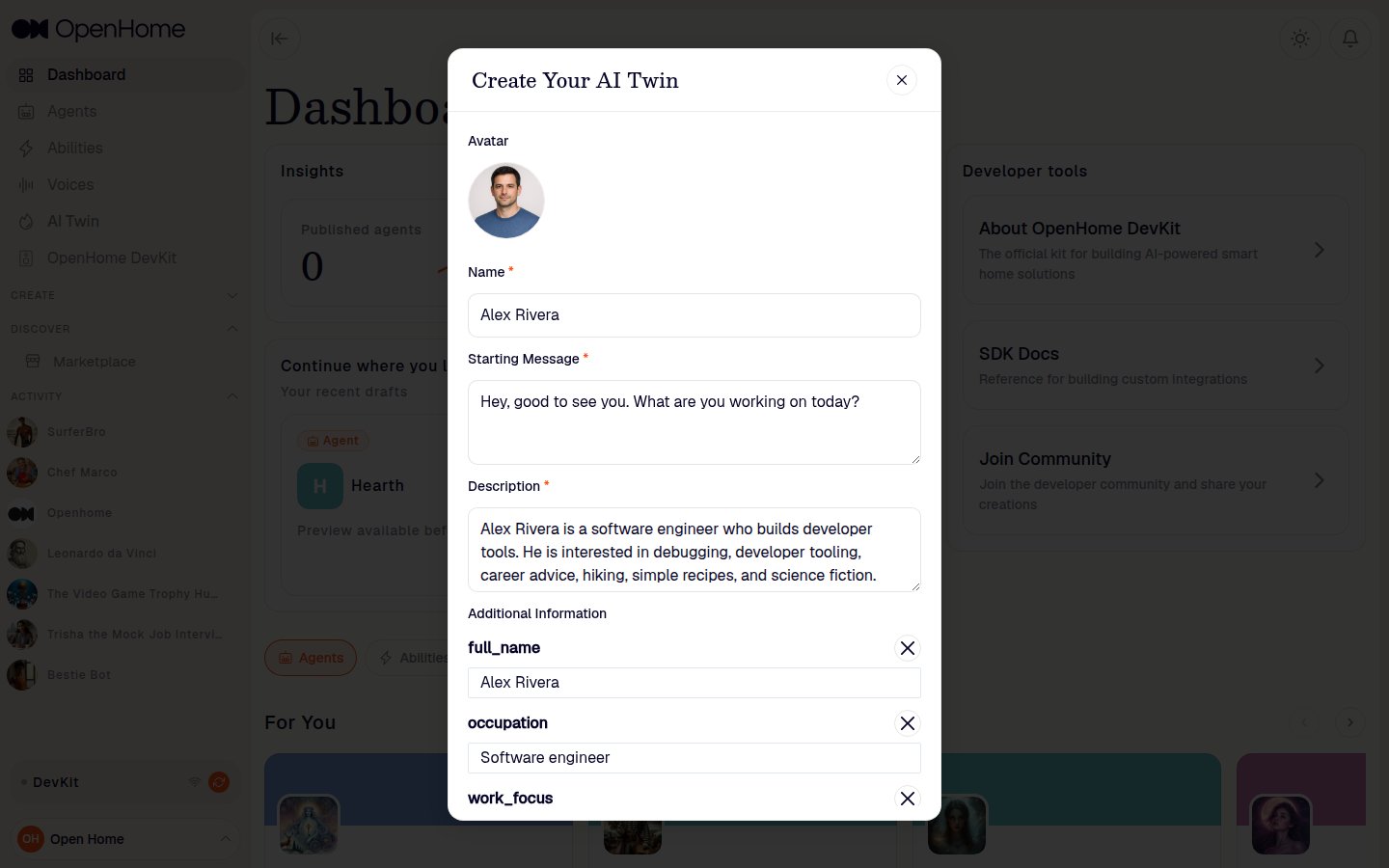
4. Talk to your Twin
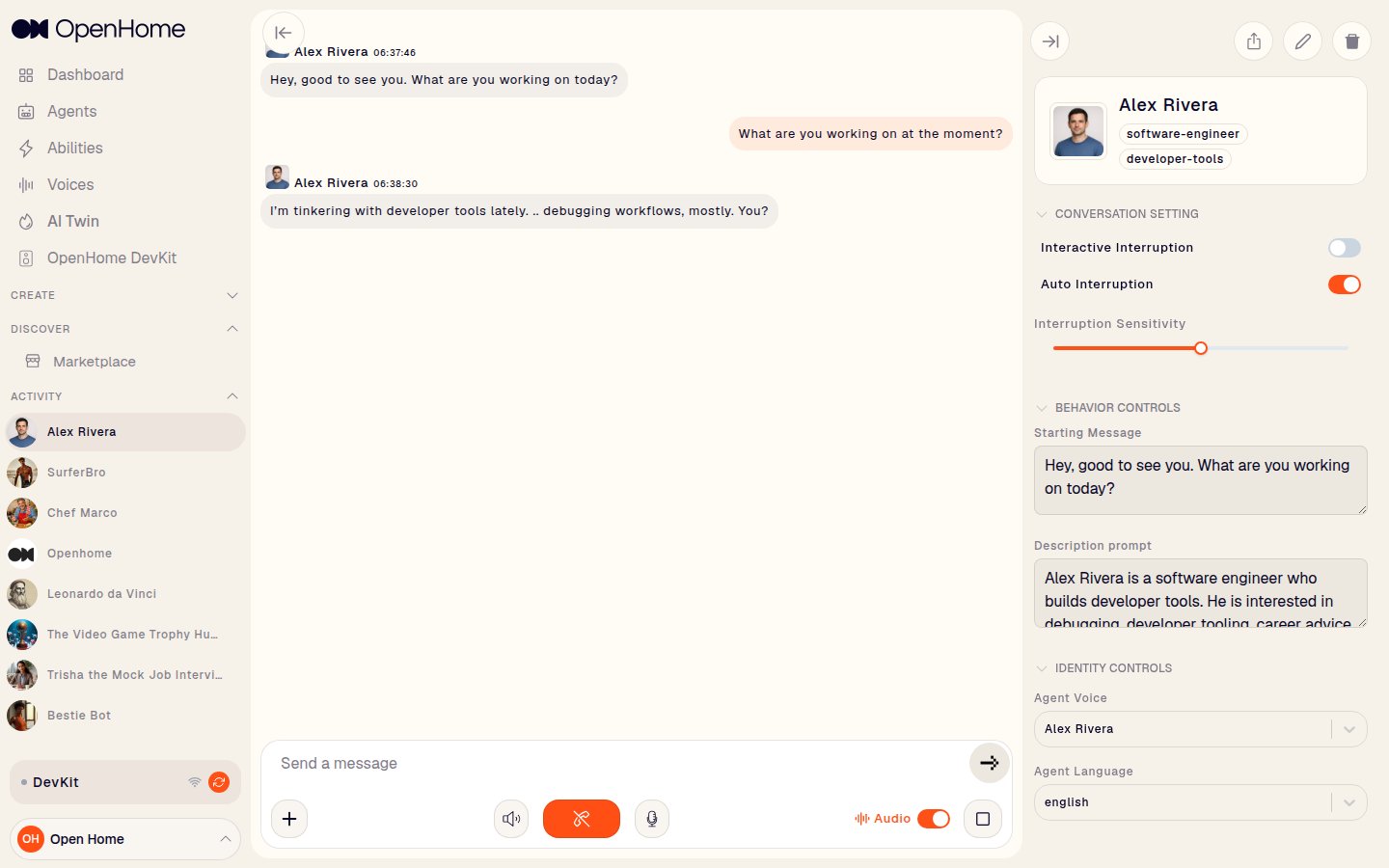
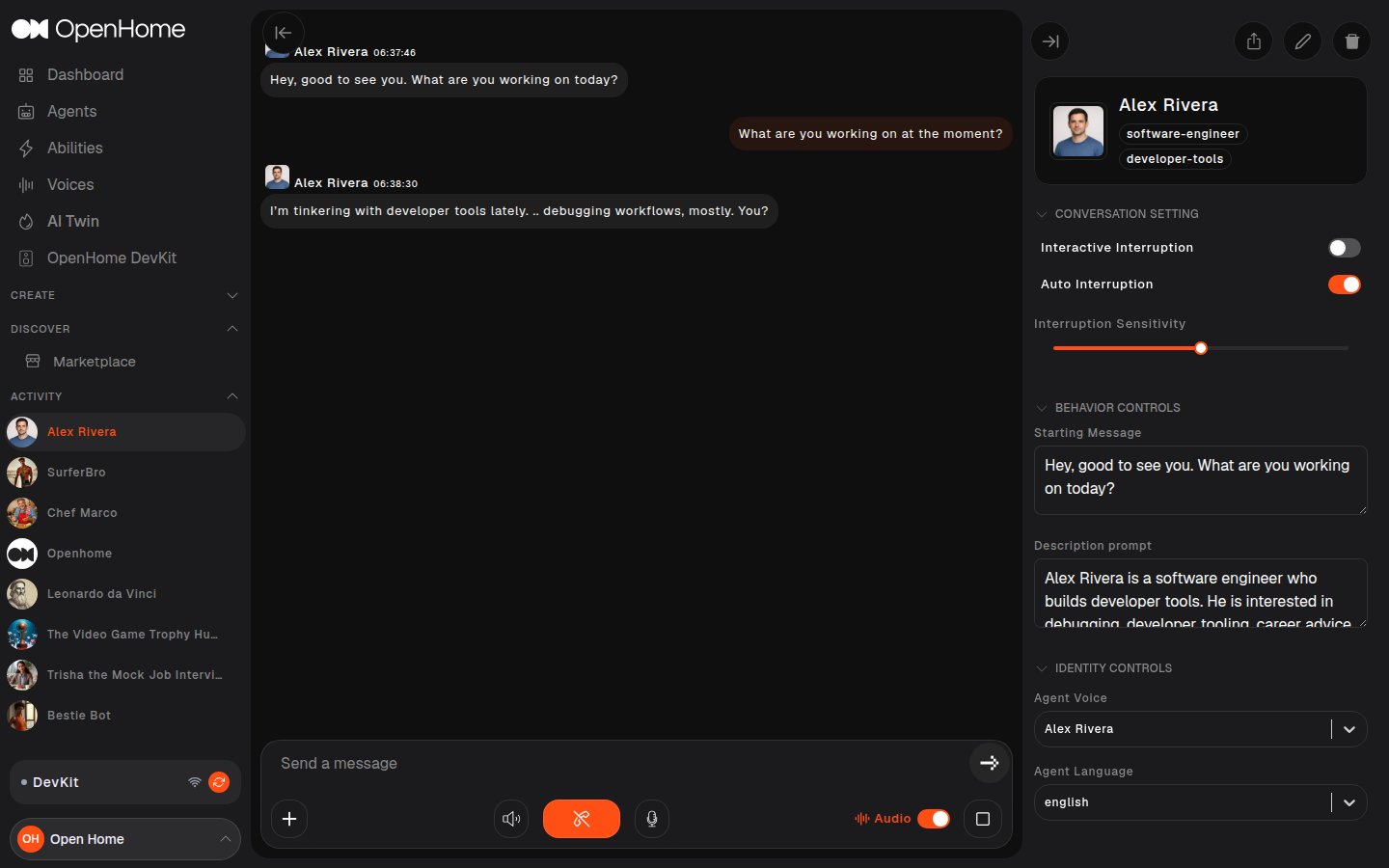
Saving opens the Twin’s conversation view. It behaves like any other Agent, and its profile tags (for example software-engineer and developer-tools) come from your answers, and your cloned voice is set as its Agent Voice.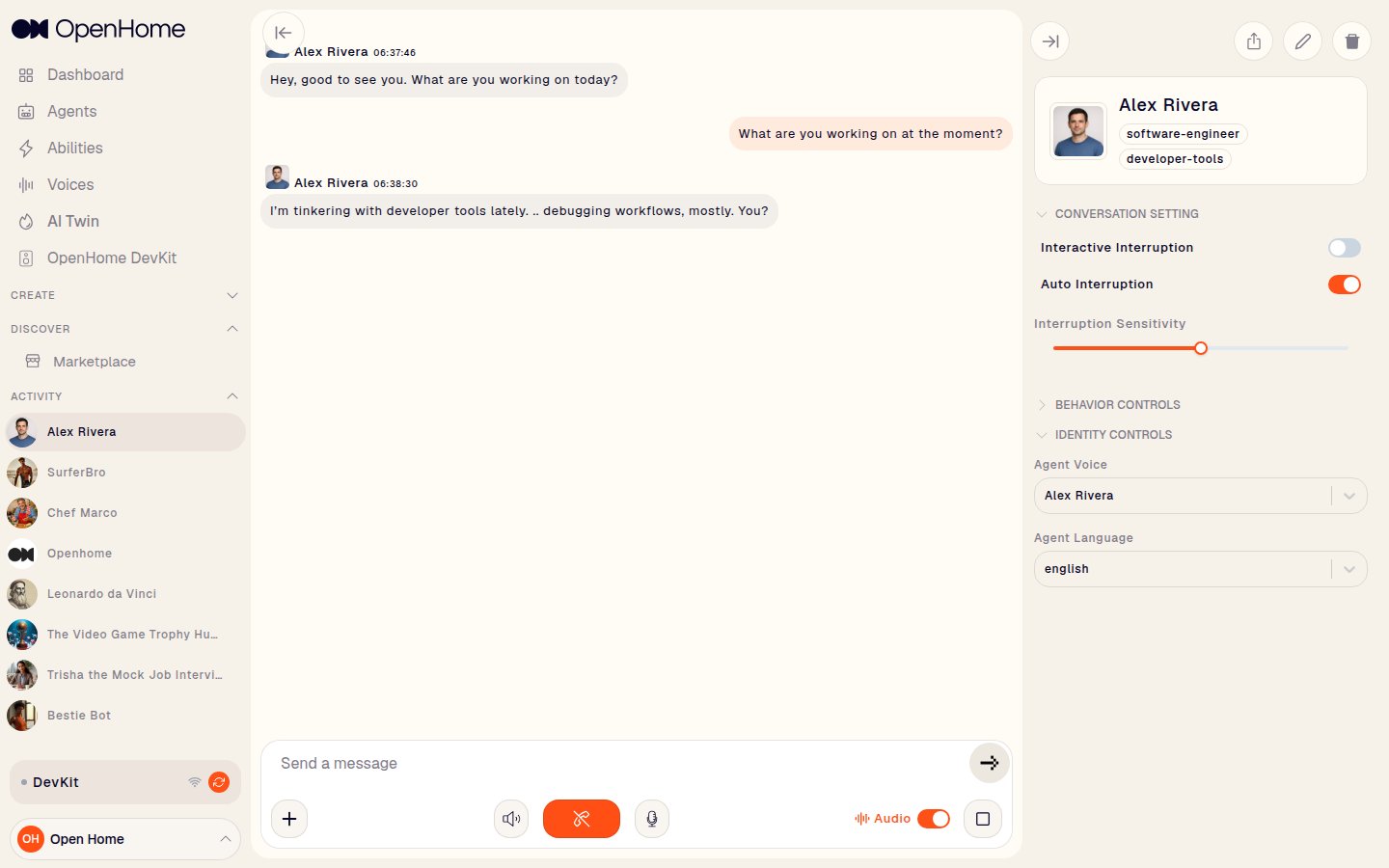
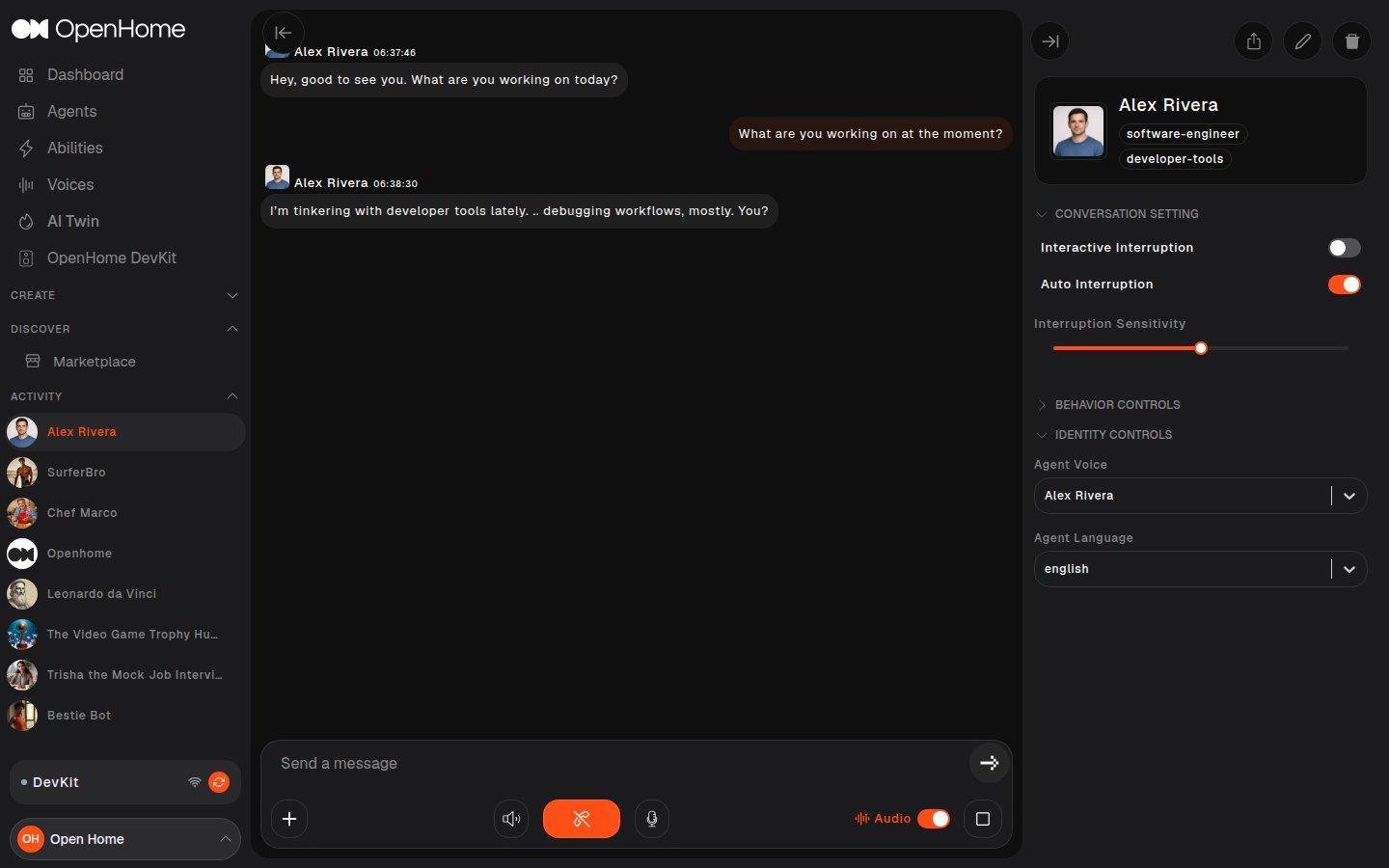
- Conversation Setting: Interactive Interruption, Auto Interruption, and Interruption Sensitivity.
- Behavior Controls: Starting Message and Description prompt, both editable after the fact.
- Identity Controls: Agent Voice and Agent Language.