

The OpenHome Marketplace is where the community shares Agents, Voices, and Abilities. Anyone can build one in the OpenHome web dashboard and publish it for others to install and use.

The Marketplace Page

Open Discover → Marketplace in the sidebar. Marketplace page Marketplace page Five tabs run across the top: All, Agents, Voices, Abilities, and Templates. The All tab is a summary of the rest, scrolling through:
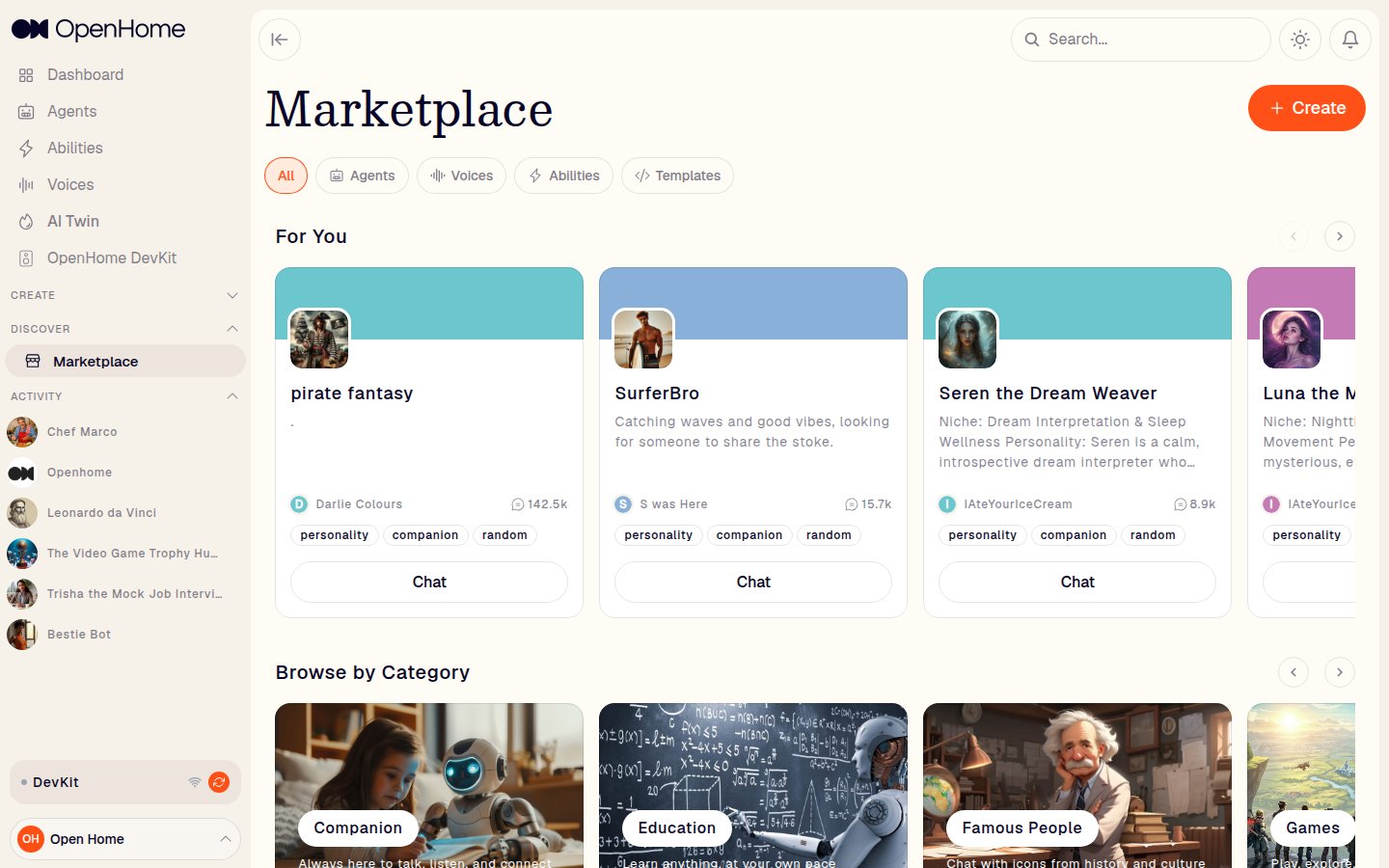
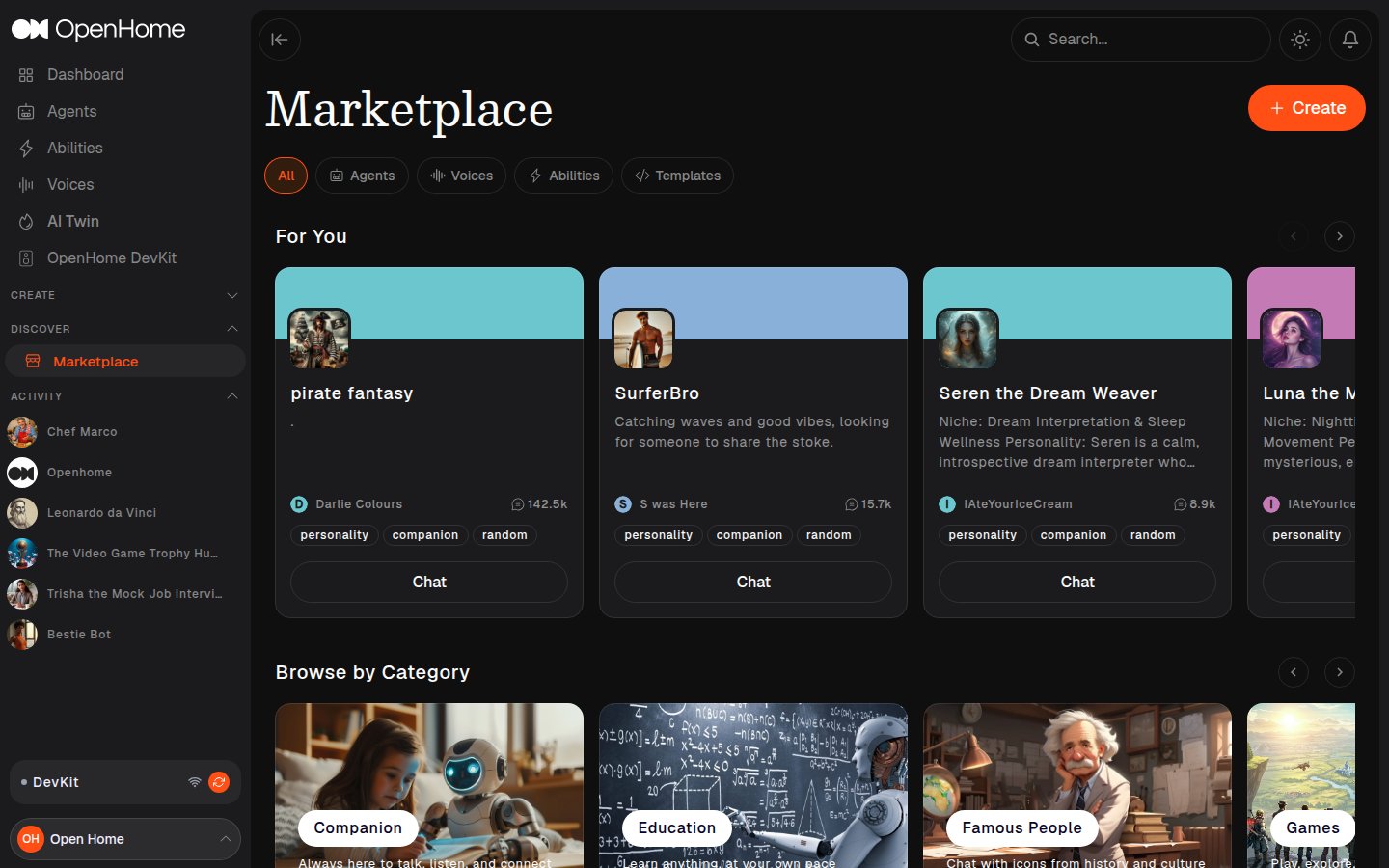
  • For You: a row of recommended Agents based on your activity, each showing its author, chat count, and tags, with a Chat button.
  • Browse by Category: category rows to explore by theme, covering Companion, Education, Famous People, Games, Home, and Role Play.
  • OpenHome Voices and Popular Templates: the same listings the Voices and Templates tabs show in full.
Create in the top right opens the Create New page to build an Agent, Ability, or Voice, and a Grid / List view toggle sits above the results.

Tabs

Each tab has its own kind of listing and its own action.

Agents

Featured Agents, listed the same way as For You. Each card has a Chat button, and starting a conversation adds the Agent to your Installed agents tab on the Agents page.

Voices

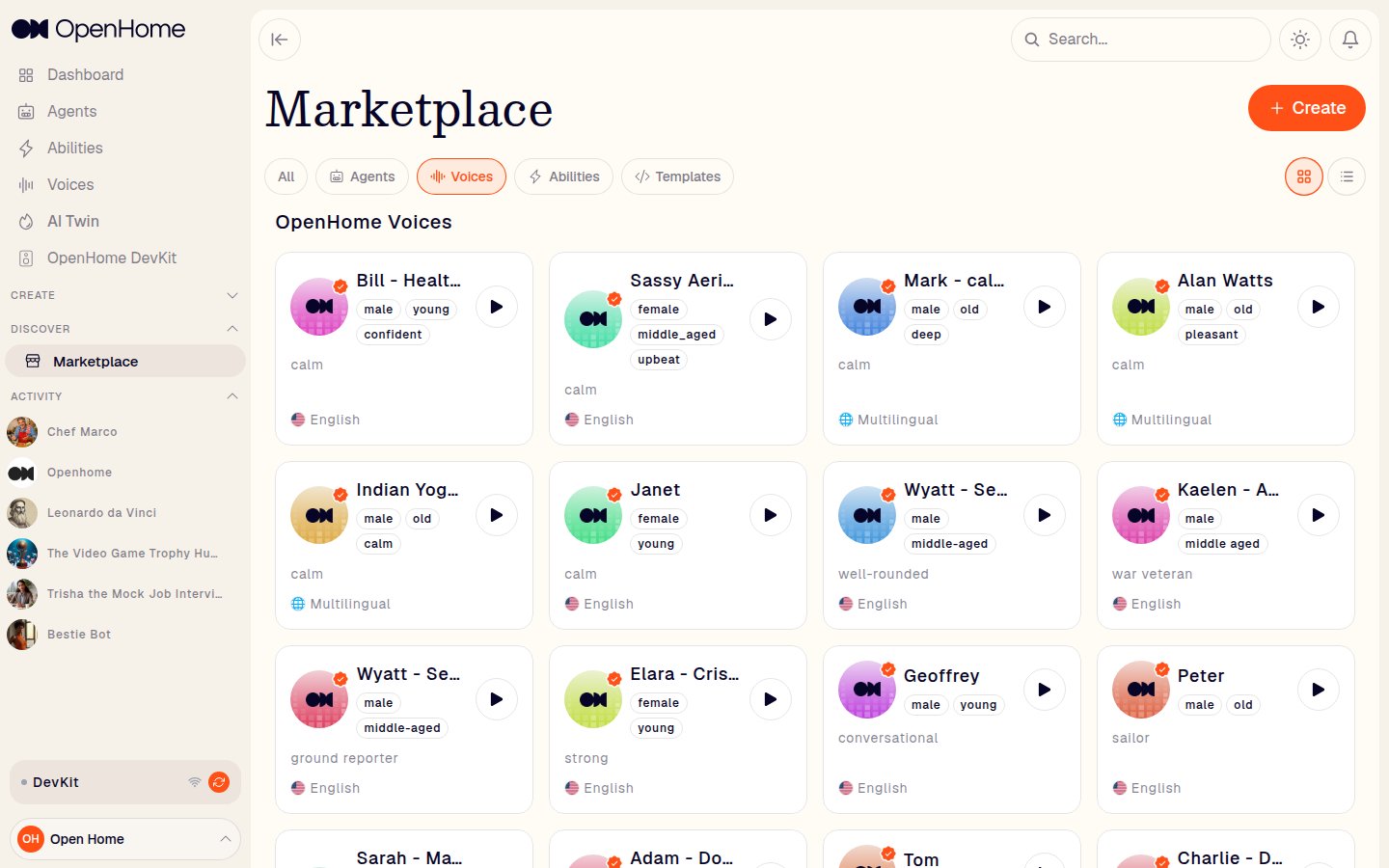
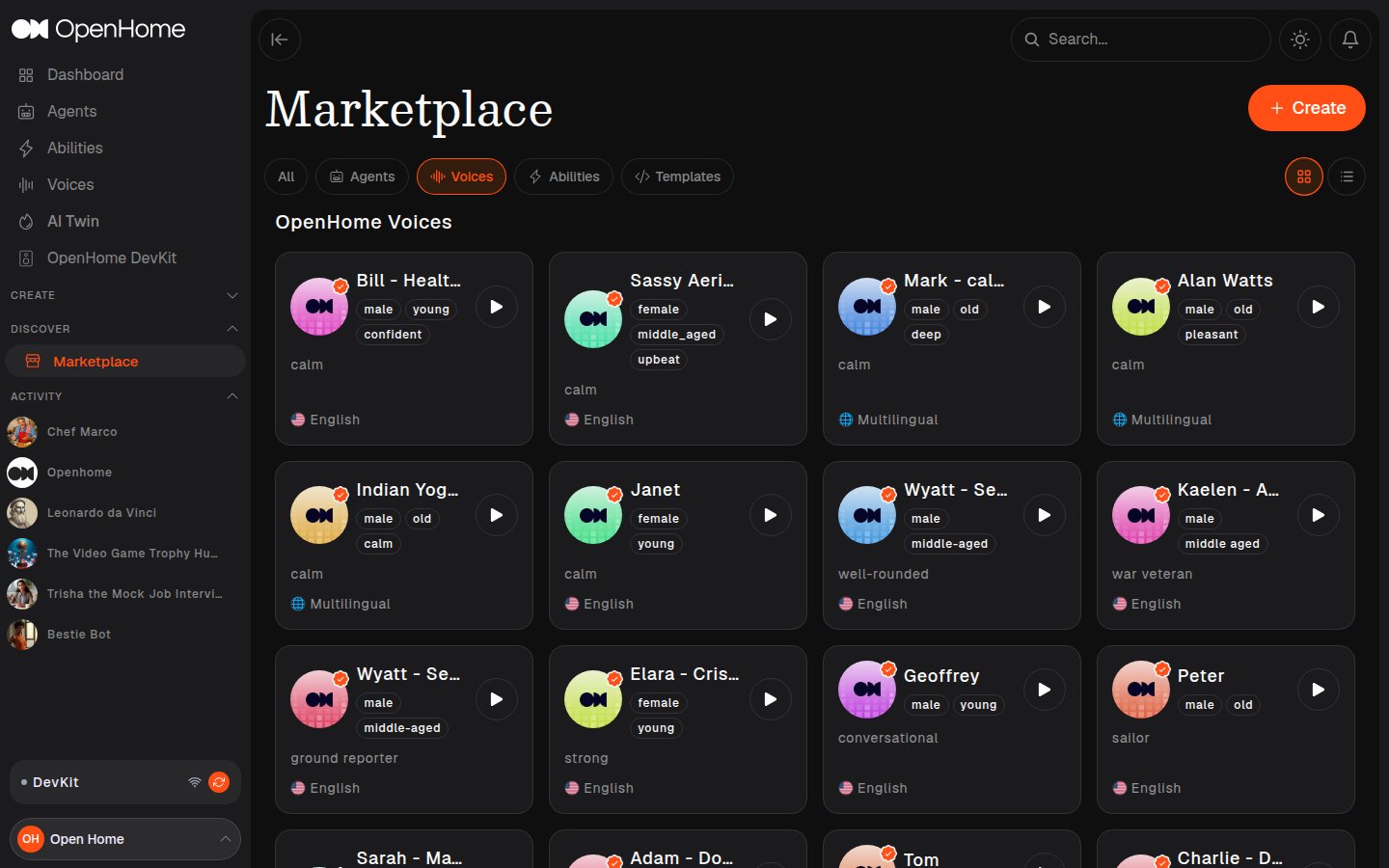
OpenHome Voices, each card showing its trait tags (for example male, young, confident), tone, and language, with a play button to preview the voice. Voices are selected from an Agent’s Voice & Speech settings rather than installed here. Marketplace Voices tab showing voice cards with traits, tone, language, and preview buttons Marketplace Voices tab showing voice cards with traits, tone, language, and preview buttons
Abilities

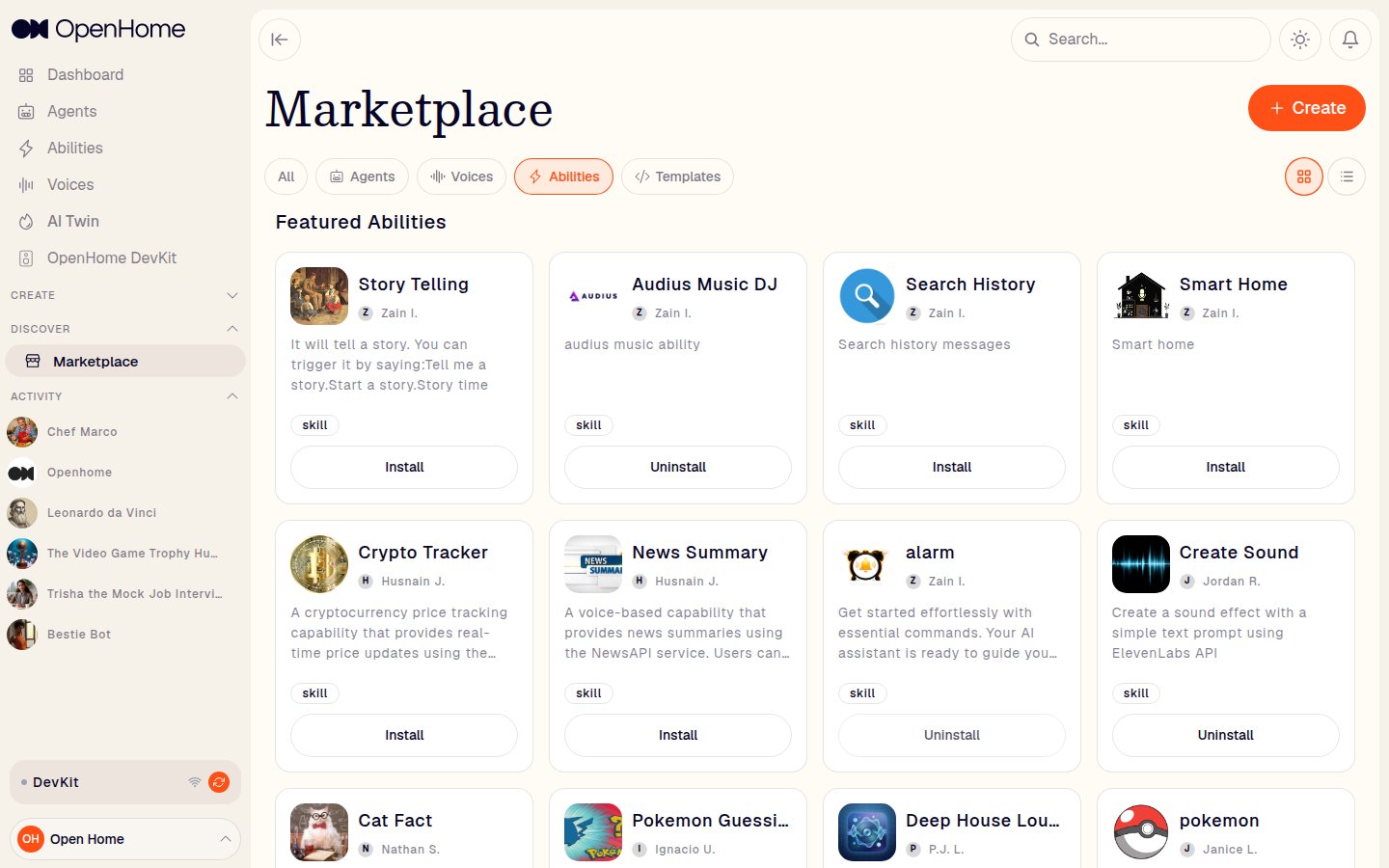
Featured Abilities, with each card showing its icon, name, author, description, and category tag. The action here is an explicit Install button, which becomes Uninstall for anything you already have. Marketplace Abilities tab with Install and Uninstall buttons on each card Marketplace Abilities tab with Install and Uninstall buttons on each card Installed Abilities appear under Installed Abilities on the Abilities page, where they can be enabled for your Agents.
Templates

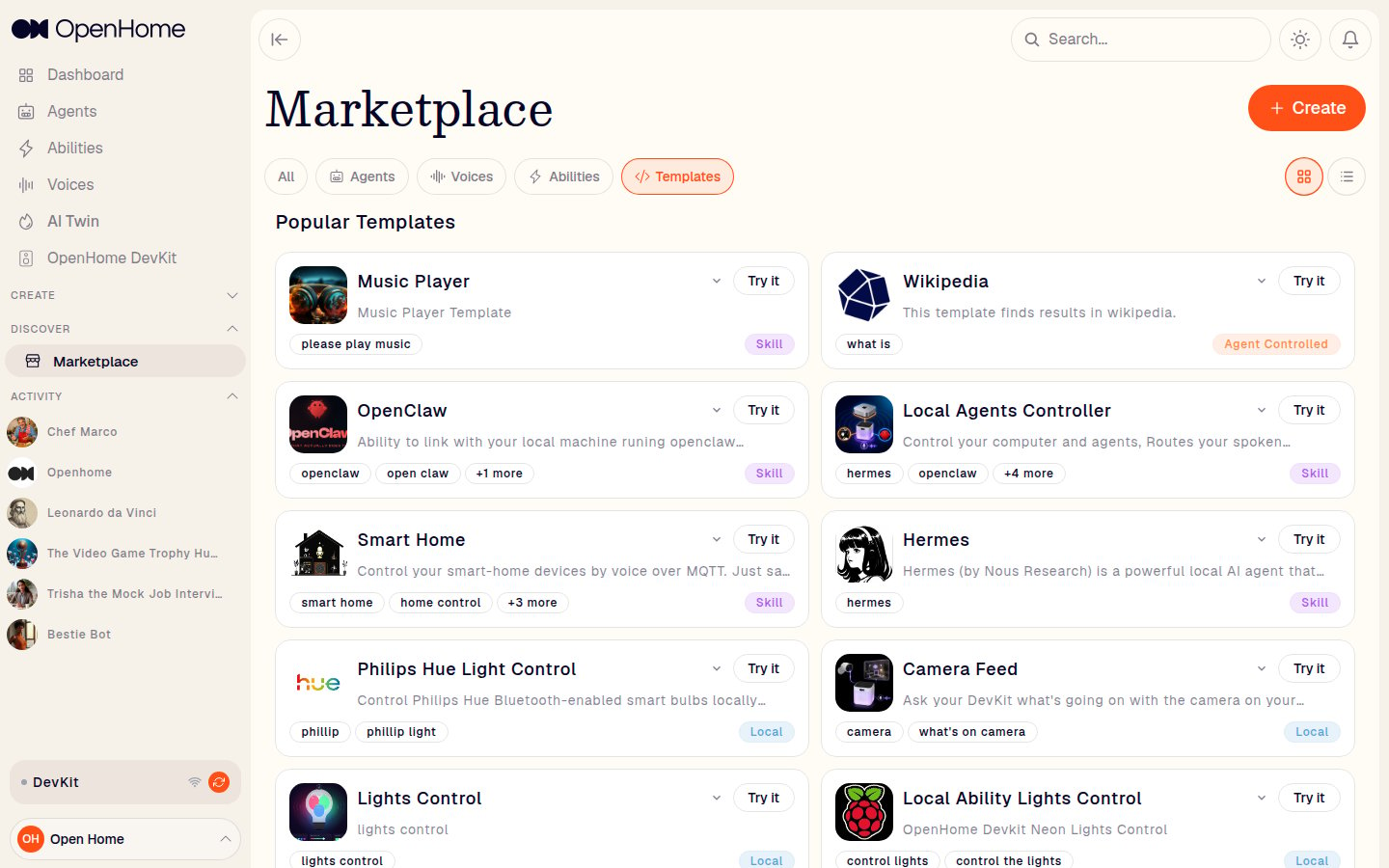
Popular Templates, the same built-in Ability templates offered when creating an Ability. Each card shows its trigger words and category badge (Skill, Agent Controlled, Background Daemon, or Local), with a Try it button that starts a new Ability from it. Marketplace Templates tab showing templates with trigger words, category badges, and Try it buttons Marketplace Templates tab showing templates with trigger words, category badges, and Try it buttons
Publishing

To share an Agent, set its Visibility & Sharing to Submit to Marketplace while creating or editing it. This submits it for admin review, and it appears in the Marketplace once approved. To share an Ability, use Publish to Community from its More actions menu on the Abilities page.